BIOS Settings Reset on Every Boot? Fix It
When BIOS settings such as boot order or fan mode reset on every boot, the computer forgets its own setup each time it powers off. The cause is usually a failed save, or the small battery that holds those settings while the power is off. Work through the checks in order, and use the clock resets test to confirm the battery case.
TL;DR / Quick Fix
Quick fix: Note exactly which settings reset. Save the setting the right way, then reboot. Then work through the remaining steps in order, checking one change at a time, and stop for a technician if you see damage, swelling, or a burning smell.
Follow these steps
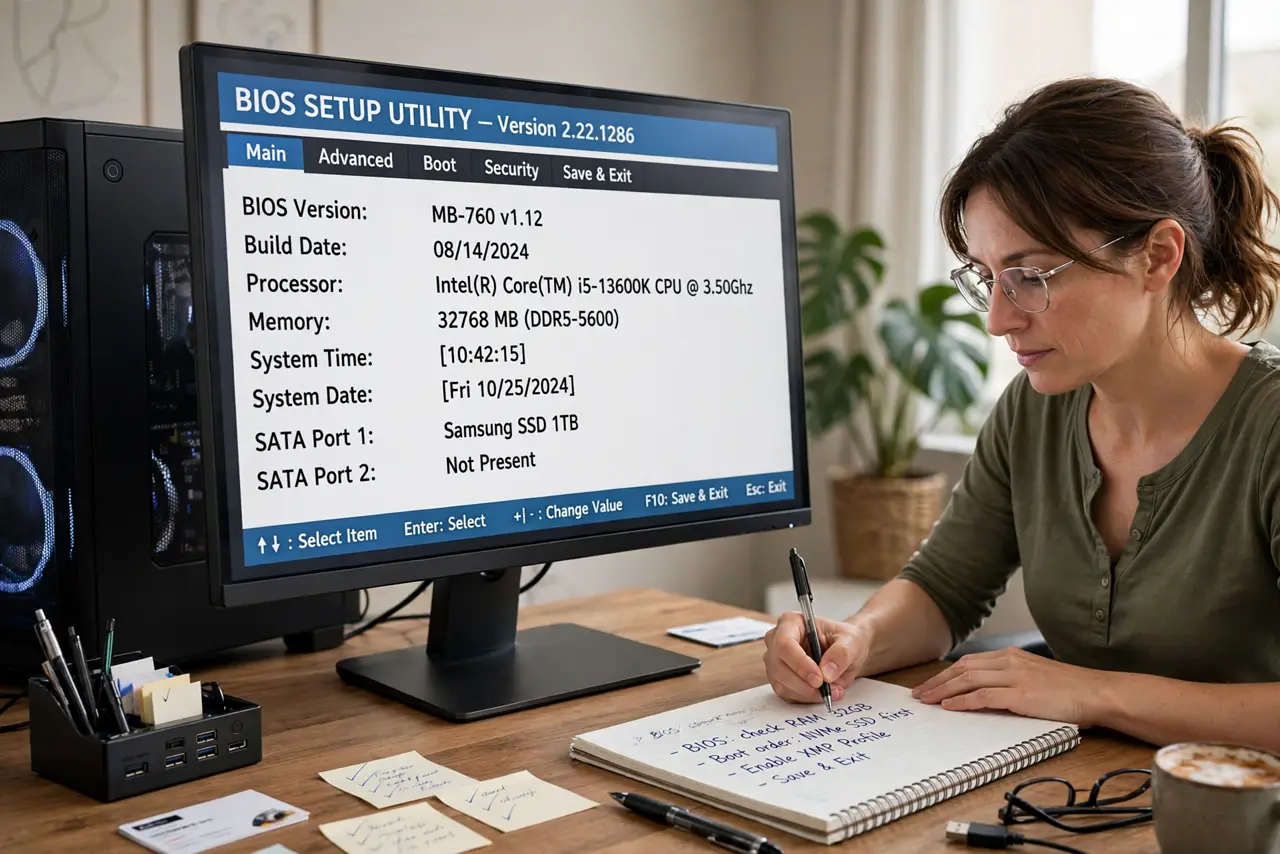
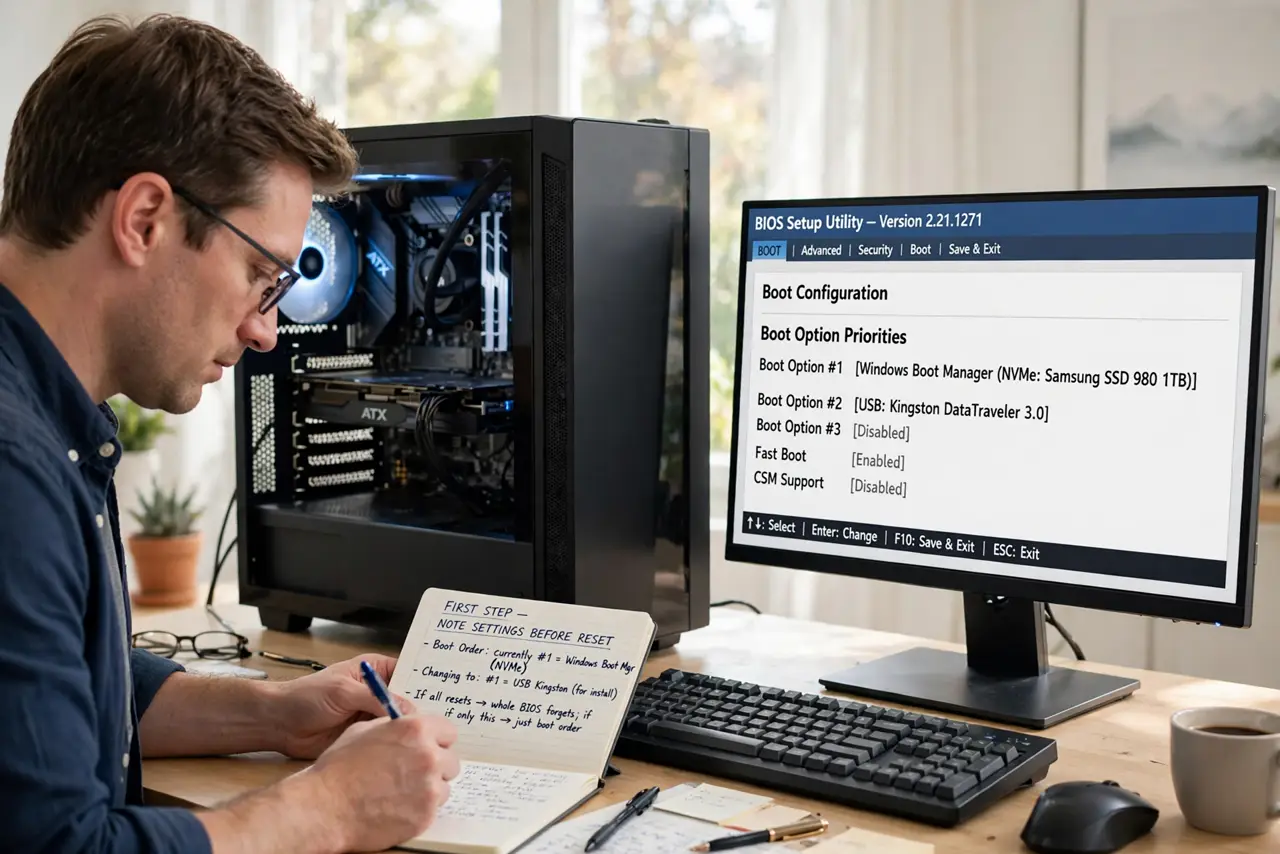
- Note exactly which settings reset. Write down one setting you change, such as boot order, before you save. Knowing exactly what resets tells you whether the whole BIOS forgets, or just one option you never saved.
- Save the setting the right way, then reboot. Change the setting, use Save and Exit, not just the power button, and reboot. Some setups discard changes if you exit without saving, which looks like a reset.
- Check the clock at the same time. If the clock also resets to an old date on every boot, the battery case is strong, because one battery holds both the clock and the BIOS settings.
- Load defaults once, then set your changes again. In BIOS setup, load the default settings, save, reboot, then re-enter only the changes you need and save again. A corrupted saved setup can keep discarding new changes.
- Update the BIOS only if the maker advises it. Check the motherboard or laptop maker site for your exact model, and update only if a listed fix matches your problem. A failed BIOS update can stop a computer booting, so never update on a whim.
- Replace the battery or ask a technician. If defaults and a careful save do not hold, the coin battery is the next step: a safe swap on a desktop, or a technician on a laptop where the battery is buried.
What NOT to do
- Do not change BIOS settings you do not understand. Wrong voltages or boot settings can stop a computer from starting, so change one setting at a time.
- Do not update the BIOS during a storm or on a laptop with a low battery. A power cut during an update can leave the board unbootable.
- Do not keep resetting the BIOS hoping it sticks. Repeated resets without a save test hide whether the battery or the save step is at fault.
- Do not open a laptop to reach a buried battery yourself. If the model guide shows a full dismantle, that job belongs to a technician.
Frequently asked questions
Why do BIOS settings reset but Windows settings stay?
Windows settings live on the drive, while BIOS settings live in memory kept alive by the small battery. Losing that battery power only affects the BIOS side.
Can a BIOS reset delete my files?
No. BIOS settings control how the computer starts, not what is stored. Your files stay on the drive even when BIOS settings reset.
What if only boot order resets?
Check that you used Save and Exit, and that no other drive is being added at boot. If the save is correct and it still resets, suspect the battery.