Computer Clock Resets on Every Boot? Fix It
A clock that resets on every boot makes files, sign-ins, and websites behave oddly, because many checks compare dates. Start with the easy settings, and only suspect hardware when the resets keep coming back after a full shutdown. The related time and date resetting guide covers the Windows settings in detail.
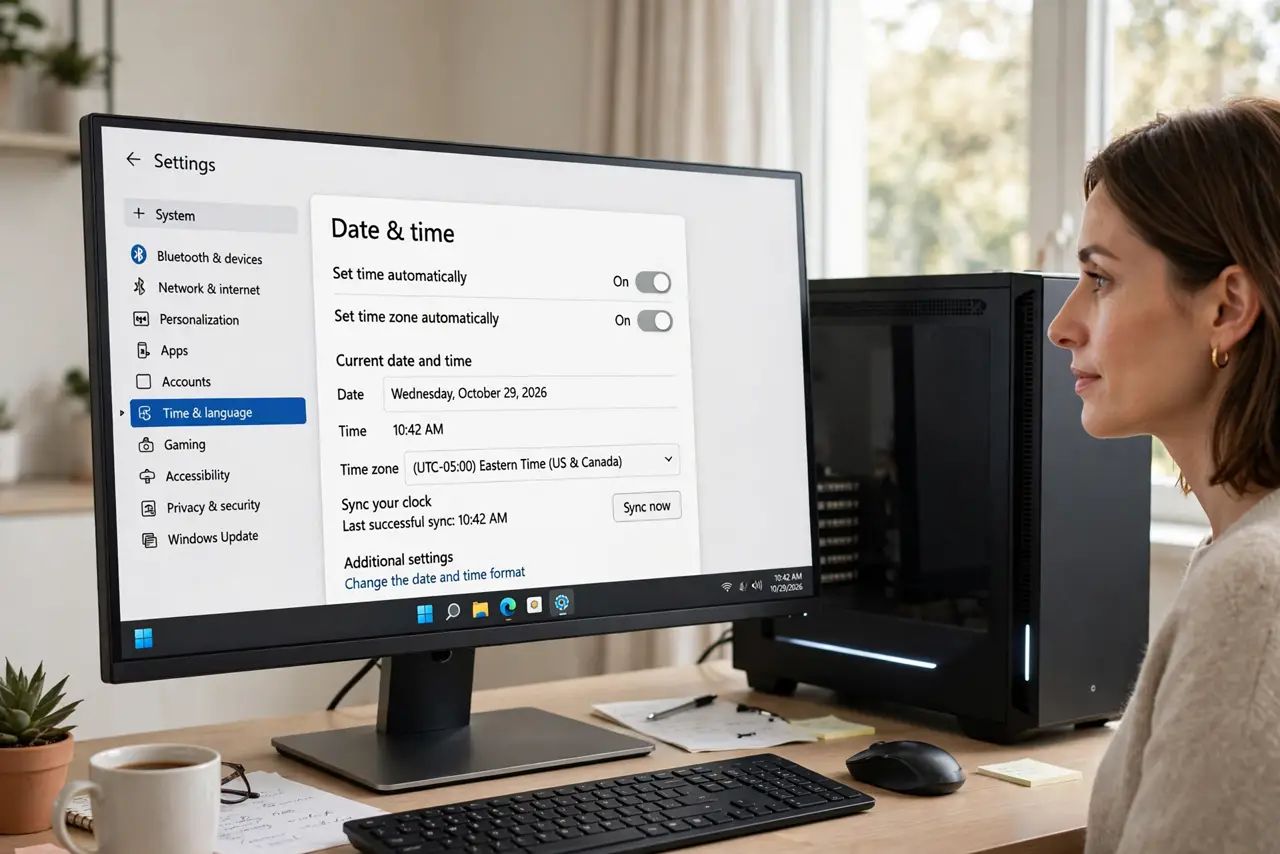
TL;DR / Quick Fix
Quick fix: Turn on automatic time and the right time zone. Sync the clock and restart to test. Then work through the remaining steps in order, checking one change at a time, and stop for a technician if you see damage, swelling, or a burning smell.
Follow these steps
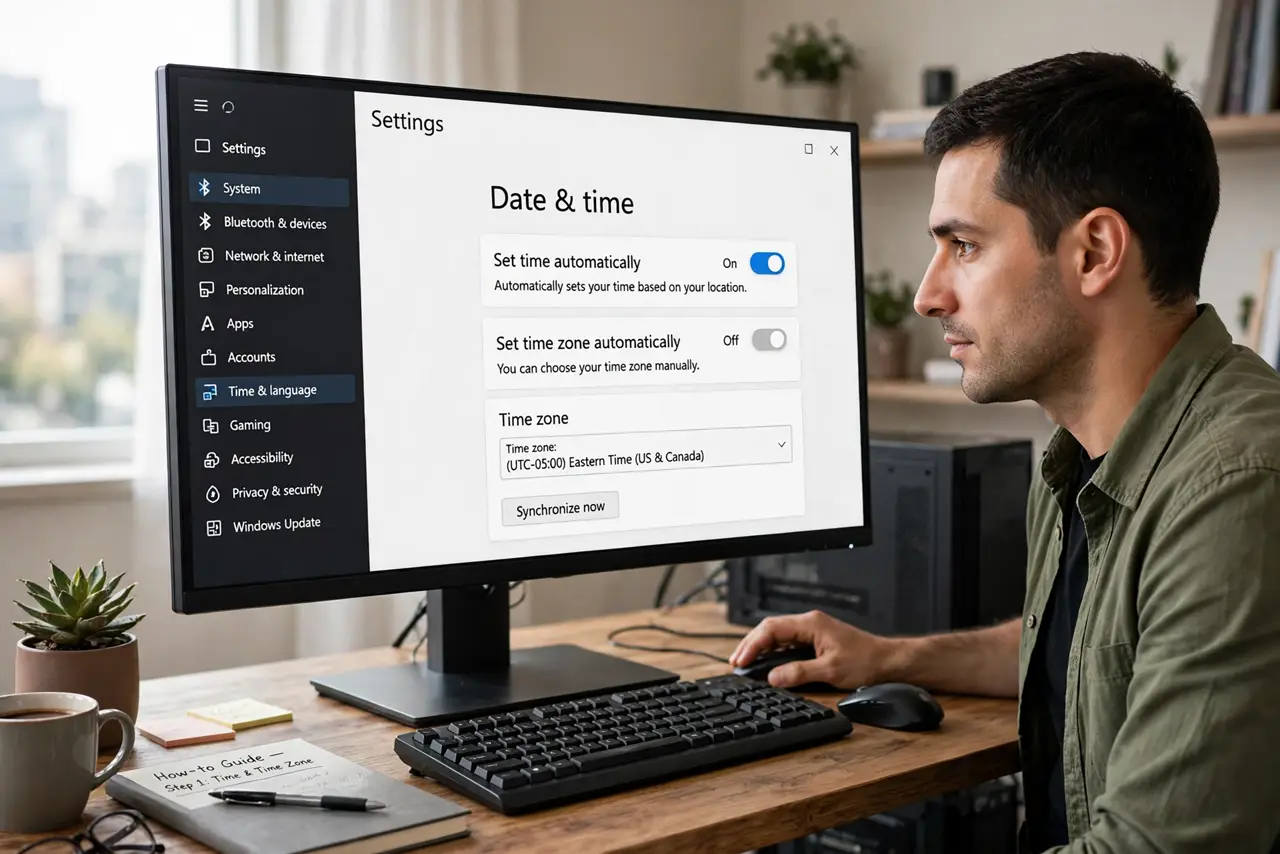
- Turn on automatic time and the right time zone. Open Date and time settings, turn on Set time automatically, and pick the correct time zone by hand if the automatic zone is wrong. A wrong zone shifts the hour even when the minutes are right.
- Sync the clock and restart to test. Use Sync now on the same settings page, then restart the computer and check the clock at sign-in. If it is right after a restart, the setting fixed it.
- Test a full shutdown, not just a restart. Shut the computer down fully, unplug it for a minute, then boot again. A clock that survives a restart but resets after a full power-off points to the internal battery.
- Check whether BIOS settings reset too. Enter the BIOS setup on boot and note a setting, then boot normally, shut down fully, and check again. If BIOS settings reset as well, the battery case is much stronger.
- Note whether the date jumps to an old year. A date that jumps back years, rather than drifting by minutes, is the classic battery sign. Settings drift slowly, while a dead battery loses the whole clock at power-off.
- Replace the battery or ask a technician. On a desktop, follow the safe coin battery swap. On a laptop, check the model guide first, and book a technician if the battery is buried under other parts.
What NOT to do
- Do not keep setting the clock by hand every day. Wrong dates cause sign-in failures and confusing file dates, and the resets will keep coming back.
- Do not change the time zone to force the hour right. That hides the real error and breaks calendar times for meetings and reminders.
- Do not open a laptop to swap a battery you cannot reach safely. Sealed models need a technician, and forcing a panel can break the case.
- Do not ignore a clock that also resets BIOS settings. That pair of symptoms together points to hardware, not to a setting you missed.
Frequently asked questions
Why does the clock reset after shutdown but not restart?
A restart may keep some power to the board, while a full shutdown cuts it. The internal battery must carry the clock through a full power-off, so it fails there first.
Can a wrong clock really break websites?
Yes. Security checks compare certificate dates with your clock, so a clock set far in the past or future makes valid sites look untrusted.
Will a new battery fix a drifting clock?
A slow drift of minutes is usually a settings or sync problem. A full reset to an old date on every boot is the battery pattern.