BIOS Update Failed? Recovery
The BIOS flash froze, the power cut out, and now the board will not boot — the nightmare scenario. Do not panic yet: most modern boards have a recovery path built in. Here is the ladder, from easiest recovery to last resort.

TL;DR / Quick Fix
A failed BIOS update leaves the board unbootable but recoverable. Try the board's BIOS flashback with a USB stick first — it works without a CPU on many boards. If that's absent, try the recovery jumper or dual-BIOS switch. As a last resort, repair shops can reprogram the BIOS chip.
Follow these steps
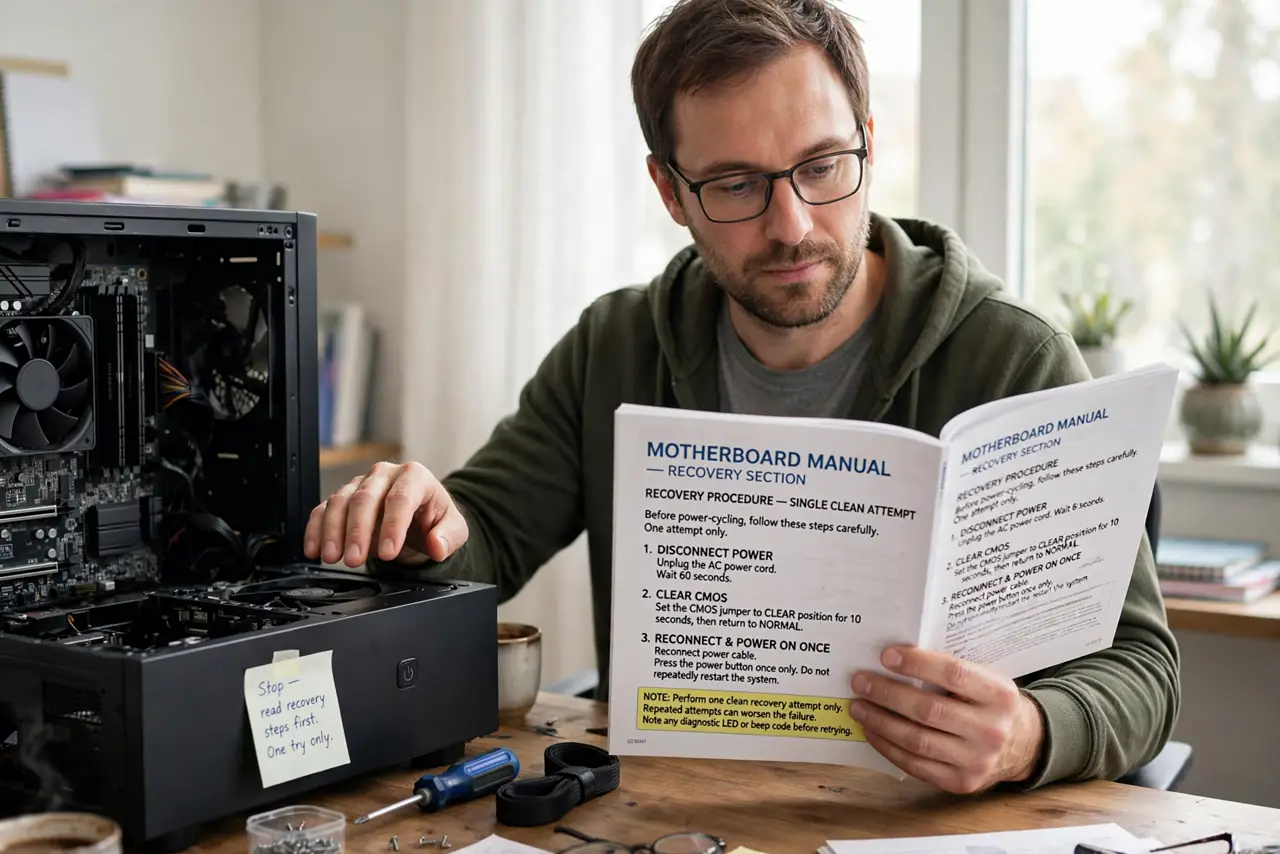
- Do not panic-power-cycle repeatedly. One clean recovery attempt beats ten random boots. Stop and read the manual's recovery section.
- Try USB BIOS flashback. Rename the file per the manual, use the marked USB port, press the flashback button, and wait.
- Try the dual-BIOS switch. If your board has one, flip to the backup BIOS and boot from it.
- Try the recovery jumper. Some boards have a dedicated recovery mode via jumper — the manual names it.
- Clear the CMOS first. A confused board sometimes just needs defaults before recovery works — see the CMOS reset method.
- Take it to a shop for chip reprogramming. Inexpensive compared to a new board, and most shops do it routinely.
What NOT to do
- Do not keep flashing random BIOS files hoping one sticks. Use the exact file for your board and revision.
- Do not assume it is dead after one failed recovery attempt. Try each method once, carefully.
- Do not buy a new board before pricing chip reprogramming. It is often surprisingly cheap.
- Do not attempt the next update the same careless way. Follow the safe USB method next time.
Frequently asked questions
Is a bricked board really recoverable?
Usually yes — with flashback or a programmer. Truly unrecoverable bricks are rare on modern boards.
How do I know the flash failed versus just slow?
Give it fifteen minutes or more. A truly failed flash never progresses; a slow one does.
Will the warranty cover this?
Sometimes. Check the warranty terms before paying for repair.