Reset the CMOS? How To
Corrupt BIOS settings can stop a PC from booting, make it forget hardware, or reset the clock every shutdown. Clearing the CMOS wipes those settings back to factory defaults — a five-minute fix for a whole class of weirdness. Here is how to do it safely.
TL;DR / Quick Fix
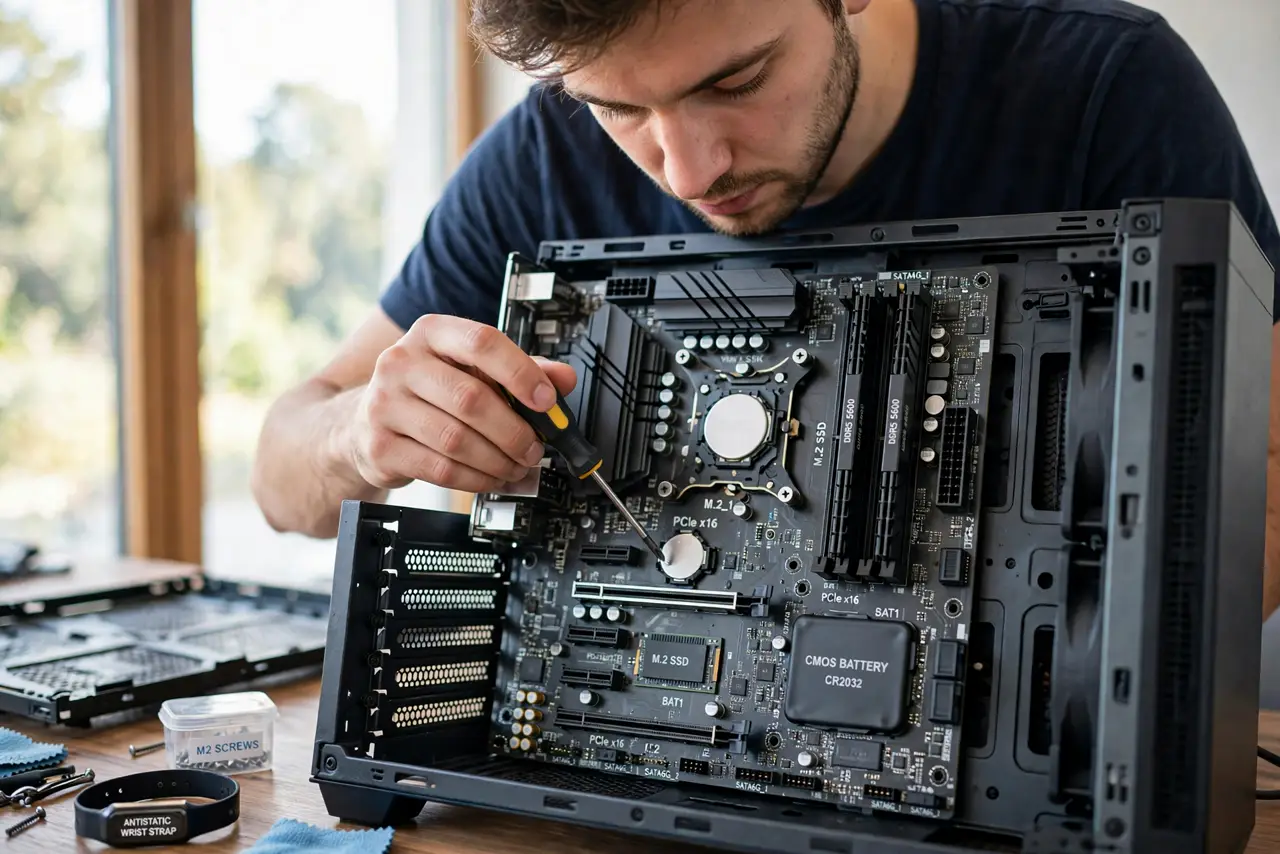
Resetting the CMOS restores BIOS settings to factory defaults, fixing bad overclocks, unbootable settings, and clock resets. Power down, unplug, and either remove the coin-cell battery for five minutes or short the CLR_CMOS jumper. Re-enter the BIOS afterward to restore boot order and any needed settings.
Follow these steps
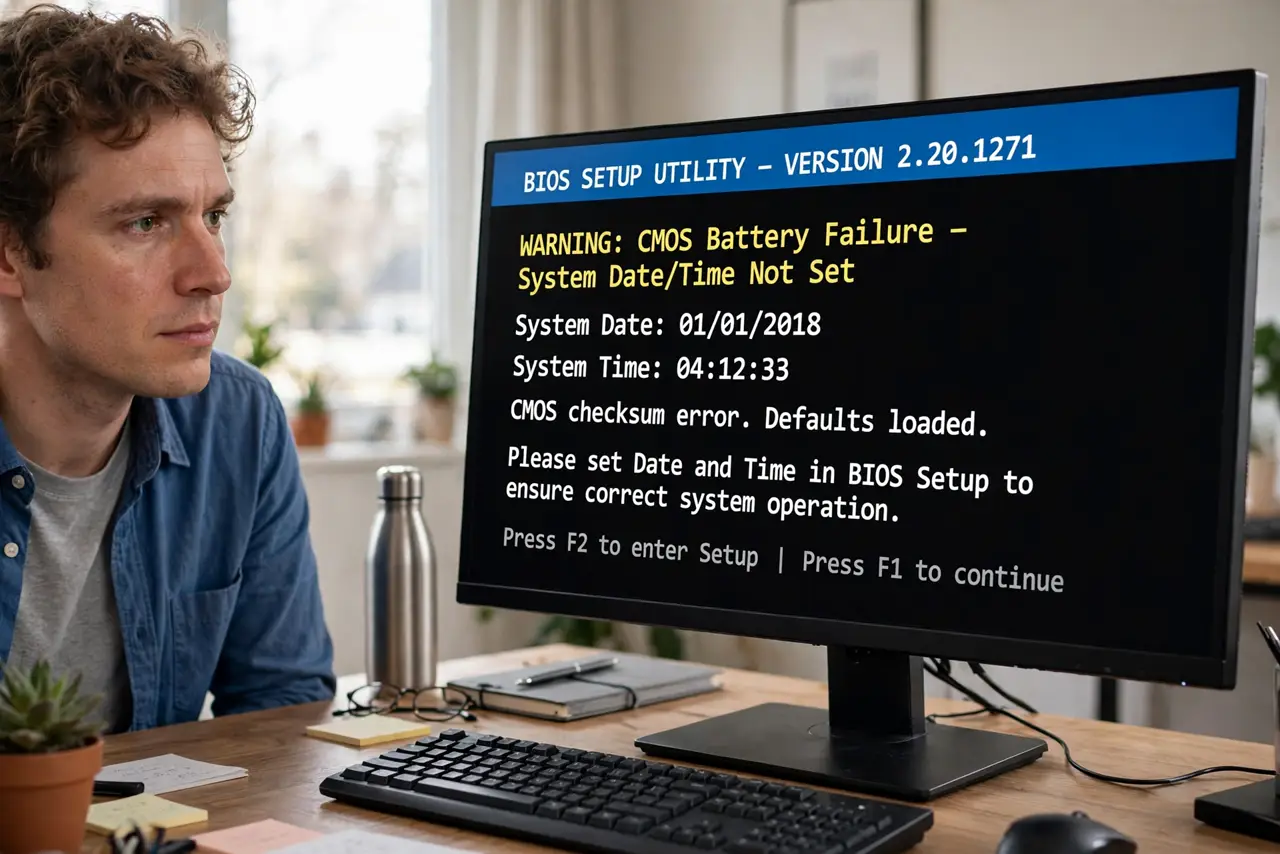
- Know when a reset helps. Bad overclock, no POST after a settings change, or the clock resetting every boot — see the dead CMOS battery signs.
- Power down and unplug fully. Flip the PSU switch off too. Residual power can preserve the settings you are trying to clear.
- Find the battery or the jumper. The coin cell sits near the board edge; the CLR_CMOS pins are marked in the manual's diagram.
- Remove the battery for five minutes — or short the jumper. Both methods do the same job. Use whichever you can reach.
- Reinstall and power up. Enter the BIOS setup on the first boot to confirm it took.
- Restore your settings. Boot order, XMP/DOCP, fan curves — defaults are not your old setup, so put back what matters.
What NOT to do
- Do not short random pins hoping they are the jumper. Check the manual's diagram first.
- Do not reset the CMOS to fix Windows problems. It only affects firmware settings, not the OS.
- Do not forget to re-enable XMP/DOCP afterward. Your RAM runs slow on defaults until you do.
- Do not do this casually on a laptop. Some need full disassembly — see the laptop CMOS guide.
Frequently asked questions
Will I lose files?
No. The CMOS holds firmware settings only — your data is untouched.
Battery method or jumper — which is better?
Same result. The jumper is faster if you can reach it; the battery method needs no manual.
How often should I reset the CMOS?
Only when troubleshooting. It is not maintenance — do not do it on a schedule.