Block a Device at Bedtime via the Router
Kids' tablets that stay online past midnight are a parenting problem a router can solve. Most routers have scheduling or parental controls that cut a device's internet at a set hour — no app installs, no nightly arguments about the charger. Set it once and it enforces itself.
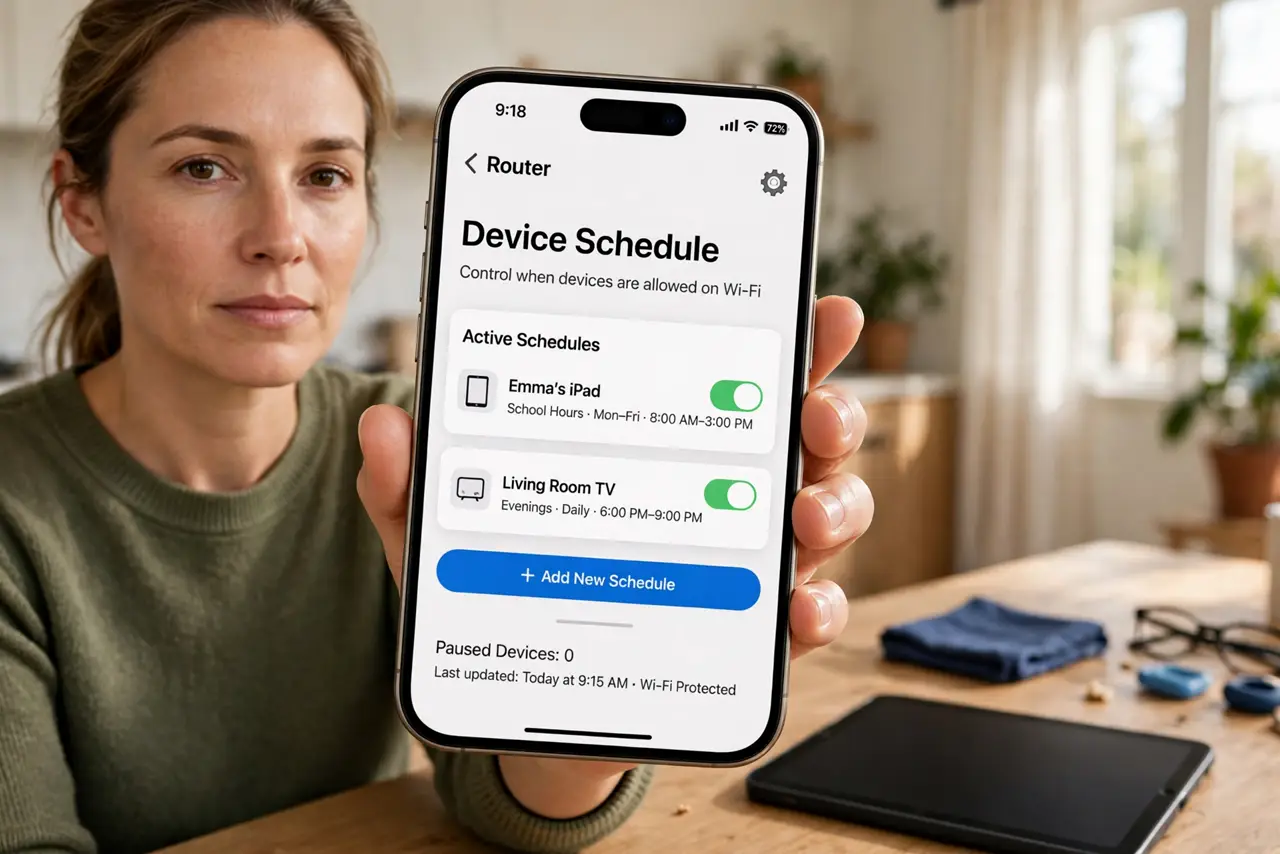
TL;DR / Quick Fix
Quick fix: open your router's app or admin page, find parental controls or access scheduling, pick the child's device, and set internet off from bedtime to morning. Test it tonight with your own phone first using the router's [[parental controls|router-parental-controls]].
Follow these steps
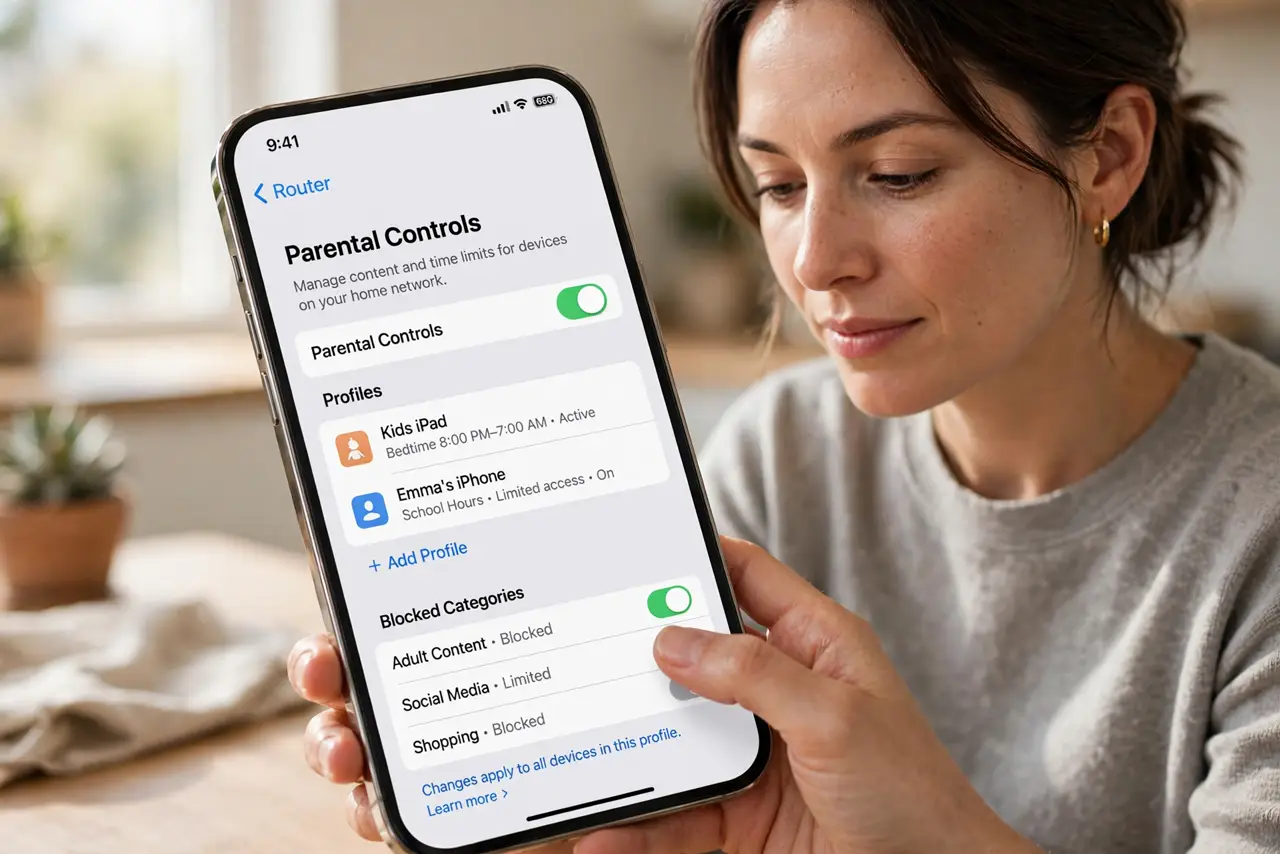
- Open the router's parental controls. Log into the router app or admin page and find Parental Controls, Access Control, or Family profiles. Nearly every router from the last decade has some version of this.
- Identify the right device. Match the device by its name or MAC address — tablets often show as generic names. Pause its internet briefly to confirm you picked the right one.
- Create a bedtime schedule. Set internet access to turn off at bedtime and back on in the morning, on school nights. Leave weekends slightly later if that is your rule.
- Apply it to the right days. Most routers let you pick days of the week. Set school nights strict and weekends looser so the schedule matches your actual rules.
- Test with your own phone tonight. Temporarily add your phone to the schedule and watch it lose internet at the cutoff. If yours cuts off, the kid's will too.
- Tell the kids it is automatic. Explain the router does it, not you. Blame the schedule — it removes the nightly negotiation and makes the rule feel impartial.
What NOT to do
- Do not block by MAC address alone without checking. Some devices randomize MAC addresses, which can dodge the rule — use the router's device profile instead.
- Do not cut the whole network at bedtime. Your own work devices, security cameras, and updates need the internet overnight; target only the kid's devices.
- Do not forget guests' devices. A friend's phone on your Wi-Fi is not on the schedule, which is fine — but know the rule covers devices, not the network.
- Do not skip the conversation. A technical cutoff works best paired with an explained rule; otherwise kids just switch to mobile data.
Frequently asked questions
Will this block mobile data too?
No. Router schedules only control Wi-Fi. A phone with its own data plan bypasses it, so pair the rule with a phone-level limit.
What if my router has no scheduling?
Use its basic parental controls, upgrade the firmware, or put the kid's devices on a guest network with a time limit as a workaround.
Can kids bypass the bedtime cutoff?
Tech-savvy ones can via VPNs, hotspot sharing, or MAC changes. The schedule handles most kids; determined teens need a conversation, not just a setting.