Bluetooth Tracker Privacy
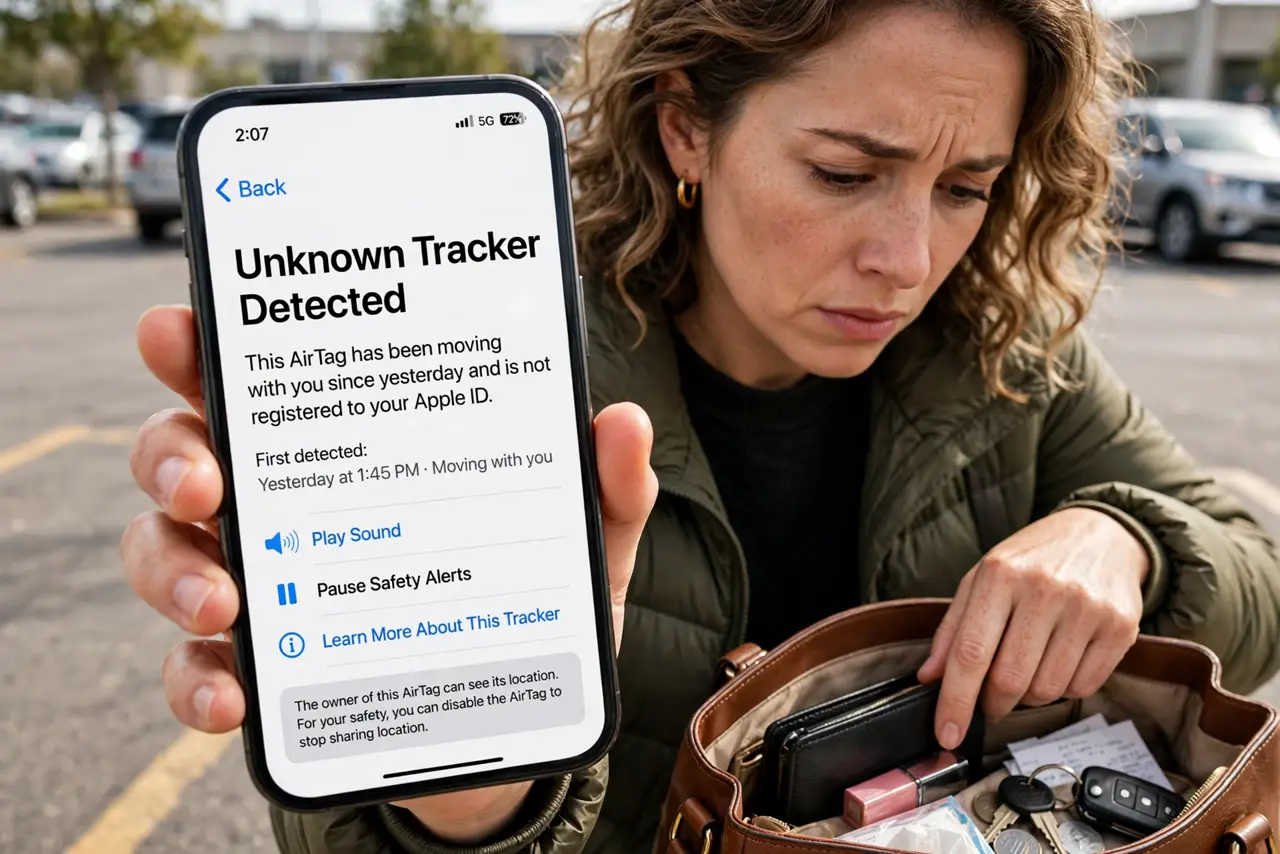
Your phone buzzes: 'Unknown tracker detected moving with you.' Your stomach drops — someone may have slipped a Bluetooth tracker into your bag or car to follow you. Take it seriously, but take it calmly: both iPhone and Android now detect these trackers and will help you find and disable the device. This guide walks through exactly what to do, in order, prioritizing your safety over the gadget. For the AirTag-specific version, see stopping AirTag stalking.
TL;DR / Quick Fix
Quick fix: if your phone warns about an unknown Bluetooth tracker moving with you, open the alert, play a sound on the tracker, and search your belongings — then disable it with the on-screen steps. If you feel unsafe, head somewhere public, not home.
Follow these steps
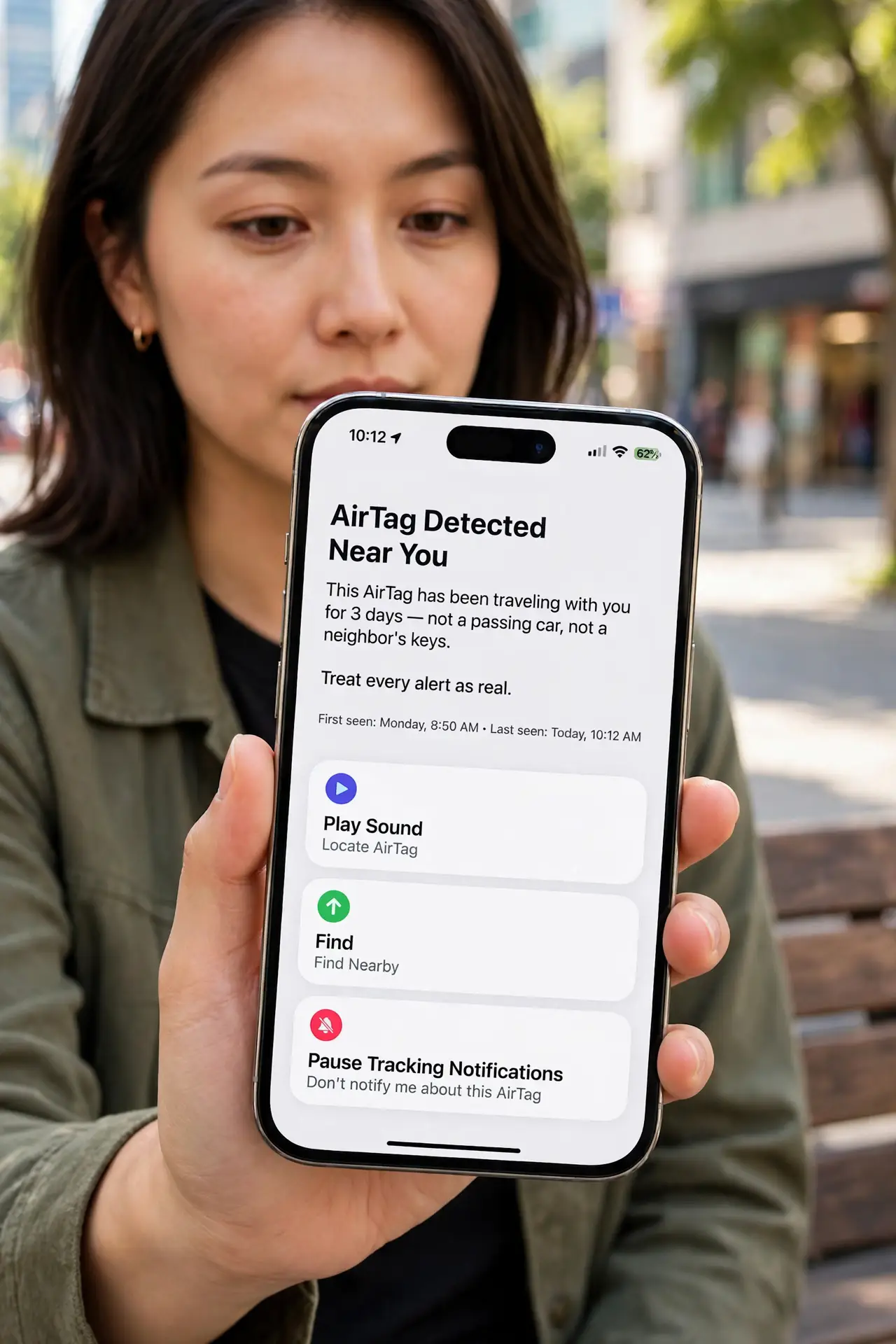
- Do not ignore the alert. The detection means a tracker has been traveling with you for a while — not a passing car, not a neighbor's keys. Treat every alert as real until proven otherwise.
- Do not go straight home. If someone is tracking you, home is the place they want to learn. Head somewhere public and well-lit first — a store, a station, a friend's workplace.
- Open the alert and play the sound. Tap the notification and use 'Play Sound.' The tracker will chirp — follow the sound through your bag, coat pockets, car seats, and wheel wells.
- Search methodically. Empty the bag completely. Check coat pockets, luggage linings, under car seats, and stuck to the car's underside near the wheels. Trackers are small and easily hidden.
- Disable it per the on-screen steps. Both systems guide you to disable the found tracker (usually by removing its battery or holding a button). A disabled tracker cannot report location anymore.
- Consider telling the police. An unknown tracker planted on you or your car may be a crime, especially with a concerning context. Save the tracker's identifier from the alert screen before disabling it — it is evidence.
What NOT to do
- Do not confront anyone you suspect. Safety first — disabling the tracker and involving authorities beats a confrontation.
- Do not just throw it away while it is active. A live tracker keeps reporting until disabled — disable first, then dispose.
- Do not assume it is a mistake without checking. 'Probably nothing' is how trackers succeed — the five-minute search costs nothing.
- Do not disable your phone's tracker alerts afterward. The detection that warned you is protection — keep it on for next time.
Frequently asked questions
How do these tracker alerts work?
Your phone listens for Bluetooth trackers that are separated from their owner's phone and moving with you over time. iPhone and Android share detection, so cross-platform tracking gets caught.
Could it be my own tracker?
Yes — a family member's tag in a shared bag triggers the same alert. Rule out your own devices and borrowed items before escalating.
What if I cannot find it by sound?
Keep moving — the alert updates as the tracker travels with you. Try again in a quieter place, and check the alert's map of where it has been detected.