A Password Breach Alert: Your Action Checklist
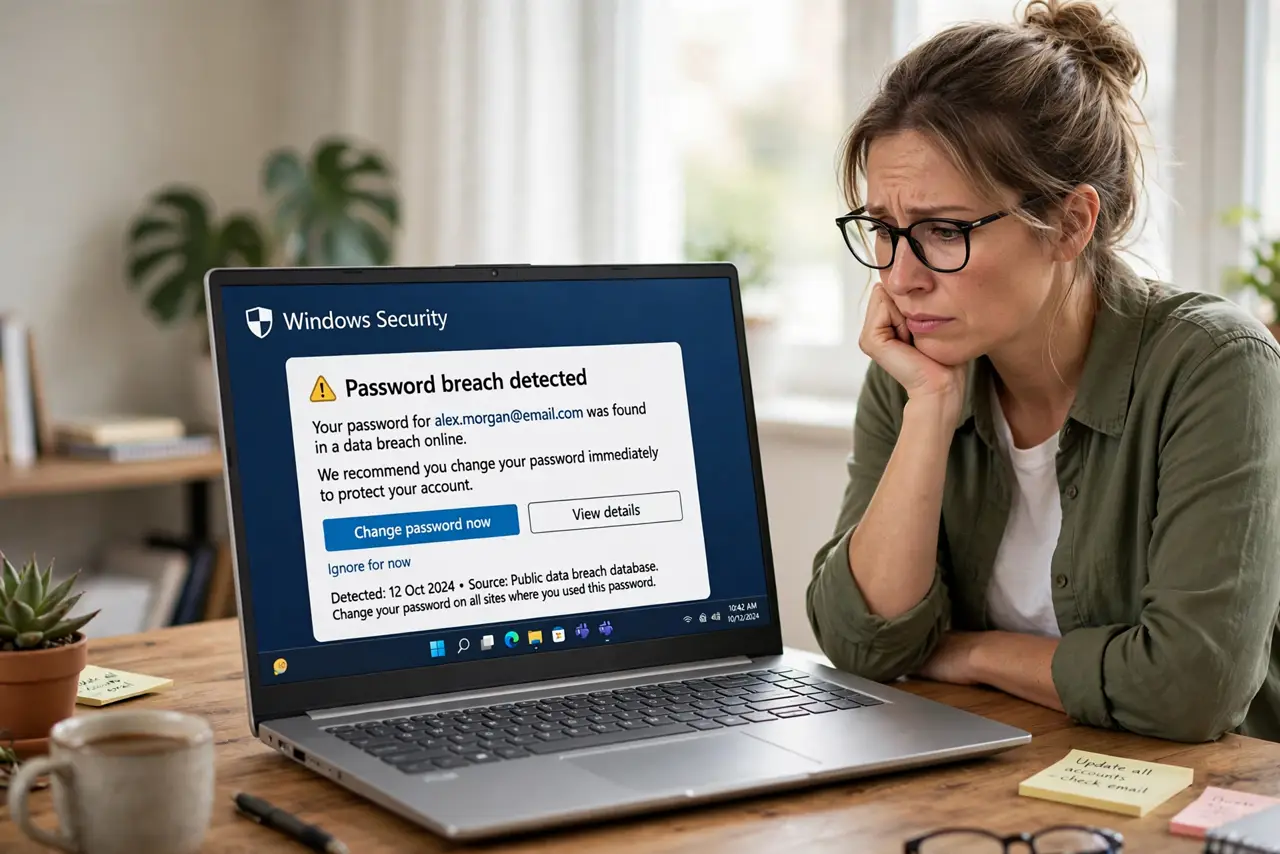
Your browser or a service warns that your password appeared in a data breach. That alert is a to-do list, not a disaster — but it needs action now, starting with the most important accounts.
TL;DR / Quick Fix
Quick fix: change the breached password immediately, starting with your email and banking, and give every account a unique replacement. Then turn on two-factor authentication, check for unknown logins right away, and watch for phishing that uses the stolen data.
Follow these steps
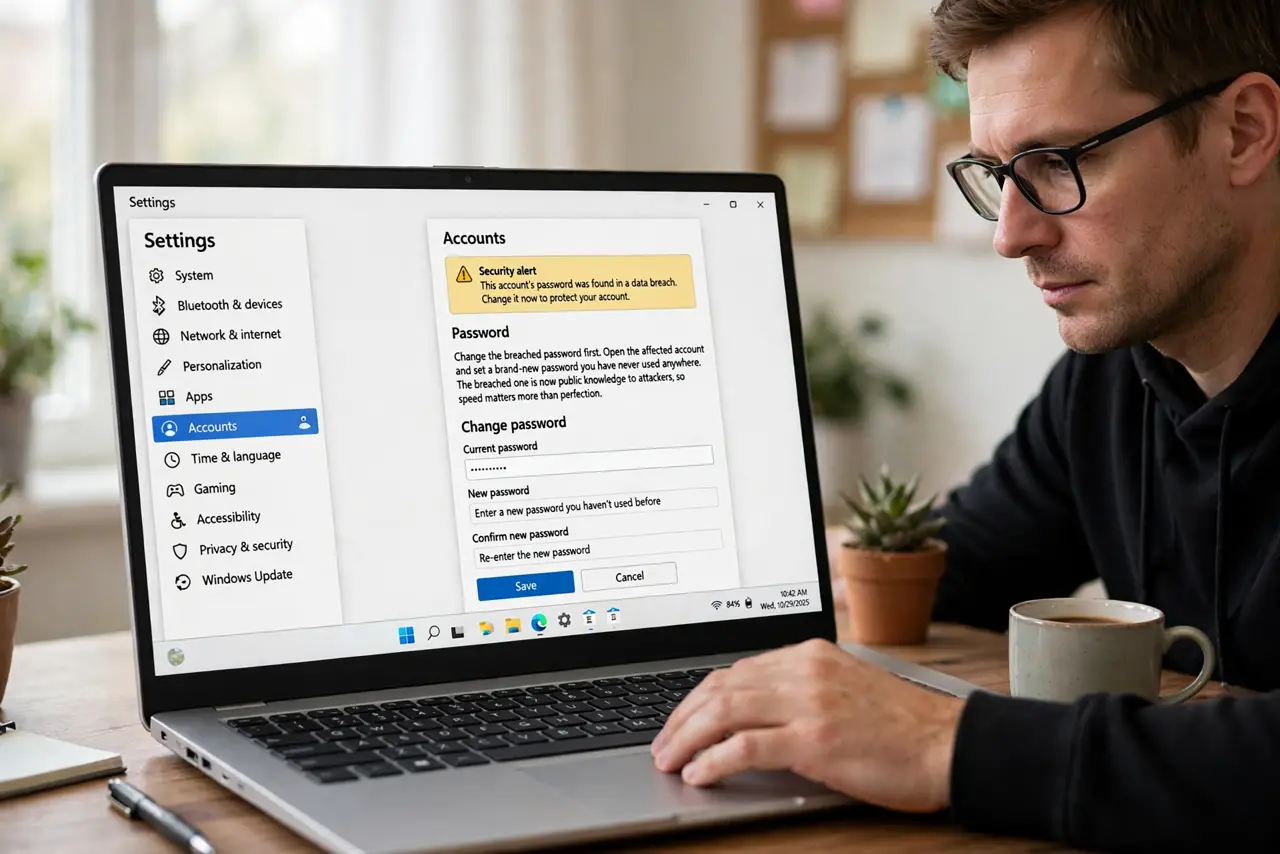
- Change the breached password first. Open the affected account and set a brand-new password you have never used anywhere. The breached one is now public knowledge to attackers, so speed matters more than perfection.
- Start with email, then banking. Change your email password before anything else, since email resets every other account. Then banking and payment accounts, then the rest in order of importance.
- Give every account a unique password. Never reuse the breached password or its replacement on another site. Attackers try stolen passwords everywhere automatically, which is why reuse is what turns one breach into many.
- Turn on two-factor authentication. Enable two-factor on email, banking, and social accounts. A stolen password alone then fails, because the attacker still lacks your second factor.
- Check for logins you do not recognize. Review each important account's recent login or device history. If a stranger got in before you changed the password, you need to see what they touched.
- Watch for phishing using the stolen data. Expect scam emails that quote your real details from the breach. Treat any urgent message referencing the breach as suspicious until verified independently.
What NOT to do
- Do not just change one letter of the breached password. Attackers try common variations automatically, so the replacement must be genuinely new and unique.
- Do not ignore the alert because nothing looks wrong yet. Stolen passwords get tried for months, so acting now prevents the break-in, not just responds to it.
- Do not change passwords over public Wi-Fi without a VPN. You are typing fresh credentials, so do it on a trusted network.
- Do not reuse the old password anywhere else later. Once breached, that password is burned forever on every site.
Frequently asked questions
What does a breach alert actually mean?
That your email and password appeared in a leaked database attackers trade, so automated login attempts against your accounts are likely.
Which accounts do I fix first?
Email first, then banking and payments, then everything else. Email controls password resets for nearly all of them.
Will two-factor stop the attackers?
Mostly. A stolen password alone cannot pass two-factor, which is why enabling it is step four, not an optional extra.