Browser Dark Mode Breaks a Site? Fix It
Dark mode breaks a site when the browser forces dark colors onto a page that was not designed for them, hiding text or buttons. The fix is to exempt that site, not to give up dark mode everywhere.
TL;DR / Quick Fix
Quick fix: turn off forced dark mode for the broken site, or switch the site to its own light theme if it has one. Then reload the page and check that text, buttons, and forms are readable again. Last, recheck it.
Follow these steps
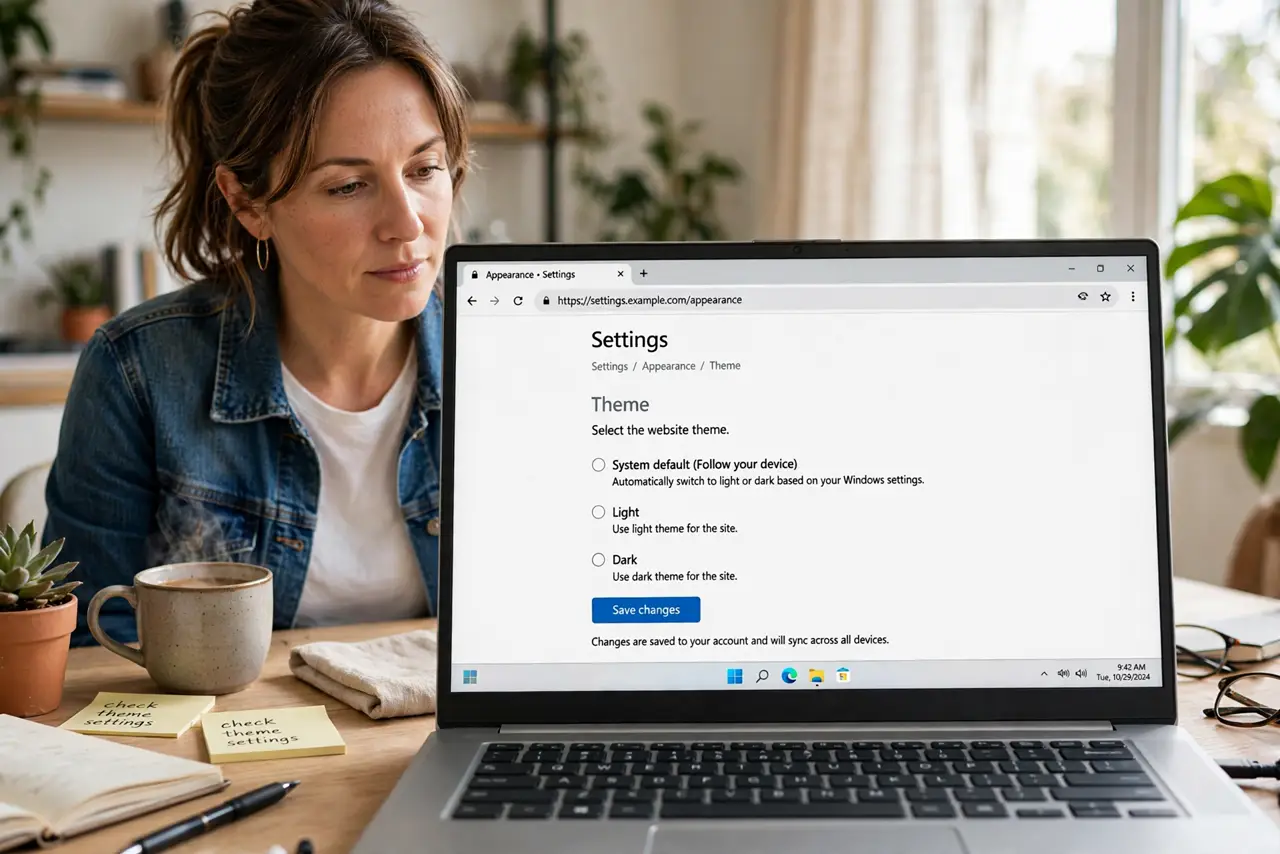
- Check whether the site has its own theme setting. Look for a theme, appearance, or sun and moon control on the site itself. A site theme is cleaner than a browser override, so use it first.
- Turn off forced dark mode in the browser. Open browser settings or flags and turn off any forced dark mode option. Forced mode recolors every page, including pages that break under it.
- Exempt the broken site if your browser allows it. Some browsers and extensions let you exclude one site from dark mode. Add the broken site to that exclusion list, and keep dark mode for the rest.
- Disable the dark mode extension for that site. If a dark mode extension is doing the recoloring, open its settings and disable it for this site only. Reload the page after the change.
- Reload and check every part of the page. Reload the page and check text, buttons, menus, and forms. A fixed page should show dark text on a light background, or the site's own readable theme.
- Keep dark mode for sites that handle it well. Leave dark mode on for sites that look correct. Fixing one broken site does not mean dark mode is wrong everywhere.
What NOT to do
- Do not force dark mode through an experimental flag and forget it. Flags can break pages silently, so note what you changed.
- Do not keep using a page with invisible buttons. If you cannot read a form, stop and fix the theme before submitting anything.
- Do not install several dark mode extensions at once. They can fight each other and recolor a page twice.
- Do not blame the site too fast. A forced browser override is the more common cause of a suddenly unreadable page.
Frequently asked questions
Why does dark mode break only some sites?
Some sites were designed for light colors only, so forced recoloring hides text or buttons on those pages.
Is the site's own dark theme better?
Yes. A site theme was designed for that page, while a forced override guesses at colors.
Will turning off forced dark mode affect other sites?
Yes, they will return to their normal themes, which is usually fine for sites that already looked correct.