Browser Fingerprinting, Explained Simply
Websites can recognize you without cookies by combining your screen size, fonts, and browser details into a unique fingerprint. You cannot erase your fingerprint, but you can make it less unique and less useful to trackers.
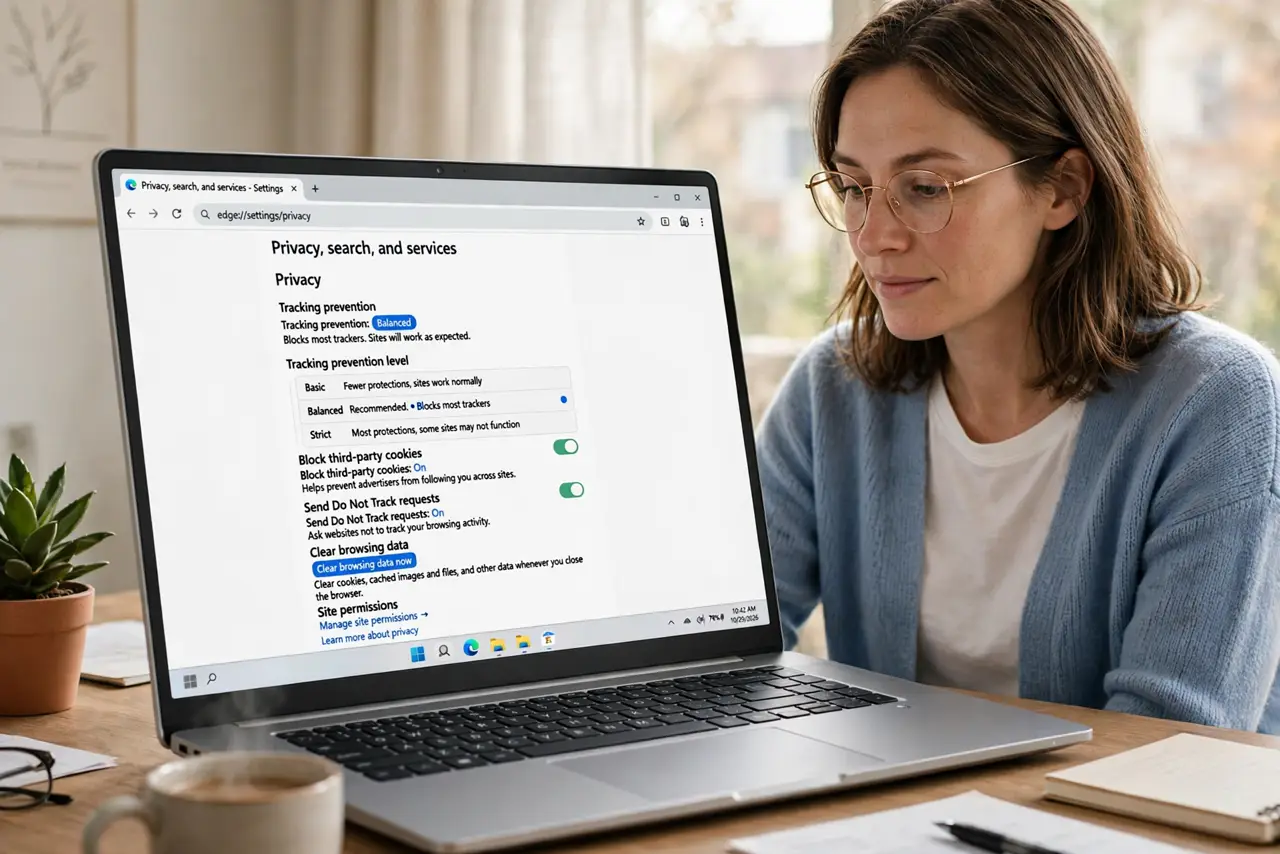
TL;DR / Quick Fix
Quick fix: turn on your browser's tracking protection, avoid installing fingerprintable extras like rare fonts and plugins, and use a common browser setup. Then block third-party cookies, review extensions regularly, and accept that some fingerprinting always remains despite your best efforts.
Follow these steps
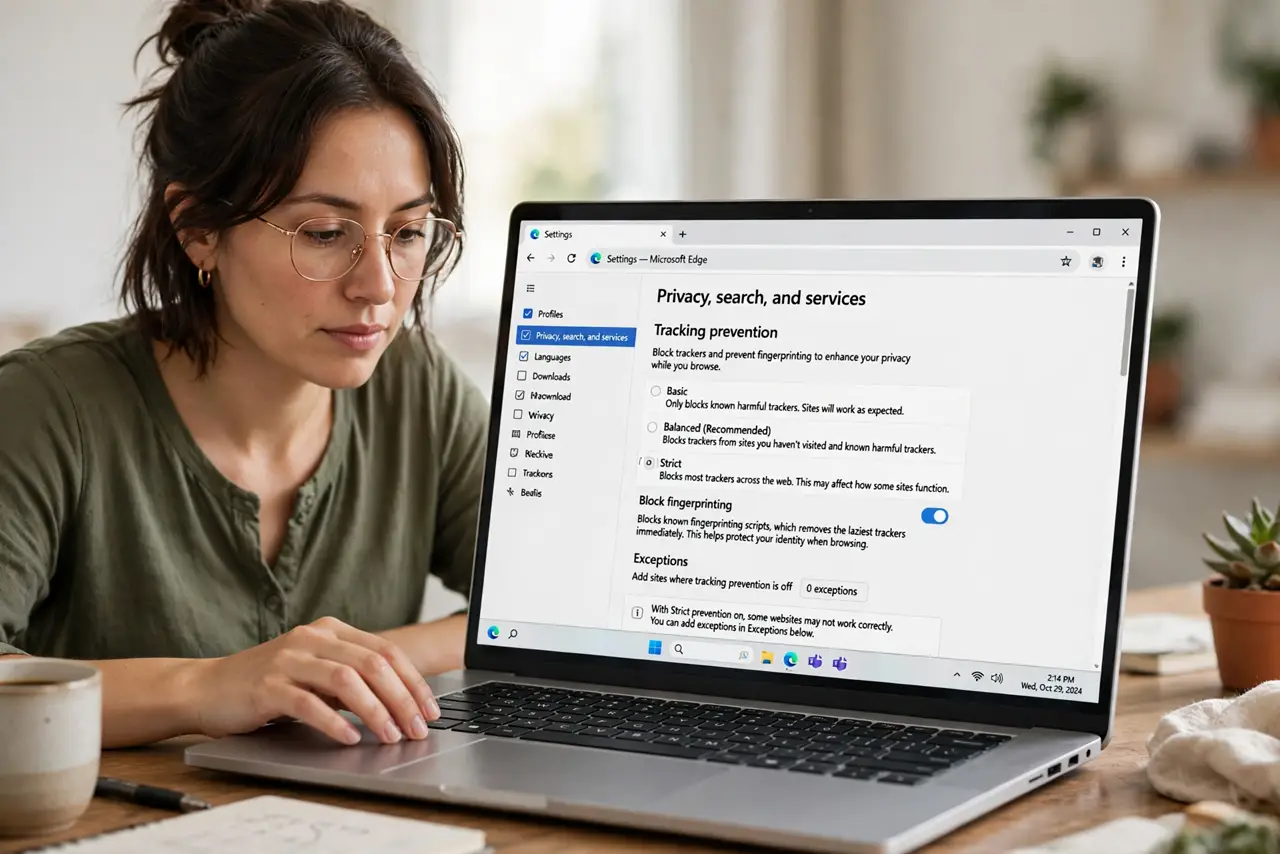
- Turn on tracking protection. Enable your browser's built-in tracking protection or anti-fingerprinting option. It blocks known fingerprinting scripts, which removes the laziest trackers immediately.
- Keep your setup common, not unique. Use a standard browser with default window size and common fonts. Fingerprinting works by spotting what is unusual, so blending in is the defense.
- Avoid rare fonts and plugins. Uninstall unusual fonts and old plugins you do not need. Each rare item makes your fingerprint more distinctive, like a bright sticker on a car.
- Block third-party cookies too. Fingerprinting and cookies work as a team, so block third-party cookies alongside tracking protection. One defense without the other leaves half the tracking intact.
- Audit extensions for overreach. Remove extensions that read every site you visit. An extension with total access can fingerprint you itself, defeating the browser's protections.
- Accept the limits honestly. No setting makes you unfingerprintable. The goal is making tracking harder and less profitable, not achieving invisibility.
What NOT to do
- Do not install a random anti-fingerprint extension. Shady privacy tools can track you themselves, so stick to your browser's built-in protections.
- Do not assume private mode stops fingerprinting. Private windows block stored cookies, but your device fingerprint looks the same in any window.
- Do not chase perfect uniqueness scores. Testing sites can make you tweak endlessly, while the big wins are tracking protection and a common setup.
- Do not disable JavaScript everywhere. It breaks most sites and draws attention, while standard protections handle the common trackers.
Frequently asked questions
What is browser fingerprinting?
A technique that identifies your browser by combining details like screen size, fonts, and settings into a nearly unique profile, without storing anything on your device.
Can I stop it completely?
No. You can reduce it with tracking protection and a common setup, but some fingerprinting always remains possible.
Is fingerprinting illegal?
Laws vary, but many privacy rules treat it like tracking. The practical defense is technical, not legal.