Browser PDF Viewer Prints Blank Pages
The PDF looks perfect on screen, but the printer spits out blank pages. The browser's built-in viewer and the printer driver are miscommunicating — and the reliable fix sidesteps the browser entirely.
TL;DR / Quick Fix
Quick fix: download the PDF instead of printing from the browser tab, then open it in a dedicated PDF reader and print from there. Check the print preview first, and update the browser if its built-in viewer keeps failing repeatedly.
Follow these steps
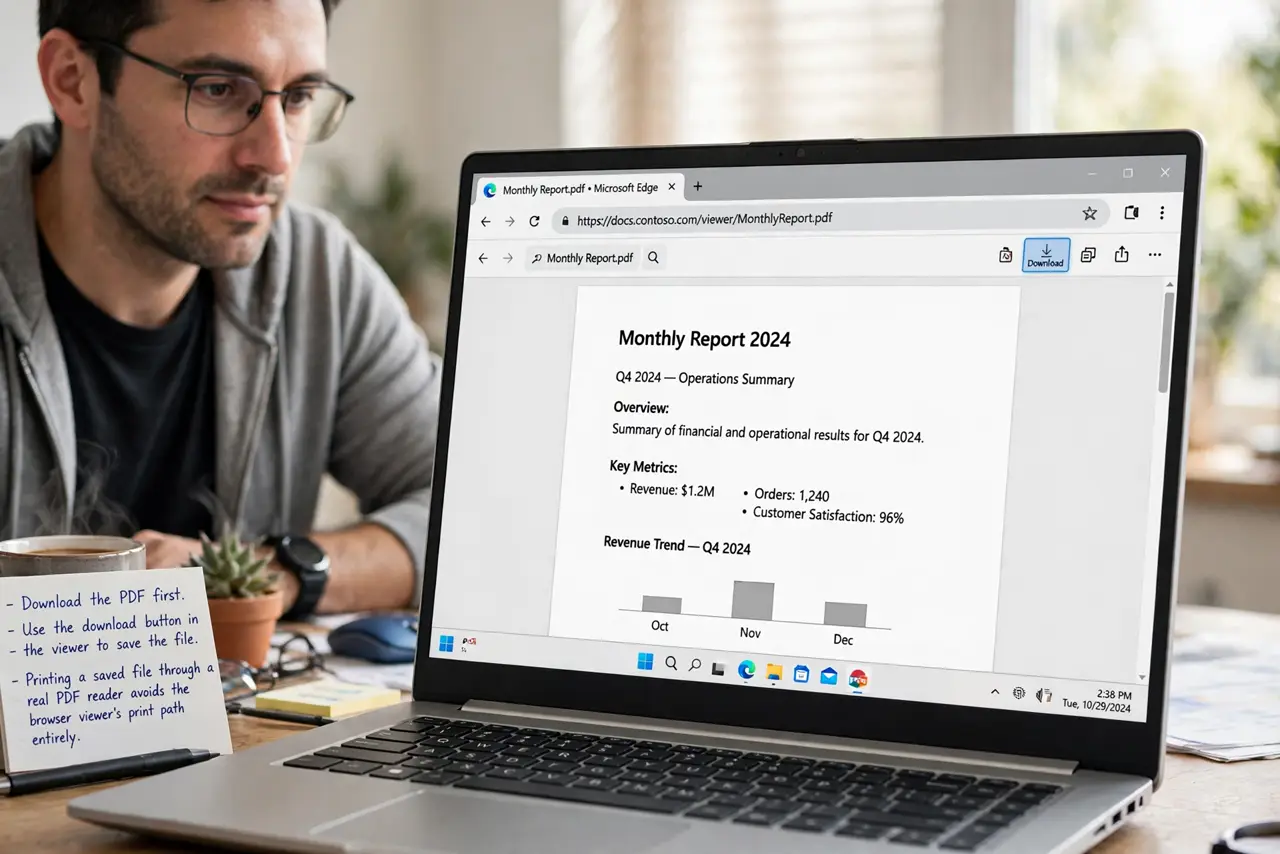
- Download the PDF first. Use the download button in the viewer to save the file. Printing a saved file through a real PDF reader avoids the browser viewer's print path entirely.
- Print from a dedicated reader. Open the downloaded file in the system's PDF reader and print from there. Dedicated readers speak to printer drivers far more reliably than browser tabs.
- Check the print preview. Before printing, open the preview dialog. If the preview is blank, the problem is confirmed software-side, and no printer setting will fix it.
- Try another browser as a test. Open the PDF in a different browser and print. If it works there, your main browser's viewer is the culprit, and an update or reset is due.
- Check the printer itself with another document. Print a normal page from another app to check the printer itself. If that is blank too, the printer — not the PDF viewer — needs attention.
- Update the browser. Viewer print bugs get fixed in updates. Install the latest version and retest the built-in viewer before giving up on it.
What NOT to do
- Do not keep printing blank pages hoping one works. Each attempt wastes paper and ink on a software problem that repetition cannot fix.
- Do not reinstall the printer driver first. A PDF that displays fine but prints blank from one viewer points at the viewer, not the driver.
- Do not screenshot the PDF as a workaround habit. Downloading and printing properly gives sharp text, while screenshots print blurry.
- Do not ignore the print preview. It shows the blank result before paper is wasted, so check it every time this happens.
Frequently asked questions
Why does the PDF print blank?
The browser's built-in viewer miscommunicates with the printer driver. The file itself is fine, which is why it looks perfect on screen.
Will downloading really fix it?
In most cases, yes. A dedicated PDF reader uses a different, more reliable print path than the browser tab.
What if every app prints blank?
Then the printer or its driver is at fault, not the viewer. Check ink, toner, and the driver next.