Browser Zoom Resets on Every Website
You set a comfortable zoom, and the next site opens tiny again — every site forgets. The browser stores zoom per site, so a wiped site-data setting or a forgotten default is usually erasing your choices.
TL;DR / Quick Fix
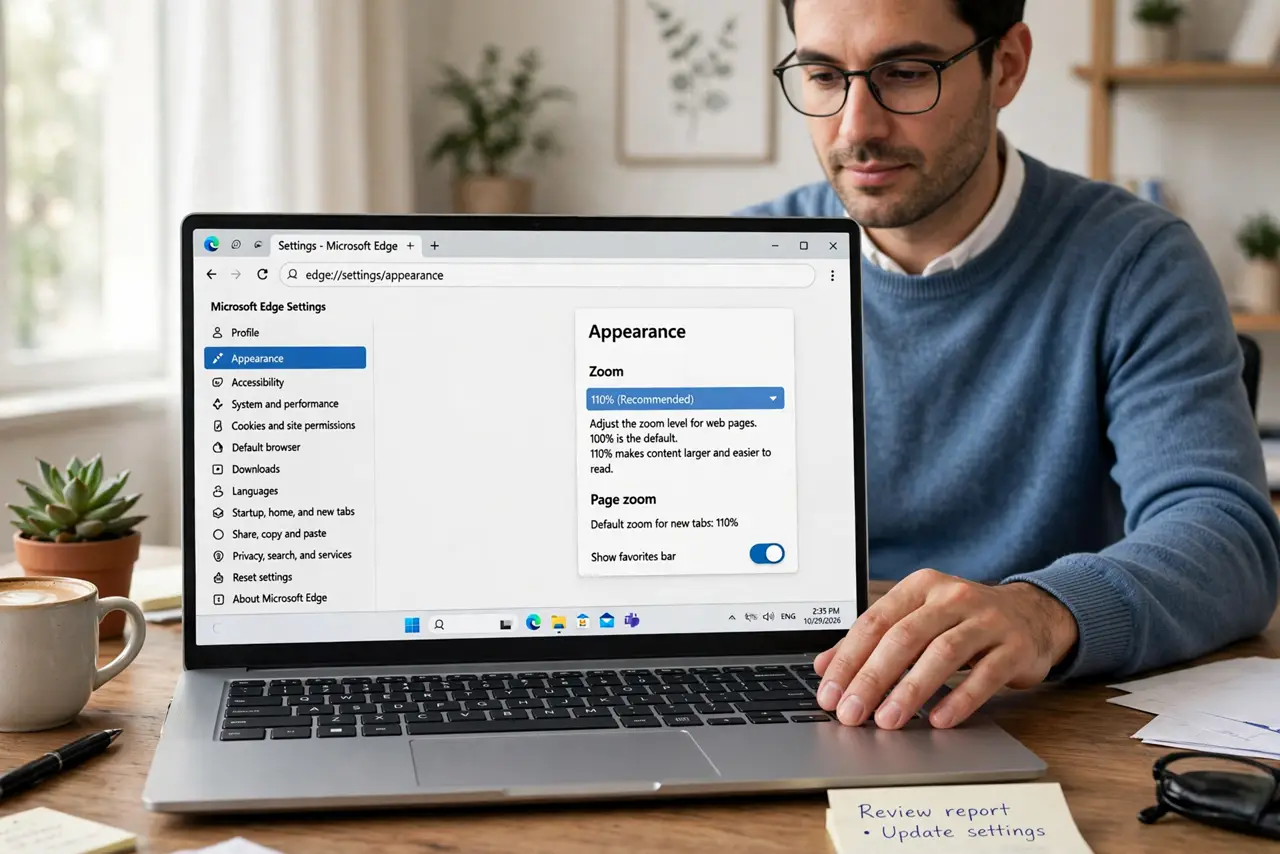
Quick fix: set the default zoom in the browser's appearance settings instead of zooming each site by hand. Then check that the browser is not clearing site data on exit, and disable any extension that resets zoom on every page.
Follow these steps
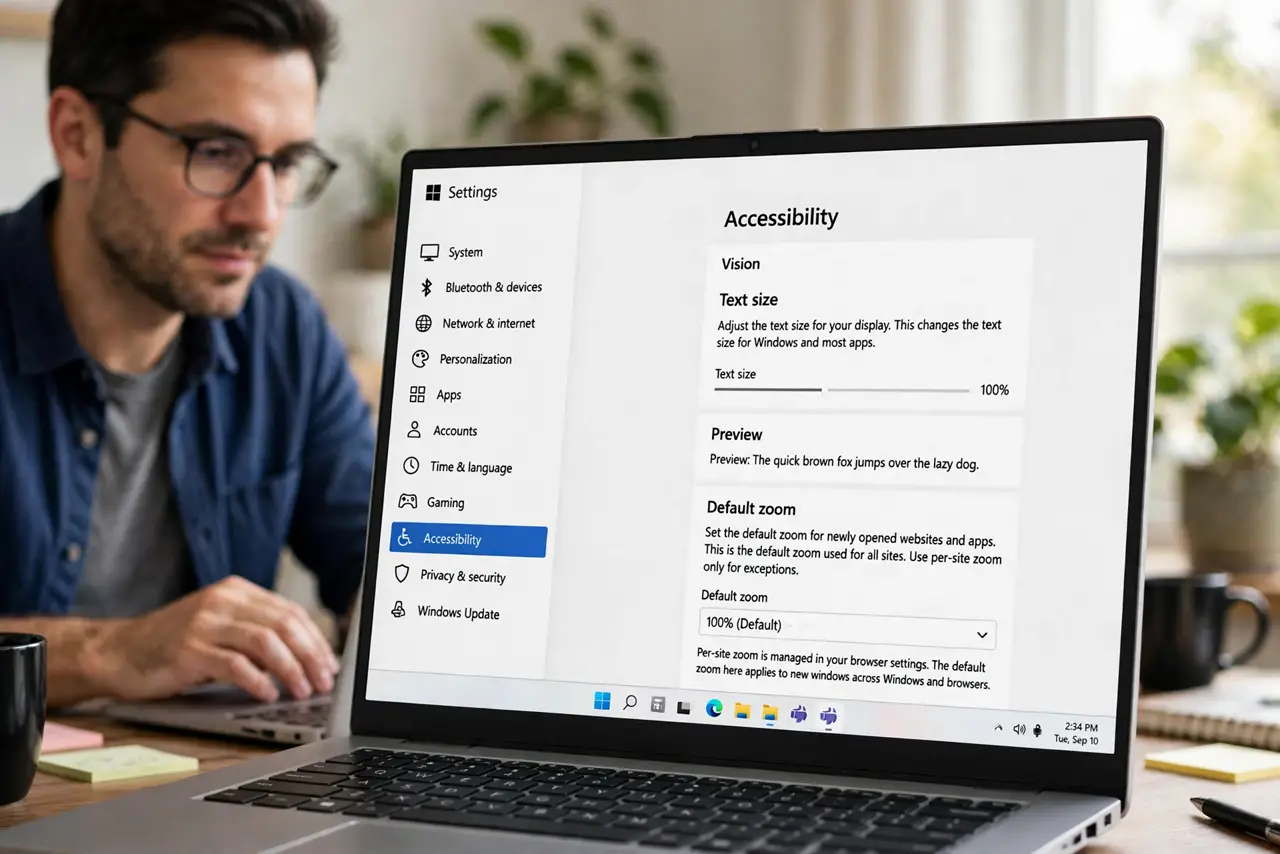
- Set the default zoom, not per-site zoom. Open appearance settings and set the default zoom or default text size. Per-site zoom is for exceptions; the default is what every new site should open with.
- Check the clear-on-exit setting. If the browser deletes cookies and site data on exit, it also deletes remembered zoom levels. Turn that off or add an exception and test again.
- Look for a zoom-resetting extension. Some extensions and accessibility tools reset zoom on every page load. Disable extensions one by one until the zoom sticks.
- Check the cookie and site-data behavior. Zoom memory lives with site data, so check the cookie and site-data behavior. Anything that wipes site data on a schedule — a cleaner app, a strict privacy setting — wipes zoom too.
- Confirm sync is not fighting you. If another device keeps pushing a different default zoom through sync, the setting flips back. Check the zoom default on each synced device.
- Test in a fresh profile. Open a guest window or new profile, set a default zoom, and browse. If it sticks there, your main profile has the conflicting setting.
What NOT to do
- Do not zoom every site by hand forever. Fix the default once, and every site opens right without the daily ritual.
- Do not blame the websites. Sites do not control your browser's zoom memory, so the setting to fix is always in the browser.
- Do not install a zoom manager extension first. The built-in default zoom does the job, and one more extension is one more thing that can break.
- Do not clear site data casually if you value zoom memory. Each wipe resets every per-site zoom you carefully set.
Frequently asked questions
Why does zoom reset on every site?
Because the browser stores zoom with site data, and something — clear-on-exit, a cleaner, an extension — keeps wiping it.
Where is the default zoom setting?
In the browser's appearance or accessibility settings, labeled as default zoom, page zoom, or default text size.
Can different sites keep different zooms?
Yes. Set the default for everything, then adjust individual sites, and the browser remembers each exception separately.