Build a Second Brain
You read something useful, think I must remember this, and forget it by Thursday. Your head is a terrible hard drive — small, leaky, and terrible at search. A second brain is a trusted system outside your head that captures, organizes, and resurfaces what matters: the method popularized by Tiago Forte runs on four moves — Capture, Organize, Distill, Express. This guide builds yours from zero, without the productivity theater.
TL;DR / Quick Fix
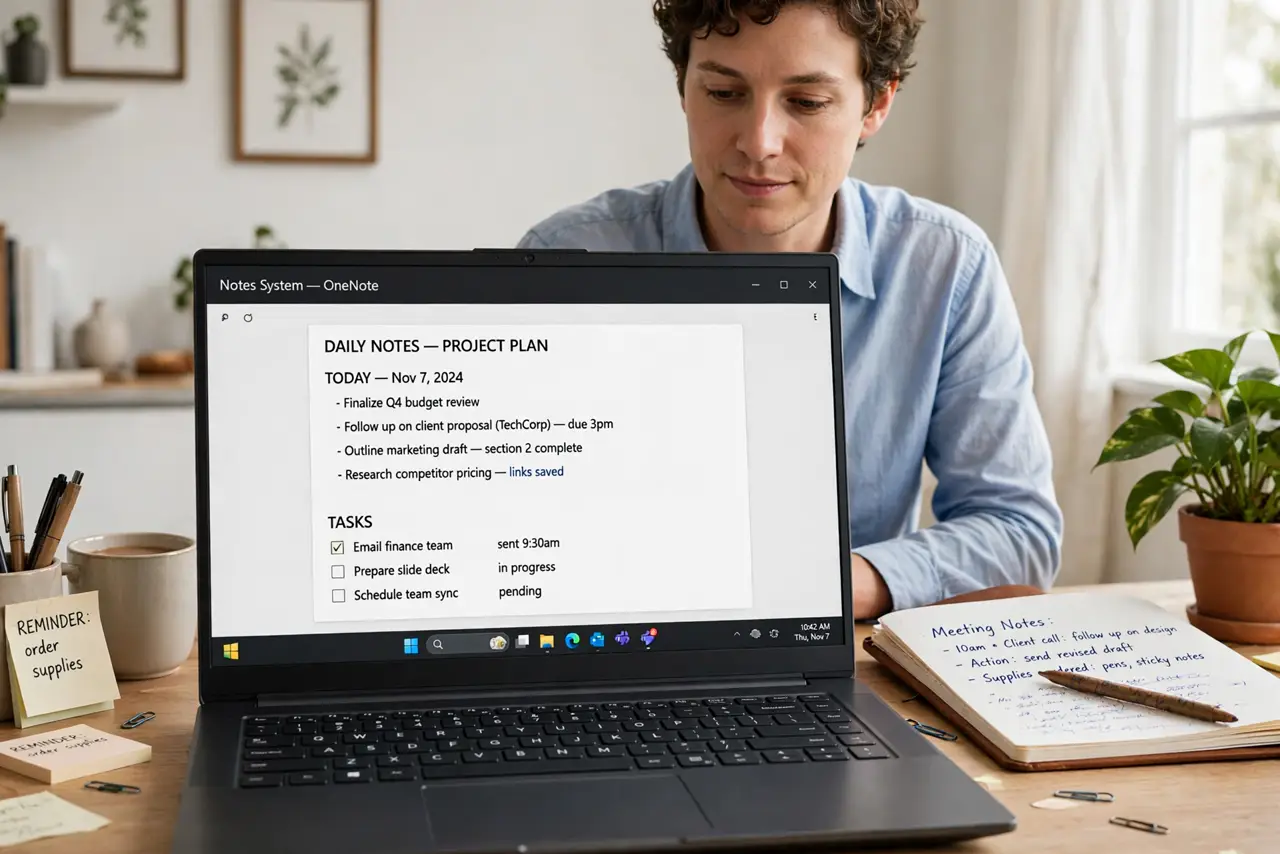
Quick fix: a second brain is a trusted system outside your head — capture everything, organize by project, distill to essentials, and express by creating. Start with one inbox app, file notes into active projects, and review weekly. The goal is not storing more; it is forgetting on purpose.
Follow these steps
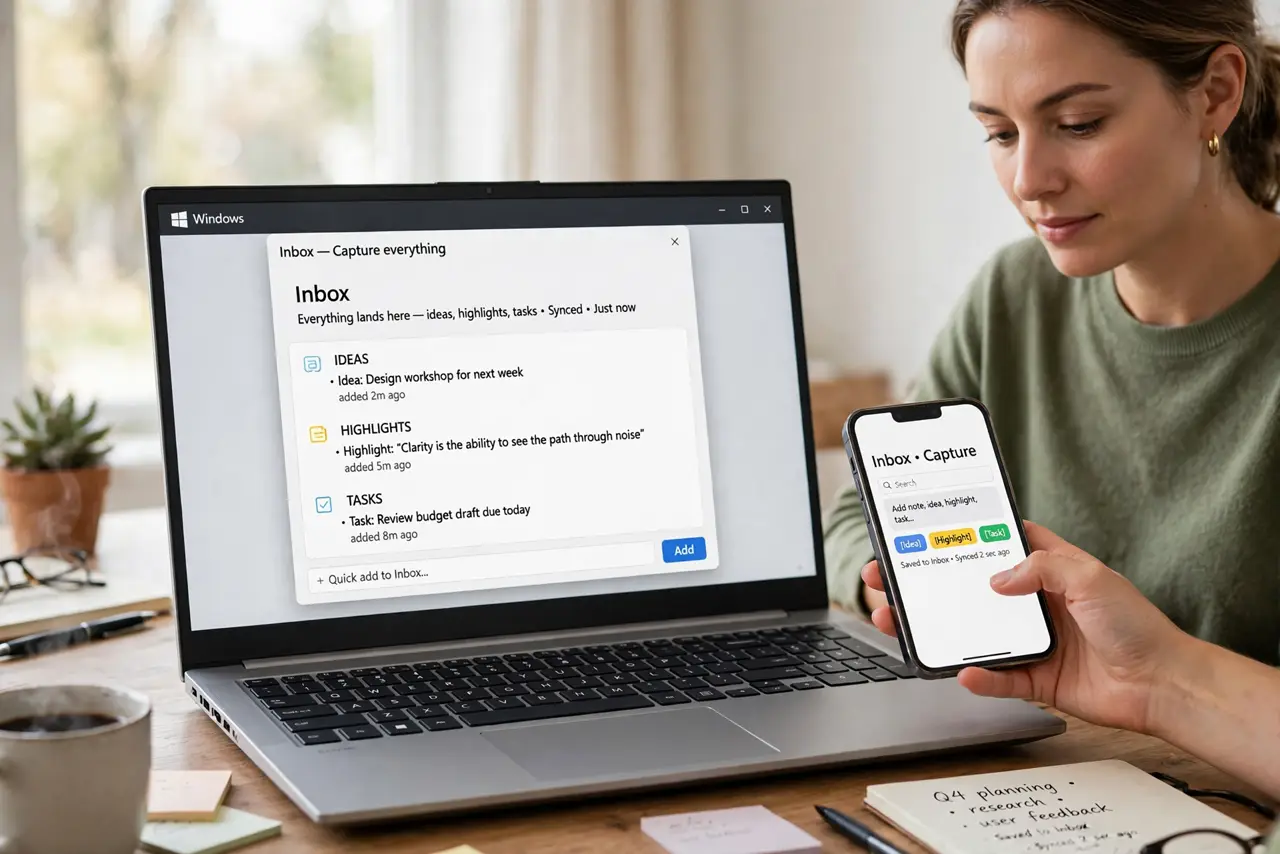
- Capture everything, frictionlessly. The inbox is sacred: one app where every idea, highlight, and task lands within seconds — phone widget, quick-add, whatever is fastest. If capturing takes more than ten seconds, you will stop doing it, and the system dies at step one.
- Organize by project, not topic. File notes into PARA-style buckets: active Projects first, then Areas, Resources, Archives. Organizing by what you are doing beats organizing by what things are about — see Organize with PARA for the full setup.
- Distill to the essentials. For each saved note, bold the key sentences, then highlight the best of the bold. Progressive summarization means future you reads the highlights, not the novel — distillation is what makes the system usable at speed.
- Express by creating. A second brain that only stores is a warehouse. Use it: write the post, build the proposal, plan the trip from your notes. Expressing is the step that justifies everything before it — knowledge unused is just hoarding.
- Review weekly. Once a week, clear the inbox, file the strays, and glance at active projects. The weekly review is the heartbeat — skip it for a month and the system becomes another pile to feel guilty about.
- Start embarrassingly small. One app, one inbox, three projects. Add structure only when the lack of it hurts — and write notes that last from the start so today's captures are still useful in a year. The Zettelkasten habit of linking notes supercharges the whole thing later.
What NOT to do
- Do not build the cathedral first. Elaborate tag taxonomies and fifty folders before you have notes is procrastination in a productivity costume.
- Do not capture without ever expressing. A second brain that never produces anything is a very organized form of hoarding — create something monthly.
- Do not use five apps. One inbox, one archive — every additional tool is a new place for notes to go missing.
- Do not skip the weekly review. The review is the system; everything else is just filing. No review, no second brain — just a pile with ambitions.
Frequently asked questions
What app should I use?
The one you will open daily for years: Notion, Obsidian, Apple Notes, whatever. The method is app-agnostic — switching apps is the most common way people kill their system.
How is this different from just taking notes?
Notes capture; a second brain captures, organizes by actionability, distills, and feeds creation. The Express step is the difference — it is a production system, not a storage system.
How long until it pays off?
Capture pays off in weeks (nothing gets lost); the real compounding — old notes sparking new ideas — starts around month three of consistent use.