Tame PC Cables
You open your PC and confront the spaghetti — power cables draped over the motherboard, SATA cables in a nest, airflow choked by the mess. Cable management is not vanity: tidy cables improve airflow, make upgrades painless, and turn troubleshooting from archaeology into reading. An afternoon with zip ties transforms the case.
TL;DR / Quick Fix
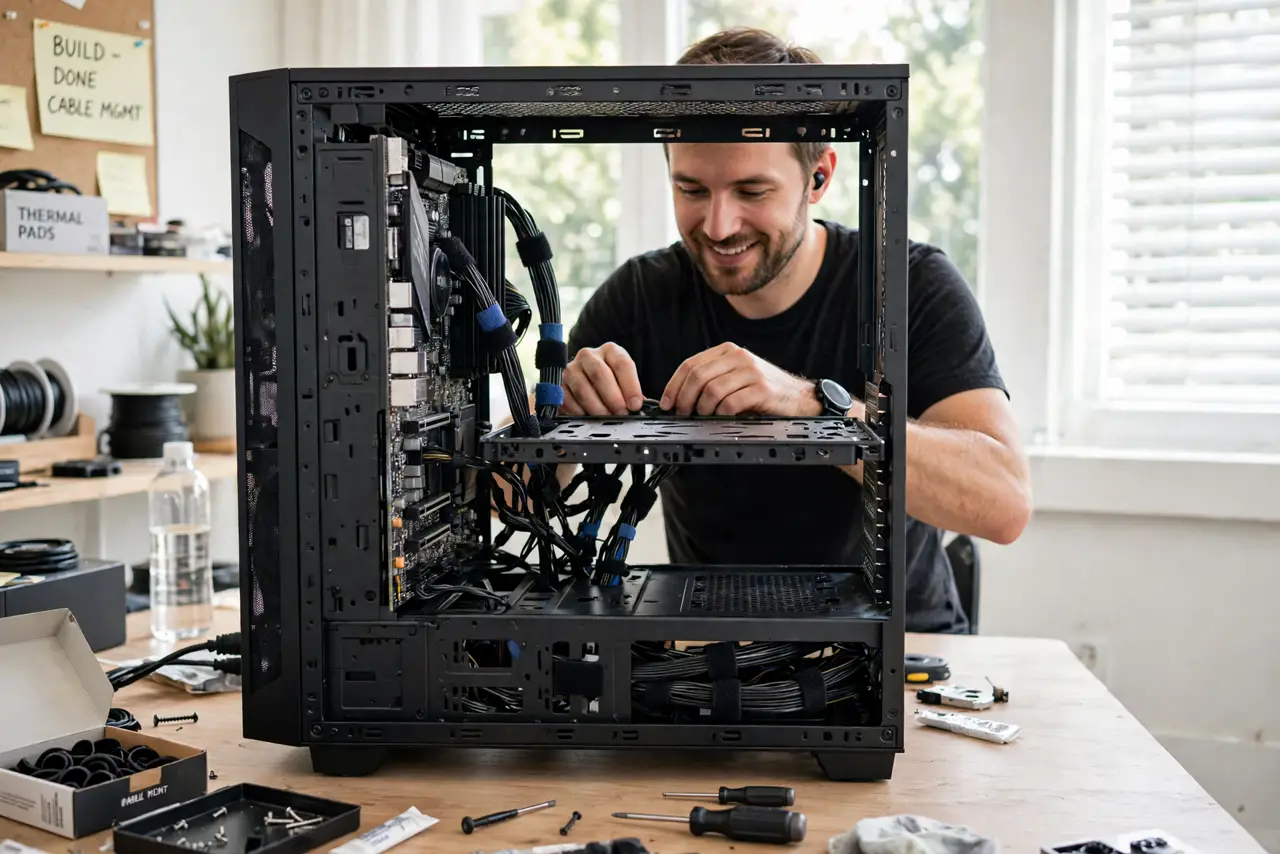
Quick fix: power down and unplug, then route every cable behind the motherboard tray, bringing each out through the nearest cutout to its destination. Bundle with velcro ties — never overtightened zip ties on data cables. The goal is clear airflow paths, not invisible cables.
Follow these steps
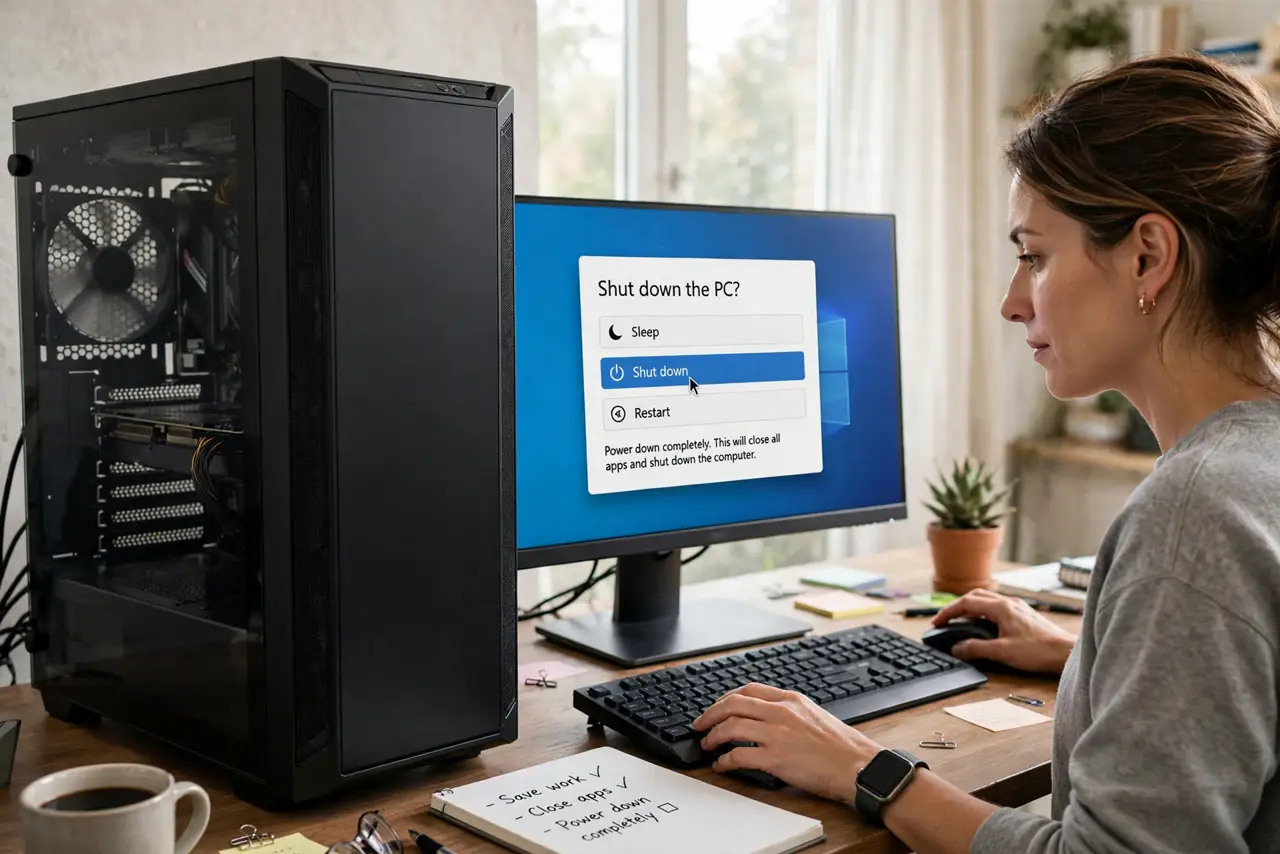
- Power down completely. Shut down, flip the PSU switch off, and unplug the power cable. You will be reaching deep into the case — no live power while hands are inside, ever.
- Disconnect and plan. Unplug the cables and look at the case's routing cutouts and tie points. Plan each run: 24-pin through the side cutout, GPU cables from below, SATA from the back. A minute of planning saves an hour of redoing.
- Route behind the tray. Run cables behind the motherboard tray, popping each out through the cutout nearest its plug. The tray is the highway; the main chamber stays clear.
- Bundle loosely. Group parallel runs with velcro ties — snug, not strangling. Overtightened ties can damage cable insulation over time; you should be able to slide a finger under the bundle.
- Mind the airflow path. Keep the front-to-back air river clear — no cables draped across the middle of the case. Tuck everything to the edges so fans breathe freely.
- Close up and admire. Replace the side panel, boot up, and check everything works. Take a photo — future-you will thank present-you when upgrading.
What NOT to do
- Do not work with power connected. Unplug the PSU cable, not just the switch — hands inside a live case is how accidents happen.
- Do not overtighten zip ties. Crushed insulation fails months later mysteriously — velcro ties, snug but gentle.
- Do not force sharp bends. Cables have minimum bend radii; kinking a cable to make it 'tidy' breaks conductors inside.
- Do not block airflow for looks. Cables hidden is nice; cables hidden while choking the intake is a hot, loud PC.
Frequently asked questions
Do I need special tools?
No — velcro ties and patience. The case's built-in tie points and cutouts do the rest. Fancy combs are for show builds.
Should cables be invisible?
Clear beats invisible. The goal is unobstructed airflow and easy access — perfectionism past that is hobby territory.
How often should I redo it?
Only when adding hardware. A good routing job survives years; revisit it at each upgrade.