Test Cables with a Tester
The internet died, you replaced the router, the settings, everything — and it was a cheap cable with one broken wire all along. A cable tester finds that in ten seconds. These inexpensive gadgets check every wire inside an Ethernet cable so you stop guessing and start knowing which cable to trust.
TL;DR / Quick Fix
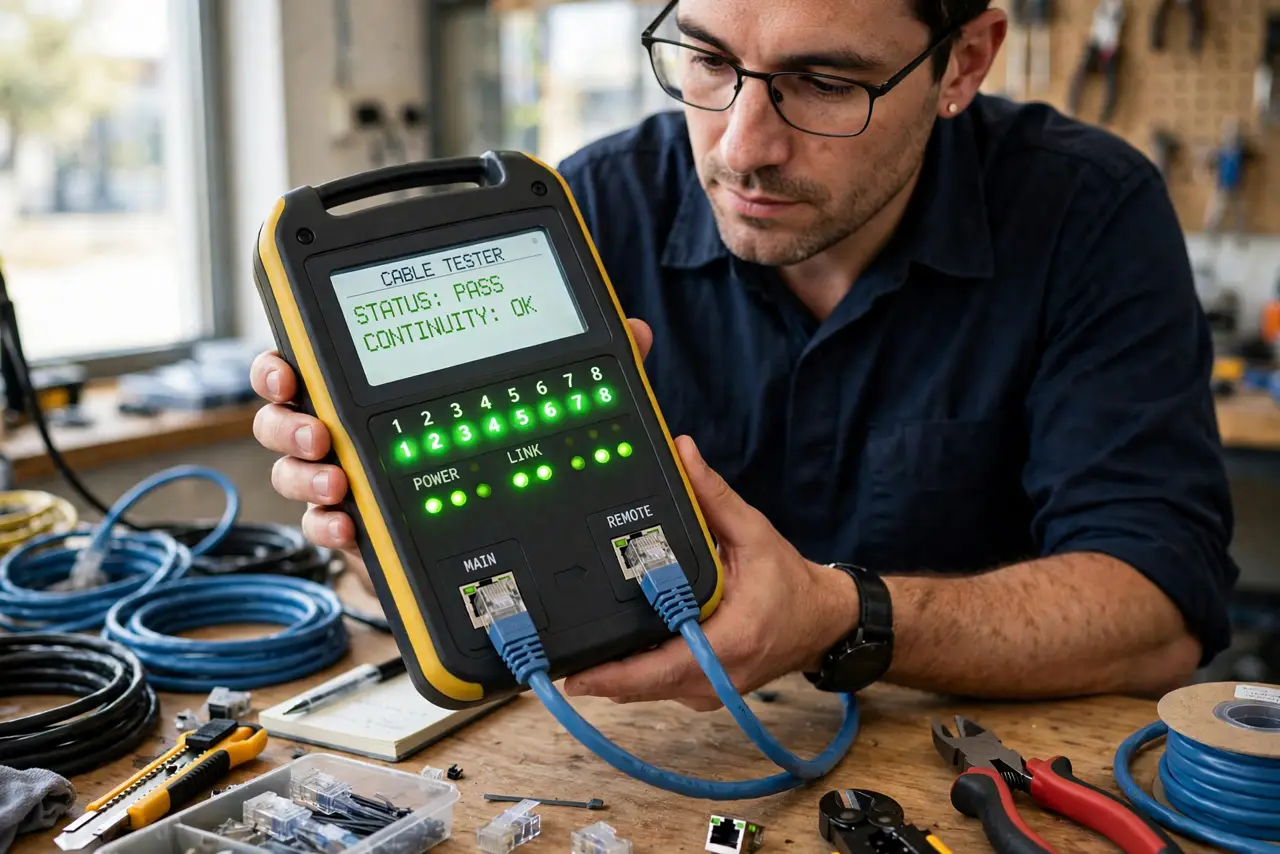
Quick fix: unplug both ends of the suspect cable, attach them to a basic network cable tester, and watch the lights — all eight should blink in order. Skipped or scrambled lights mean a bad crimp, broken wire, or wrong wiring. Recrimp or replace the cable, then test again.
Follow these steps
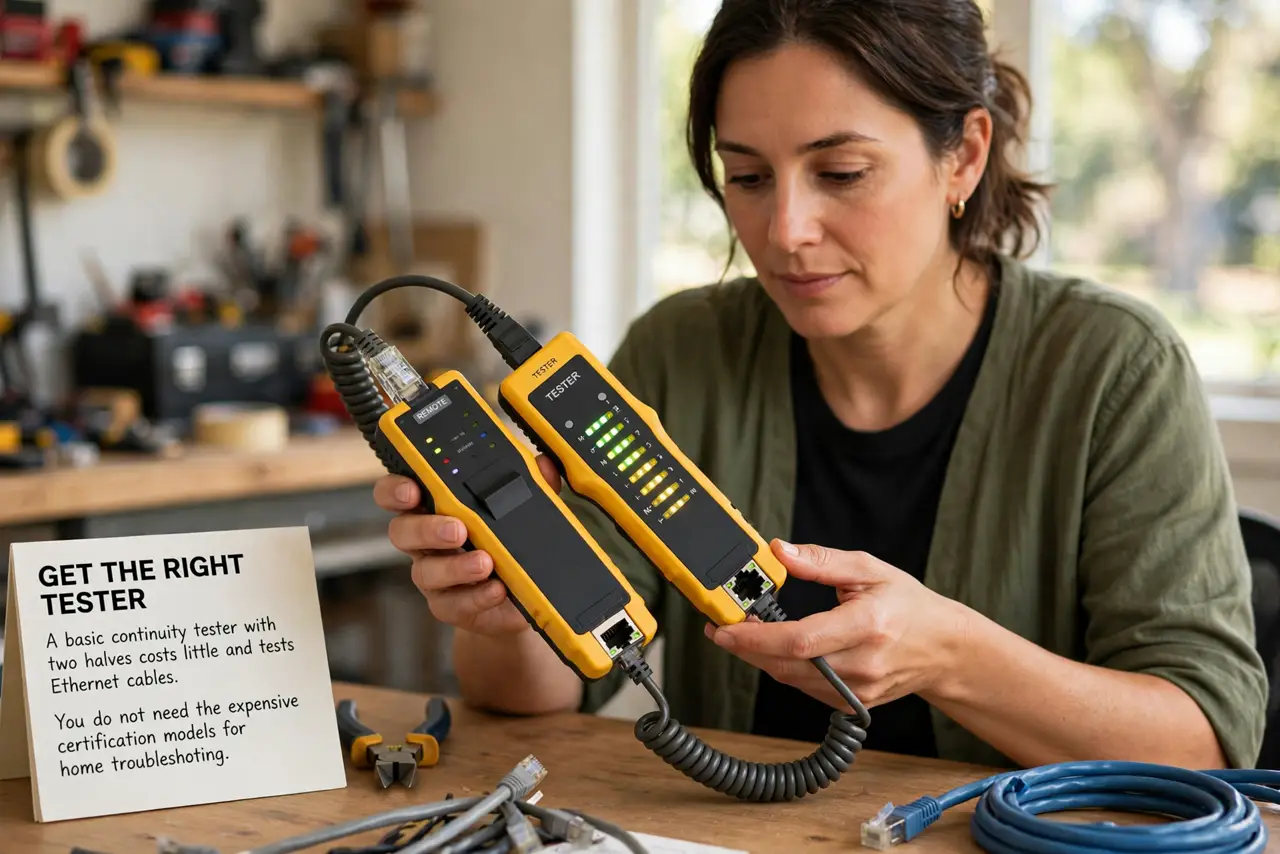
- Get the right tester. A basic continuity tester with two halves costs little and tests Ethernet cables. You do not need the expensive certification models for home troubleshooting.
- Unplug both ends of the suspect cable. Remove it from the router and the computer completely. Testing a cable that is still connected gives nonsense readings — and this is the classic cause of the cable says unplugged message.
- Plug each end into the tester halves. One end goes in the main unit, the other in the remote. For long in-wall runs, leave the remote at the far end and carry the main unit to you.
- Read the light sequence. Turn it on and watch the numbered lights: 1 through 8 should blink in order. That means every wire is intact and correctly paired.
- Interpret the failures. A light that never blinks means a broken or badly crimped wire. Lights in the wrong order mean a miswired plug — check against the cable category wiring standard you intended.
- Fix or replace, then retest. Recut and recrimp a bad plug, or replace the cable outright. Test again before routing it back through walls or furniture — trust only verified cables.
What NOT to do
- Do not test a cable while it is still plugged into powered gear. Disconnect both ends or the readings mean nothing.
- Do not throw away a cable that fails only one pair. A cable with good pairs remaining can still serve on shorter runs — label it and keep it as a spare.
- Do not buy a tester that only checks two wires. You need all 8 conductors tested for modern Ethernet.
- Do not recrimp without cutting back to fresh copper. Reusing the old stripped section just re-tests the same damaged wires.
Frequently asked questions
What does it mean if lights 4 and 5 don't blink?
Those are a wire pair — the cable is broken or badly terminated there. Recrimp the plug with fresh copper, or replace the cable.
Can I test a cable run inside my walls?
Yes — plug the remote unit into the far jack and the main unit into the near one. That is exactly what the two-piece design is for.
Do I need an expensive tester?
For home use, no. A basic continuity tester finds broken wires and miswires, which covers nearly all home cable problems.