Café Wi-Fi Safety
Working from a café is lovely until you remember the Wi-Fi is shared with every stranger in the room. Open networks can be snooped, spoofed, or simply misconfigured — and your laptop happily auto-joins them. This guide covers the practical defenses: VPNs, hotspots, and settings that keep remote work safe, including how to spot evil twin networks.
TL;DR / Quick Fix
Quick fix: on café Wi-Fi, use your phone hotspot or a VPN for anything sensitive, keep software updated, and forget the network afterward. Never do banking on open Wi-Fi without protection. Turn off auto-join for open networks so your phone stops connecting silently.
Follow these steps
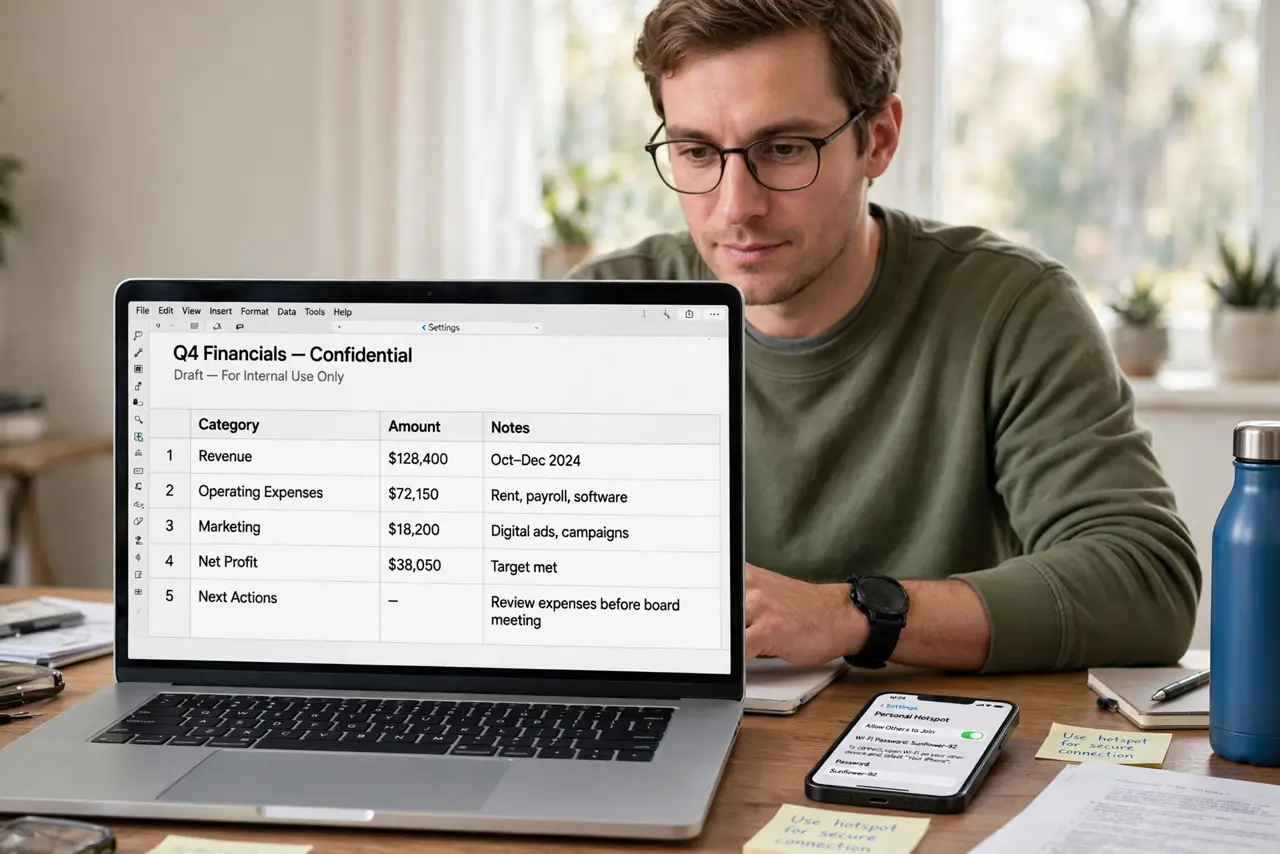
- Prefer your phone hotspot for sensitive work. A cellular hotspot is a private connection — no strangers sharing it. Use it for banking, work email, and logins; save the café Wi-Fi for casual browsing.
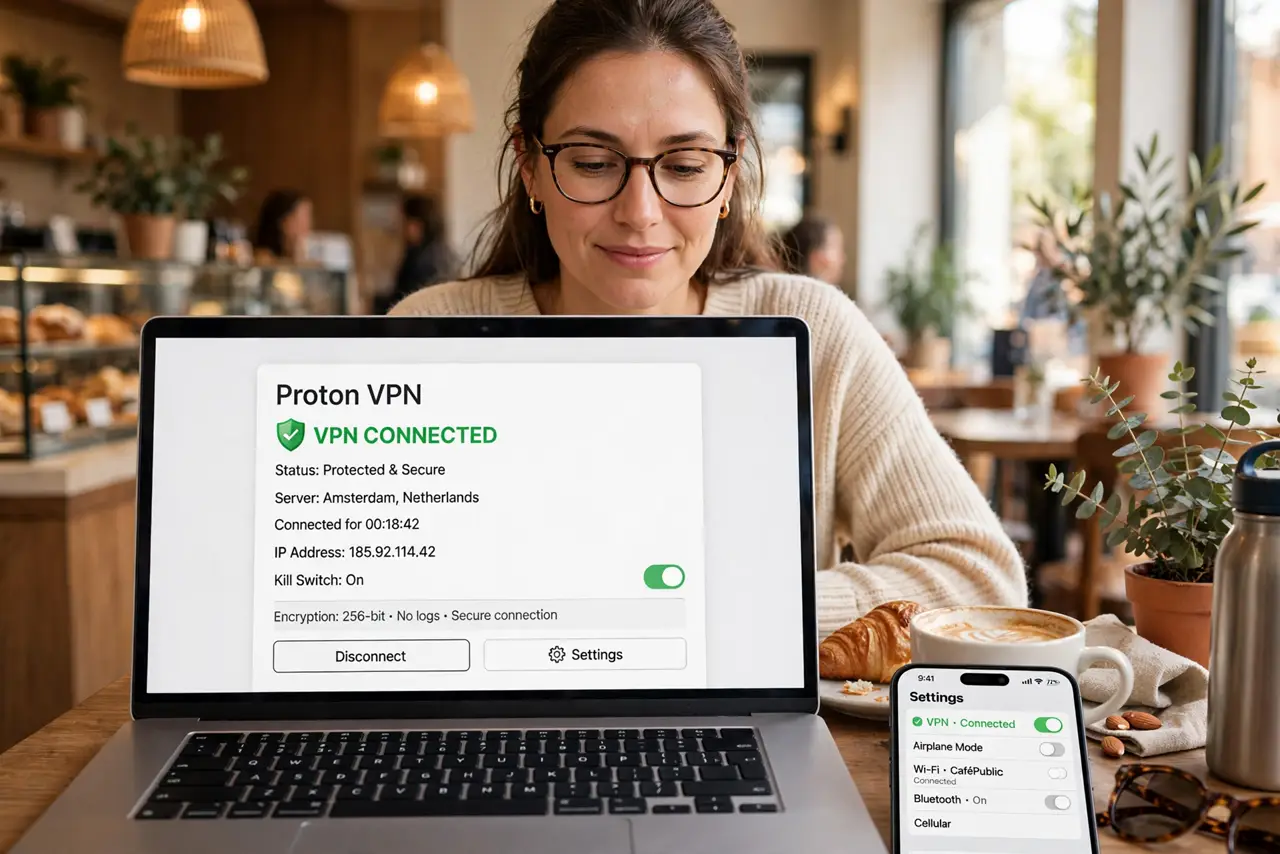
- Use a VPN on any open network. A reputable VPN encrypts everything between you and the internet, defeating local snoopers. Turn it on before you open a single work tab.
- Verify the real network name with staff. Ask for the exact Wi-Fi name and confirm the spelling. Attackers broadcast lookalike names — one letter off is all it takes to catch the careless.
- Turn off auto-join for open networks. In Wi-Fi settings, disable auto-joining unknown networks. Your devices should never silently connect to a stranger's hotspot.
- Keep software and HTTPS habits tight. Updated systems patch the flaws attackers exploit, and modern browsers warn on insecure sites. If a site loads without HTTPS on public Wi-Fi, stop.
- Forget the network when you leave. Remove the café network from your saved list afterward. A saved open network auto-rejoins next time you walk past — even if an attacker now runs it.
What NOT to do
- Do not do banking on open Wi-Fi without a VPN. Convenience is not worth the risk on a network anyone can sniff.
- Do not ignore certificate warnings. A warning on public Wi-Fi can mean interception in progress — do not click through.
- Do not leave file sharing on. Disable AirDrop-everyone, network discovery sharing, and public folder sharing before you connect.
- Do not assume a passworded café network is safe. The password is on the wall — everyone in the room, including attackers, has it.
Frequently asked questions
Is café Wi-Fi safe with a VPN?
Reasonably, for most purposes — the VPN shields your traffic from local snoopers. It does not protect against phishing or malware, so stay alert.
Can the café owner see my traffic?
On open Wi-Fi without a VPN, yes, in principle. With a VPN, they see only encrypted traffic to the VPN server.
Should I use the café's 'secure' portal login?
Captive portals are for access control, not encryption. Treat portal Wi-Fi as open until your VPN is on.