An All-Day Event Shows Across Two Days
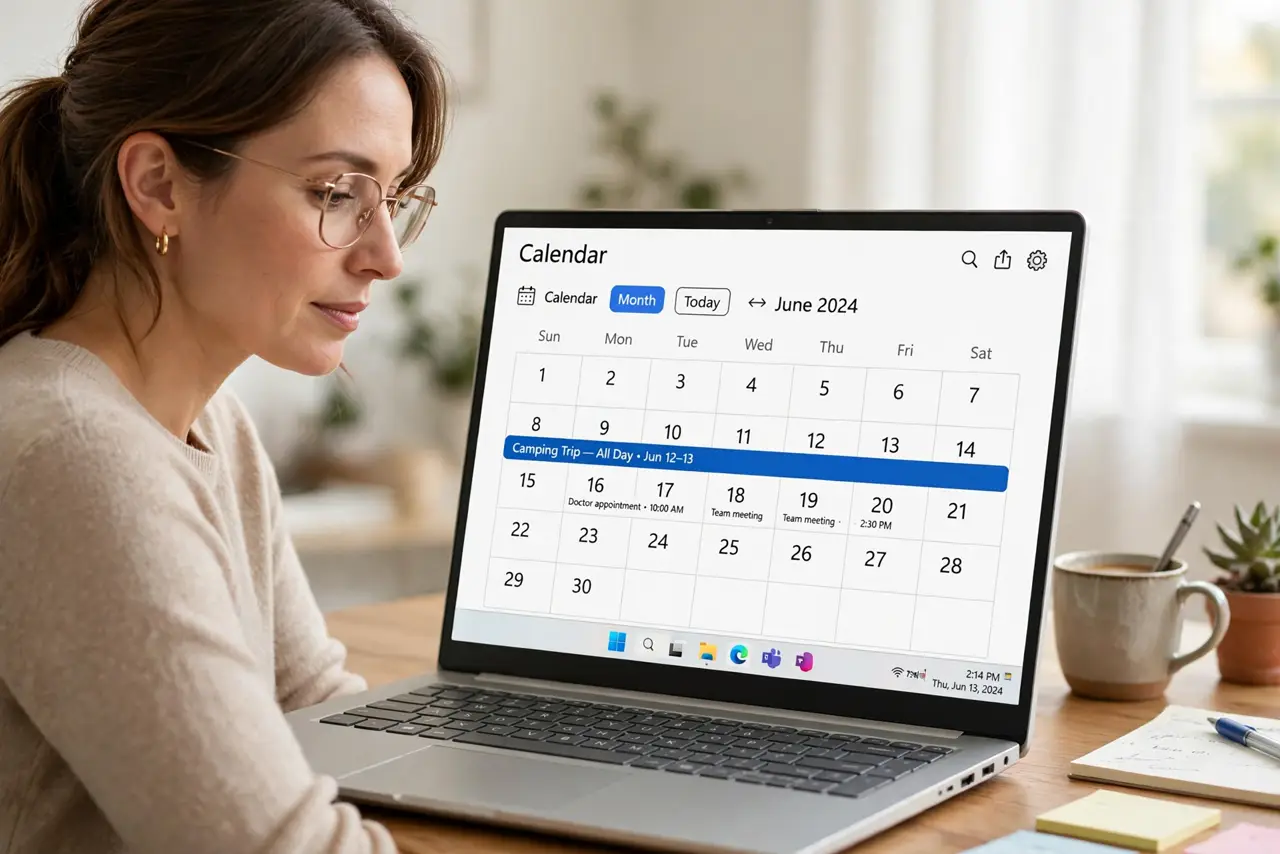
An all-day event stretches across two days on the calendar, even though it is a single day. A time zone mismatch between the event and the calendar usually stretches it.
TL;DR / Quick Fix
Quick fix: open the event and check its time zone, then set it to floating or to your current zone. Save it, and confirm the banner now covers exactly one day and confirm the banner now covers exactly one day only.
Follow these steps
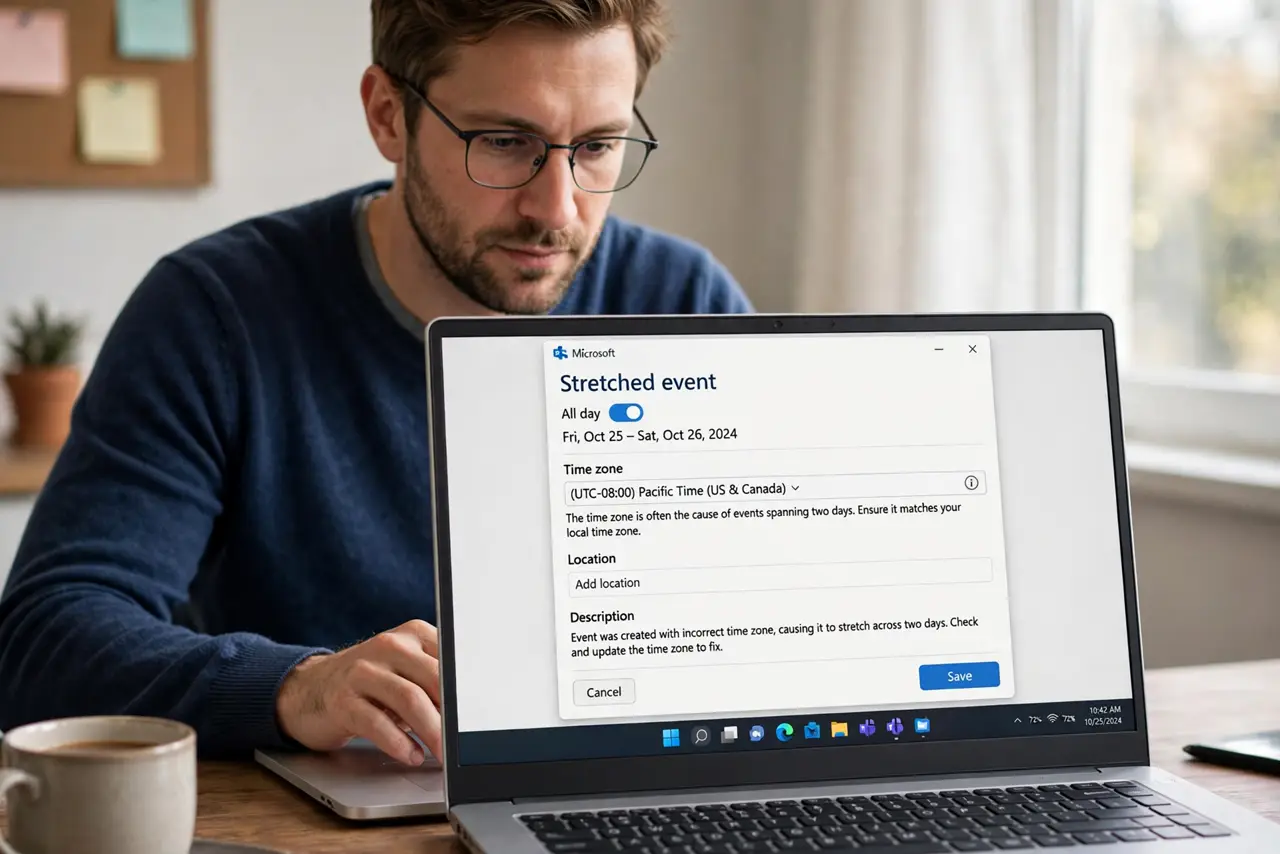
- Open the stretched event. Click the all-day event and open its details. The time zone field there is the usual suspect behind the two-day stretch.
- Set the zone to floating or yours. Change the event's time zone to floating, which means no zone, or to your current zone. Either one stops the stretch in most cases.
- Save and check the banner. Save the change and look at the calendar. The banner should now sit on exactly one day instead of two.
- Check the calendar's own time zone. Confirm your calendar app shows the correct time zone in its settings. A calendar set to the wrong zone stretches every all-day event it displays.
- Recreate the event if it stays stretched. Delete the stubborn event and create it fresh as an all-day event in the right zone. A clean recreation beats fighting a broken one.
- Watch for this after travel. Check all-day events after crossing time zones. Travel is the most common trigger, so a quick review after each trip catches new stretches.
What NOT to do
- Do not drag the banner shorter by hand. Resizing hides the symptom while the time zone mismatch keeps stretching it.
- Do not ignore the event's time zone field. That one field causes most two-day all-day events.
- Do not recreate every event after travel. Fix the calendar's time zone first, since that one setting affects them all.
- Do not assume the event is really two days. Check the details before telling anyone the event spans two days.
Frequently asked questions
Why does my all-day event cover two days?
Because its time zone differs from the calendar's, so the event's midnight lands on a different day than you expect.
What does floating time zone mean?
It means the event has no zone attached, so it stays on the same calendar day wherever you are.
Why did this start after my trip?
Because travel changed your calendar's zone while the event kept its old one, stretching the banner.