Calendar Event Time Zone Wrong? Fix It
An event shows the wrong time when the event's time zone and the device's time zone disagree. Fix the event's time zone itself, not just the hour, or the time will shift again the next time the zone changes.
TL;DR / Quick Fix
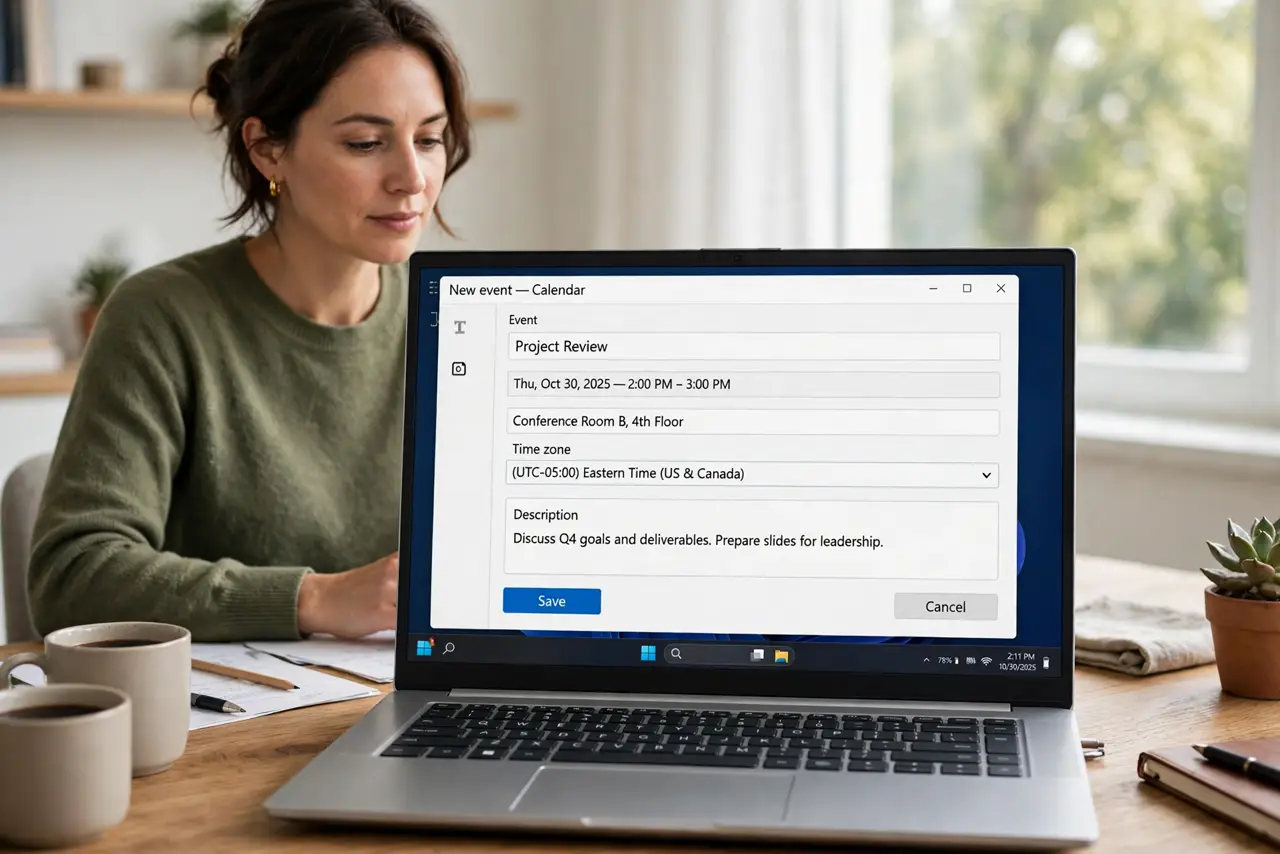
Quick fix: open the event, check its time zone setting, and set it to the zone where the event actually happens. Then confirm your device time zone is automatic, and update the invitation so guests see the corrected time. Last, test with a new event to confirm it.
Follow these steps
- Open the event and check its time zone. Open the event details and look for a time zone field. An event created in one zone and viewed in another shows a shifted time until the zone is corrected.
- Set the event time zone correctly. Set the time zone to the place where the event happens, then set the hour again if needed. The zone and the hour work together, so fixing only the hour is temporary.
- Check the device time zone. Confirm the device time zone is set automatically and matches where you are. A wrong device zone shifts every event, not just one.
- Check the guest view. Ask a guest what time they see, or check the invitation preview. Guests in other zones should see the event at the right local time for them.
- Update the invitation. Save the corrected event and send the update to guests. An unsent correction leaves guests looking at the old, wrong time.
- Test with a new event. Create a test event in the same zone and check it shows correctly. A correct test confirms the zone problem is fixed, not just one event.

What NOT to do
- Do not fix a zone problem by changing the hour alone. The next zone change or daylight saving shift will move it again.
- Do not create duplicate events for each zone. One event with the right zone shows correctly in every guest's local time.
- Do not ignore the device zone setting. A manual zone left over from travel shifts every event.
- Do not forget to send the update. Guests keep the old time until the corrected invitation reaches them.
Frequently asked questions
Why did my event move by an hour?
A time zone or daylight saving change shifted it, usually because the event zone or the device zone was set manually.
Do guests see my local time or theirs?
A correctly zoned event shows each guest their own local time, so everyone arrives at the same moment.
What if only one event is wrong?
Then that event's own time zone is wrong, even when the device zone is correct.