Decline With a Message? How To
An invite arrives for something you cannot — or should not — attend, and a bare Decline feels abrupt. Declining with a message lets you say no and explain in one step: the organizer gets your decline plus a short note, no separate email needed. It is the polite, efficient way to bow out. Here is how.
TL;DR / Quick Fix
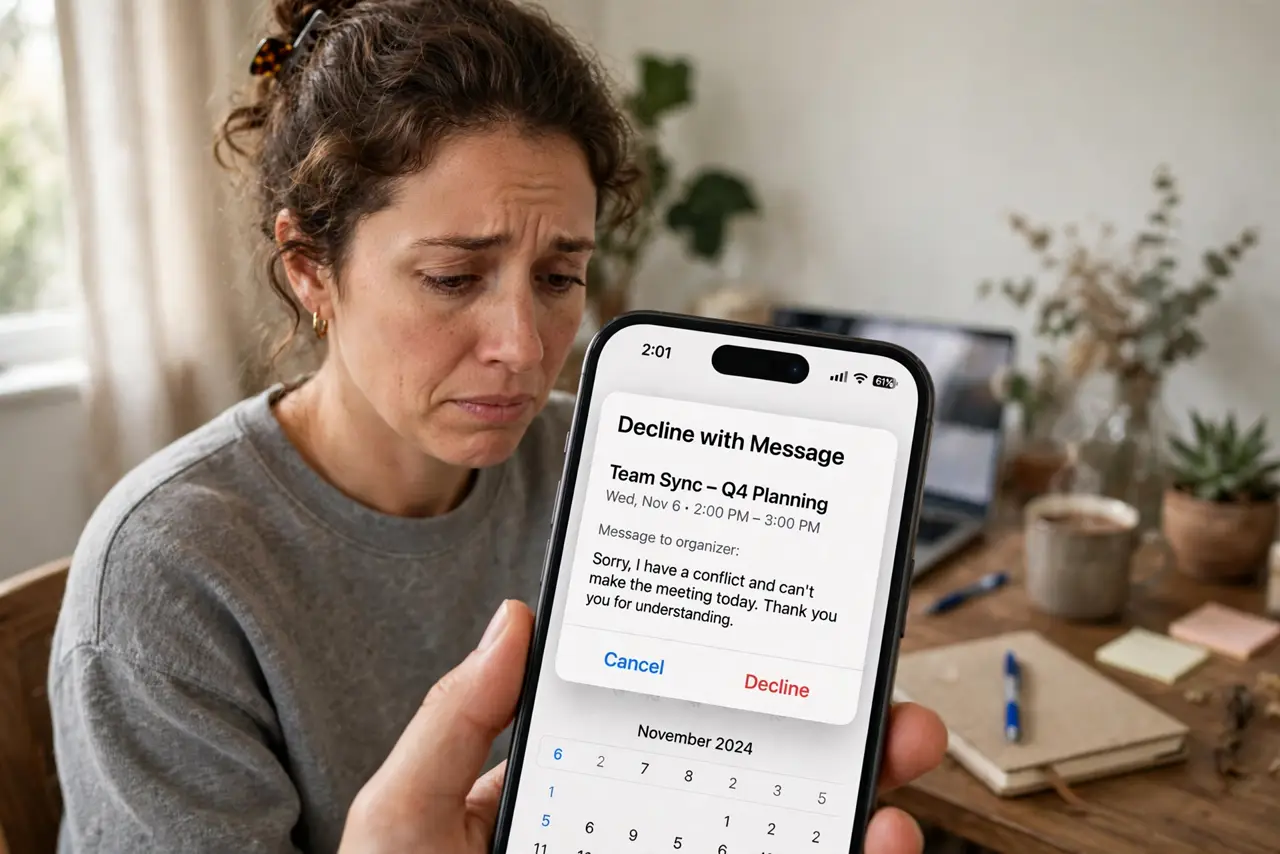
Quick fix: declining with a message lets you say no and explain in one step. Open the invite, choose Decline, and select the option to send a response with your note before confirming. The organizer gets your decline plus the message. Keep it brief — one honest sentence beats excuses.
Follow these steps
- Open the meeting invite. Tap or click the invite — from your email or directly on the calendar — to see the response options.
- Choose Decline. Select Decline rather than just deleting the invite. Deleting removes it silently; declining notifies the organizer.
- Pick the 'send a response' option. Most calendar apps offer: send response, send without response, or no response. Choose to include your message.
- Write one honest sentence. 'Can't make it — deadline crunch this week' beats a paragraph. Brief, true, and kind is the formula.
- Send and move on. Confirm. The organizer receives your decline with the note, and the event leaves your calendar.
- Propose an alternative when it matters. If the meeting matters but the time does not, add 'free Thursday afternoon if that helps' — a decline plus an option softens everything.
What NOT to do
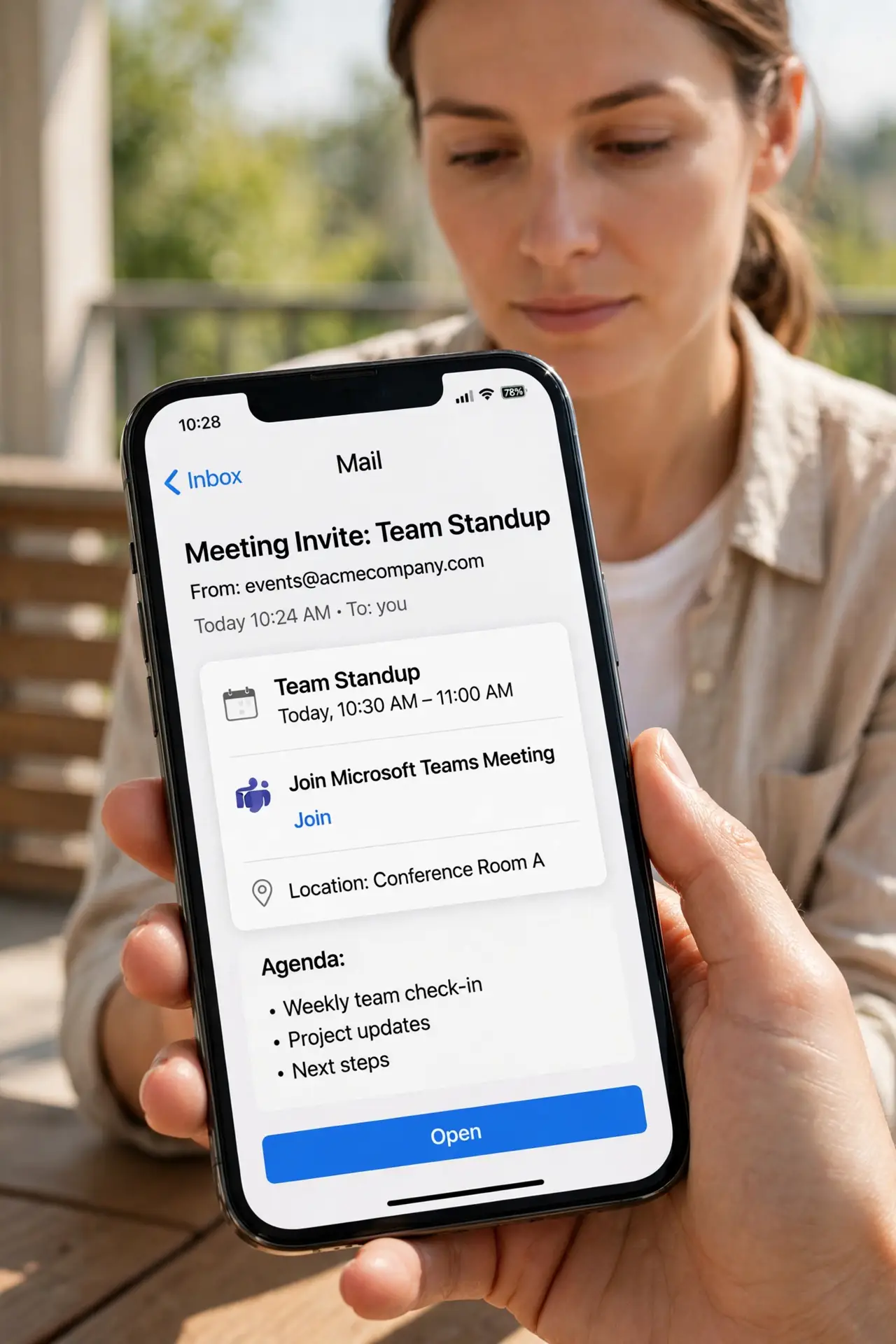
- Do not decline without any response for meetings you were personally invited to. Silence reads as rudeness; one sentence fixes it.
- Do not over-explain. A long excuse invites debate about your excuse — keep it short and final.
- Do not decline recurring meetings one by one. Decline the series (or ask to be removed) instead of playing whack-a-mole weekly.
- Do not use decline-with-message to negotiate. If you want a different time, propose it — do not decline and hope they read your mind. See declining without notifying for the silent option.
Frequently asked questions
Does the organizer always see my message?
If you chose to send a response, yes. If you picked 'decline without sending a response,' they see only the decline.
Can I decline after previously accepting?
Yes — open the event and change your response to Decline. The organizer is notified of the change.
What if I want to decline but keep the event visible?
Use Tentative instead, or decline and manually re-add a private hold on your calendar.