Calendar Duplicates After Sync? Clean Them Up
Duplicate events appear when two calendars sync the same events, or one calendar is added twice. Removing the extra calendar source fixes the cause, while deleting events one by one only treats the symptom.
TL;DR / Quick Fix
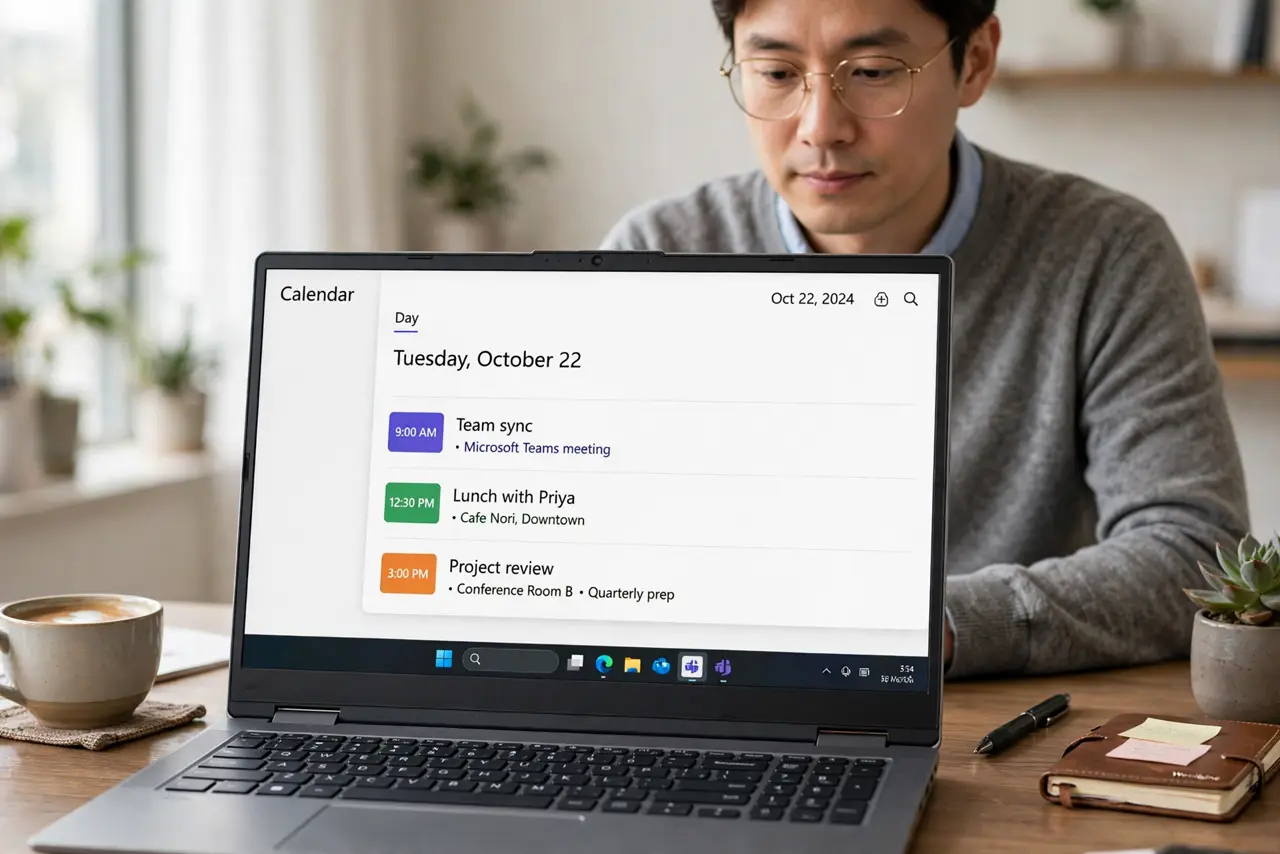
Quick fix: check your calendar list for the same calendar added twice, hide or remove the duplicate source, and then delete the extra events. After that, sync once and check that each event appears only once. Last, avoid adding the same calendar twice again to confirm it.
Follow these steps
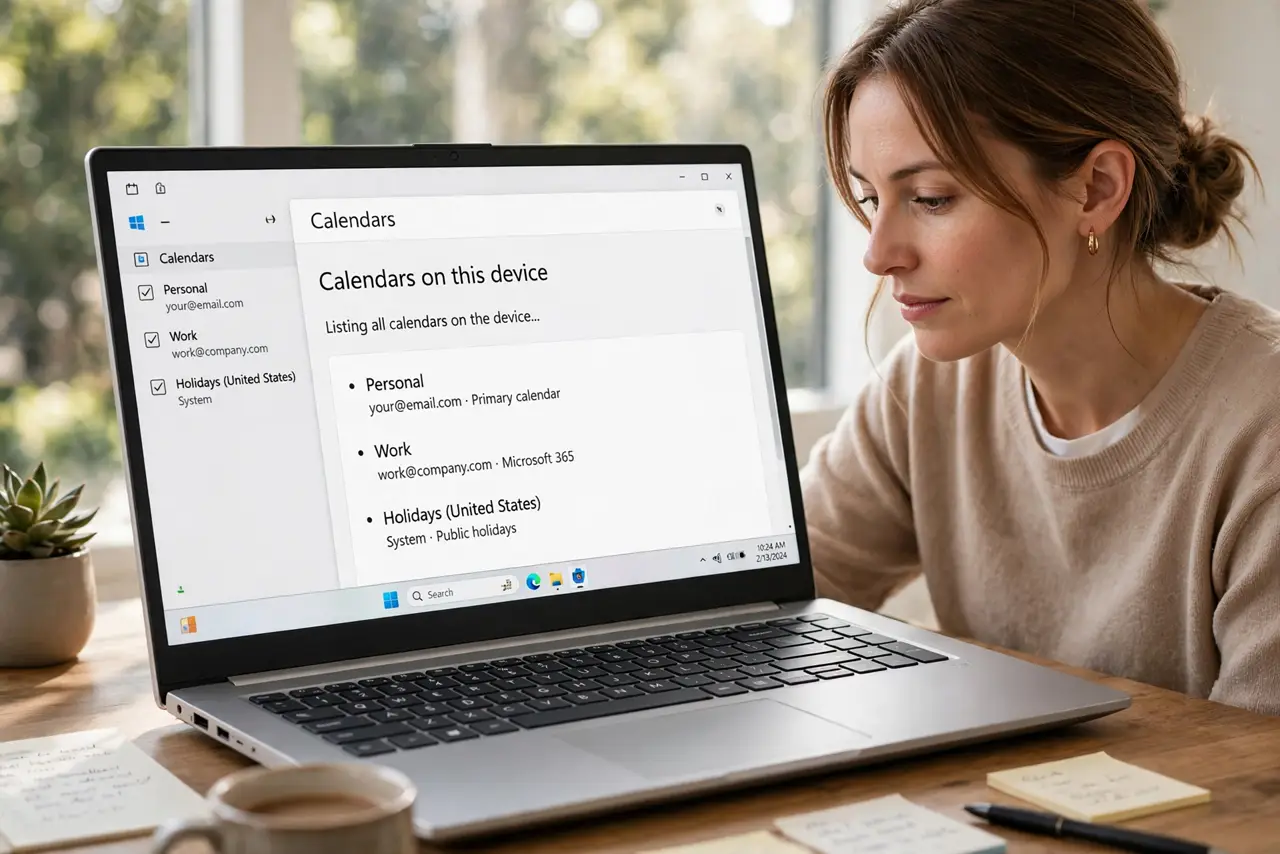
- List all calendars on the device. Open calendar settings and list every calendar account and subscribed calendar. The duplicate source is usually visible as the same name twice.
- Hide calendars one at a time to find the duplicate. Hide one calendar at a time and watch the duplicates. When the extras disappear, the calendar you just hid is the duplicate source.
- Remove the duplicate calendar source. Remove or unsubscribe from the duplicate calendar, keeping the original. Removing the source prevents new duplicates from syncing in.
- Delete the leftover duplicate events. Delete the extra events that remain after removing the source. Delete carefully, keeping one copy of each real event.
- Sync once and check. Run a manual sync, then browse several days and confirm each event appears once. A clean sync confirms the source fix worked.
- Avoid adding the same calendar twice again. When adding a calendar on a new device, check the list first. Adding an account that is already there is how duplicates return.
What NOT to do
- Do not delete all events to clear duplicates. You will lose real events along with the extras.
- Do not keep two copies as a backup. A backup belongs in an export file, not as duplicate events on your calendar.
- Do not turn sync off and on repeatedly. Each fresh sync can recreate duplicates if two sources still overlap.
- Do not edit duplicate events separately. Edits to one copy will not reach the other, and the calendar will diverge.
Frequently asked questions
Why did sync duplicate my events?
The same calendar was added twice, or two accounts sync the same events, so each event arrives through two paths.
Will removing a calendar delete my events?
Removing a duplicate source removes its copy. The original calendar keeps its own events.
How do I stop duplicates on a new phone?
Add each calendar account once, check the calendar list, and sync before adding anything else.