Find a Meeting Time
'Does Tuesday work?' 'No, how about Thursday?' 'Thursday is bad...' — the scheduling thread from hell, twenty messages to find one hour. Calendar apps can find the time for you: share your availability, let attendees pick, or let the app propose slots where everyone is free. The thread ends before it begins.

TL;DR / Quick Fix
Quick fix: in Google Calendar, create the event and use Find a time to see everyone's free slots side by side, or send a scheduling link so attendees pick from your availability. Propose three specific times instead of asking 'when works' — constraints end threads.
Follow these steps
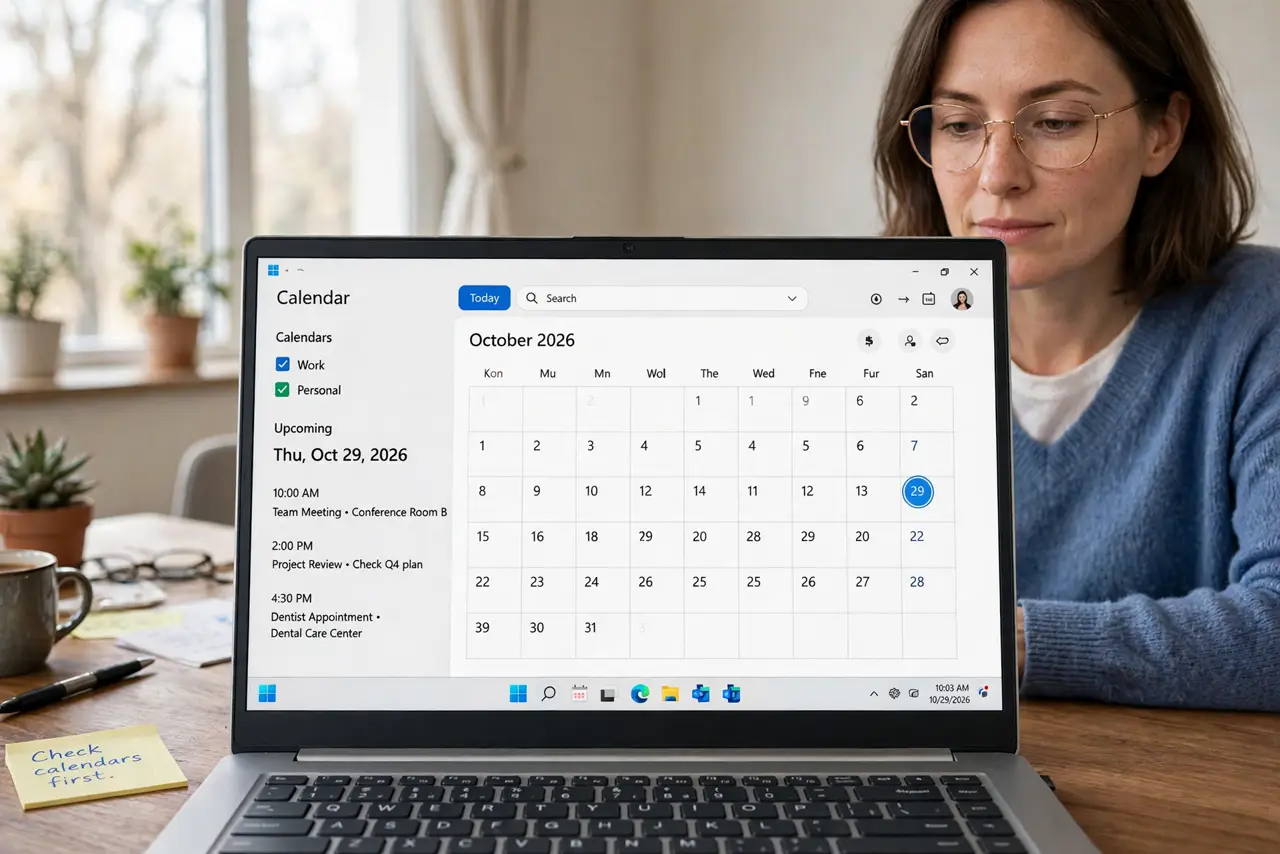
- Check calendars first. Before proposing anything, look at your own calendar for the week. Proposing times you are actually free is step zero — the thread dies when the proposer double-books.
- Use Find a time. In Google Calendar's event editor, the Find a time tab shows guests' free and busy blocks side by side. Pick a green slot — the app did the comparing for you.
- Send a scheduling link. For external guests, share your appointment schedule link and let them pick from your open slots. No back-and-forth at all — they choose, it books, done.
- Propose three times. In the email, offer three specific options: 'Tue 10, Wed 2, or Thu 11?' Specific choices get answers; open questions get threads. Three is the magic number.
- Set a default duration. Keep the meeting to 25 or 50 minutes instead of 30 or 60. Shorter defaults force focus and give everyone buffer time — the schedule breathes.
- Confirm the timezone. For anyone remote, state the timezone explicitly in the invite. '2 PM ET' prevents the classic one-hour-off disaster — never assume shared context.
What NOT to do
- Do not ask 'when works for you?' open-ended. Open questions breed threads — propose specific times instead.
- Do not schedule without checking. Proposing blind then moving it twice is worse than checking first.
- Do not forget timezones. Remote attendees plus assumed timezones equals missed meetings — state it every time.
- Do not book back-to-back without buffers. The 25/50-minute habit exists because humans need transitions.
Frequently asked questions
What if nobody's calendars are shared?
Use a scheduling poll — a simple poll with time options works across any calendar system, no sharing needed.
How far ahead should I schedule?
For internal meetings, a few days; for external, one to two weeks. Urgent things get a call, not a thread.
Can I automate recurring scheduling?
Yes — appointment schedules with recurring availability handle regular 1:1s. Set it once; booking runs itself.