Focus Time That Auto-Declines New Meetings
Deep work keeps getting eaten by new meetings. A focus time block that auto-declines invites protects those hours, so the work that matters actually gets done.
TL;DR / Quick Fix
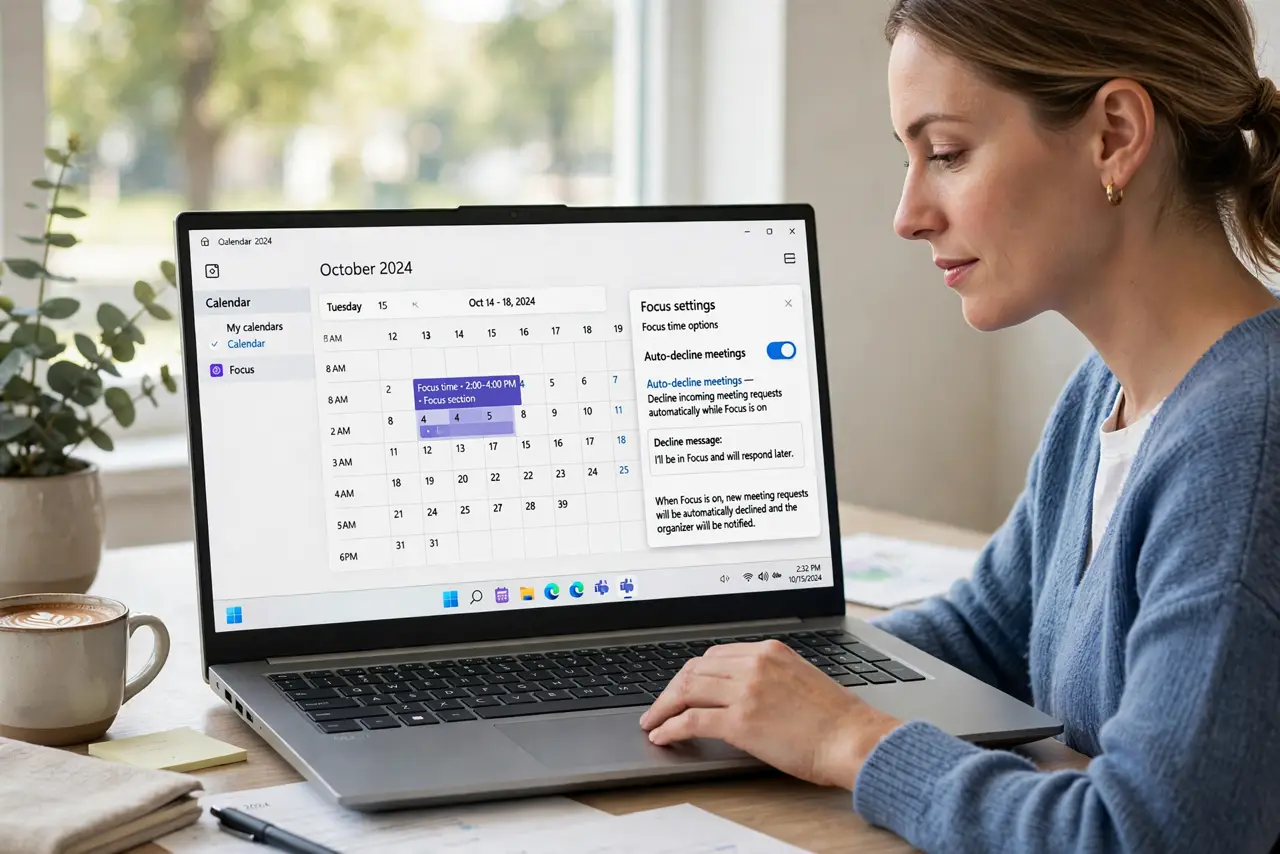
Quick fix: create a recurring event named Focus Time on the hours you guard, set it as busy, and turn on auto-decline for new invites in those hours. Then tell your team the block is real, and watch the interruptions drop.
Follow these steps
- Create a recurring focus block. Add a repeating event named Focus Time on the hours you want to guard. Recurring beats one-off, since protection needs to happen every week.
- Set the block as busy. Mark the event as busy so your availability shows occupied. A free focus block is just a label, while a busy one actually blocks.
- Turn on auto-decline. Look in your calendar settings for automatic declines during focus time or busy hours. With it on, new invites in those hours get declined without your daily effort.
- Write a clear decline message. Set the auto-decline message to explain the block and suggest another time. A polite message keeps the decline from feeling like a rejection.
- Tell your team it is real. Mention the focus block to regular contacts. Settings enforce it, but people respect a block they understand.
- Protect it like a meeting. Treat the block as unmovable unless something truly urgent appears. A focus block you keep moving is a focus block nobody believes in.

What NOT to do
- Do not create the block and then ignore declines. Review declined invites weekly, so nothing important slipped through.
- Do not block your whole day as focus time. Guard a few real hours, since an all-day block just pushes meetings into chaos.
- Do not skip the decline message. A silent auto-decline confuses organizers, while one clear sentence keeps goodwill.
- Do not let the block slide for non-urgent requests. Every exception teaches people the block is optional.
Frequently asked questions
What is focus time auto-decline?
A calendar setup where a focus block marks you busy and new invites in those hours get declined automatically.
How many focus hours should I block?
A few per week to start. Guard the hours where your best work happens, not the whole calendar.
What if something urgent needs the slot?
Keep a path for true urgency, like a message to you directly, while routine invites keep getting declined.