Add Holidays to Your Calendar
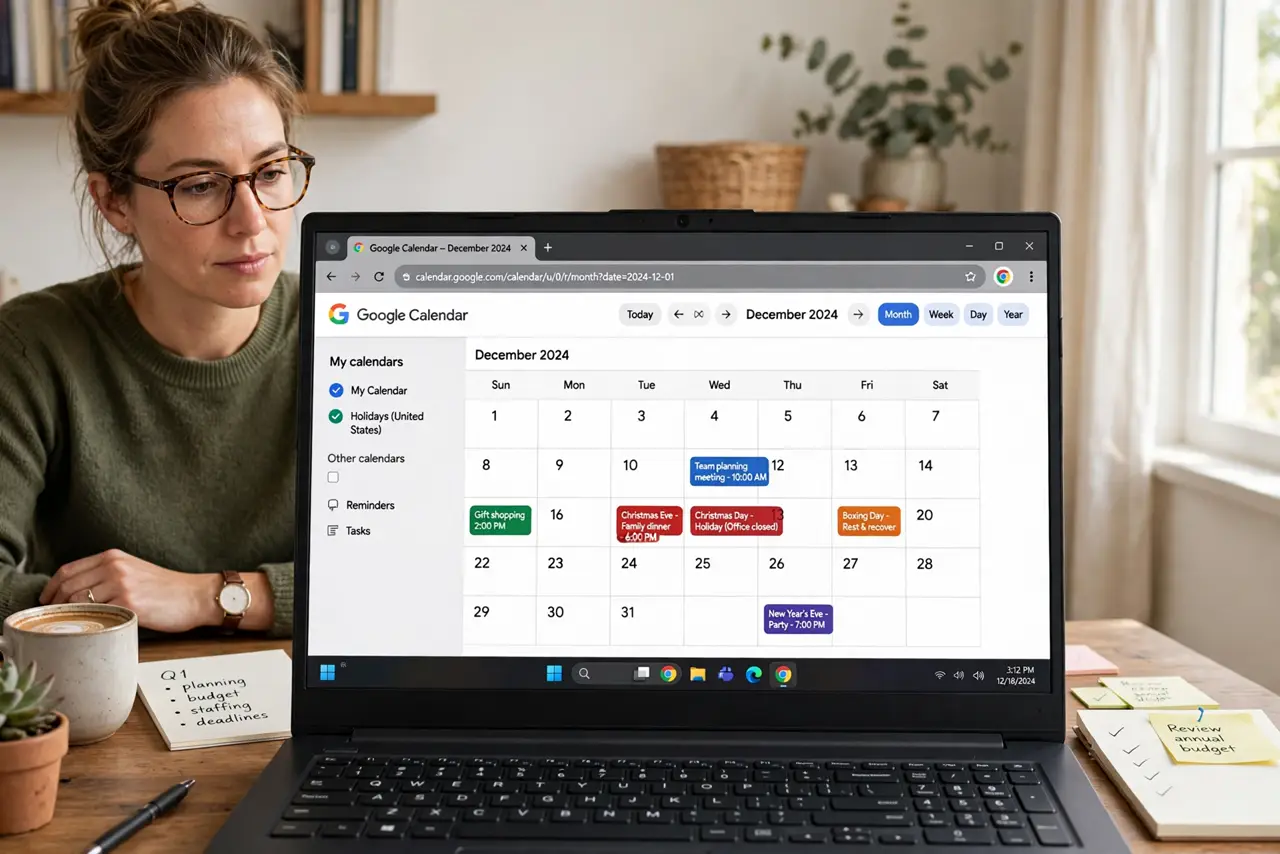
Planning around holidays you forgot exist is how deadlines die. Google Calendar can overlay public holidays for any country as all-day events, so the days off are visible when you schedule. Here is how to add them — and the right country.
TL;DR / Quick Fix
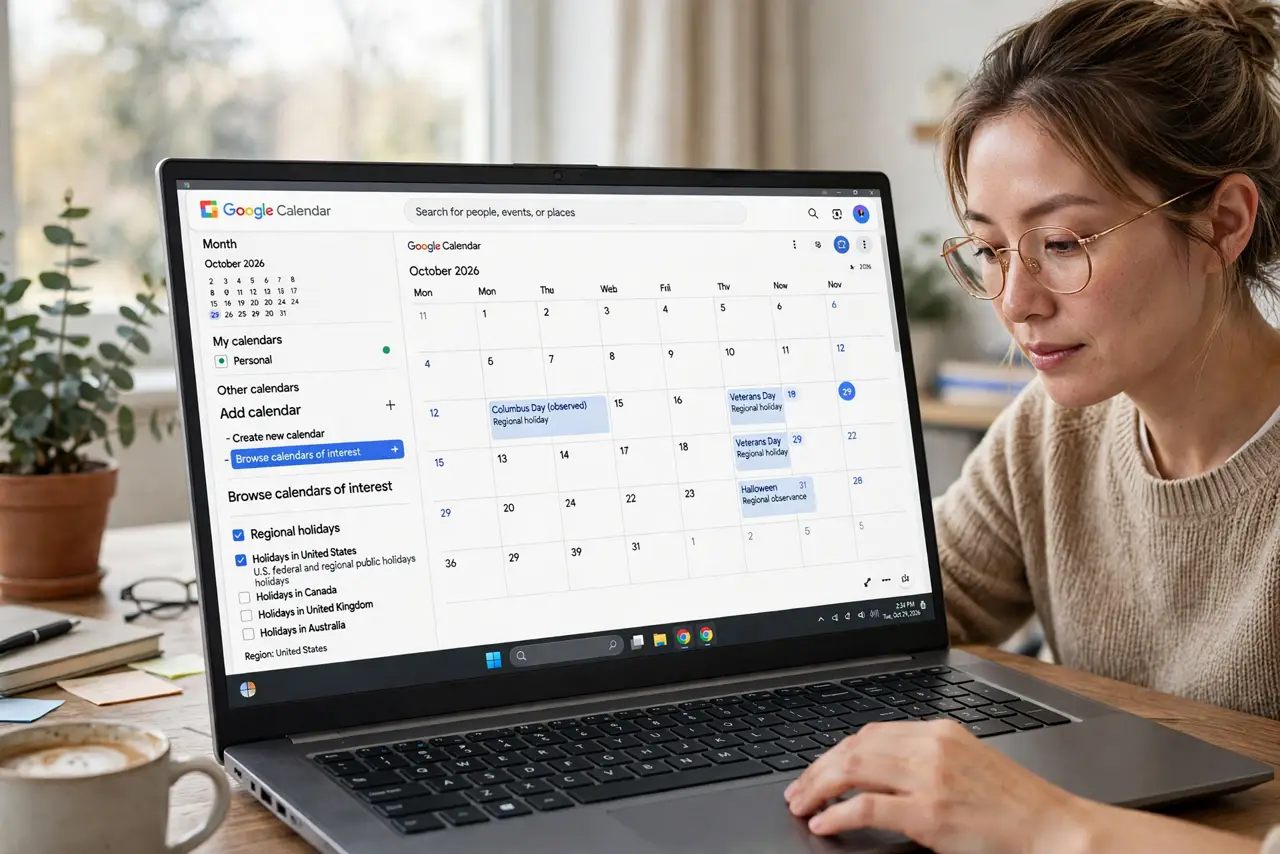
Quick fix: in Google Calendar go to Settings > Add calendar > Browse calendars of interest > Regional holidays, pick your country, and subscribe. Holidays appear as all-day events. Pick the country you work in, not just live in — and re-check yearly, since holiday lists update.
Follow these steps
- Open regional holidays. Settings > Add calendar > Browse calendars of interest > Regional holidays. One list per country.
- Pick the right country. Choose the country whose holidays affect your work — where your team or clients are, not just where you sleep.
- Subscribe and verify. Check the box and flip to month view. The year holidays should appear as all-day events immediately.
- Add a second country if needed. Work across borders? Subscribe to both countries lists. Two holiday layers beat one surprised deadline.
- Watch for holiday-adjacent planning. Holidays create dead days around them. When scheduling, glance at the days before and after — half the team is usually out.
- Refresh yearly. Holiday lists update — new observances, moved dates. Re-check the subscription each January.
What NOT to do
- Do not pick the wrong country list. A foreign Thanksgiving on your calendar is just confusing.
- Do not treat every holiday as your day off. The calendar shows public holidays; your time off is your business.
- Do not schedule launches on major holidays. The calendar warned you — check it before committing dates.
- Do not forget regional holidays differ within countries. States and provinces have their own — check yours.
Frequently asked questions
Why is a holiday missing from my calendar?
The regional list may not include observances or regional days. Add those as personal all-day events.
Can I get holidays for two countries?
Yes — subscribe to both regional lists. They display as separate layers you can toggle.
Do holiday events sync to my phone?
Yes — like any subscribed calendar. Toggle it in the mobile app if it does not show.