Show Moon Phases
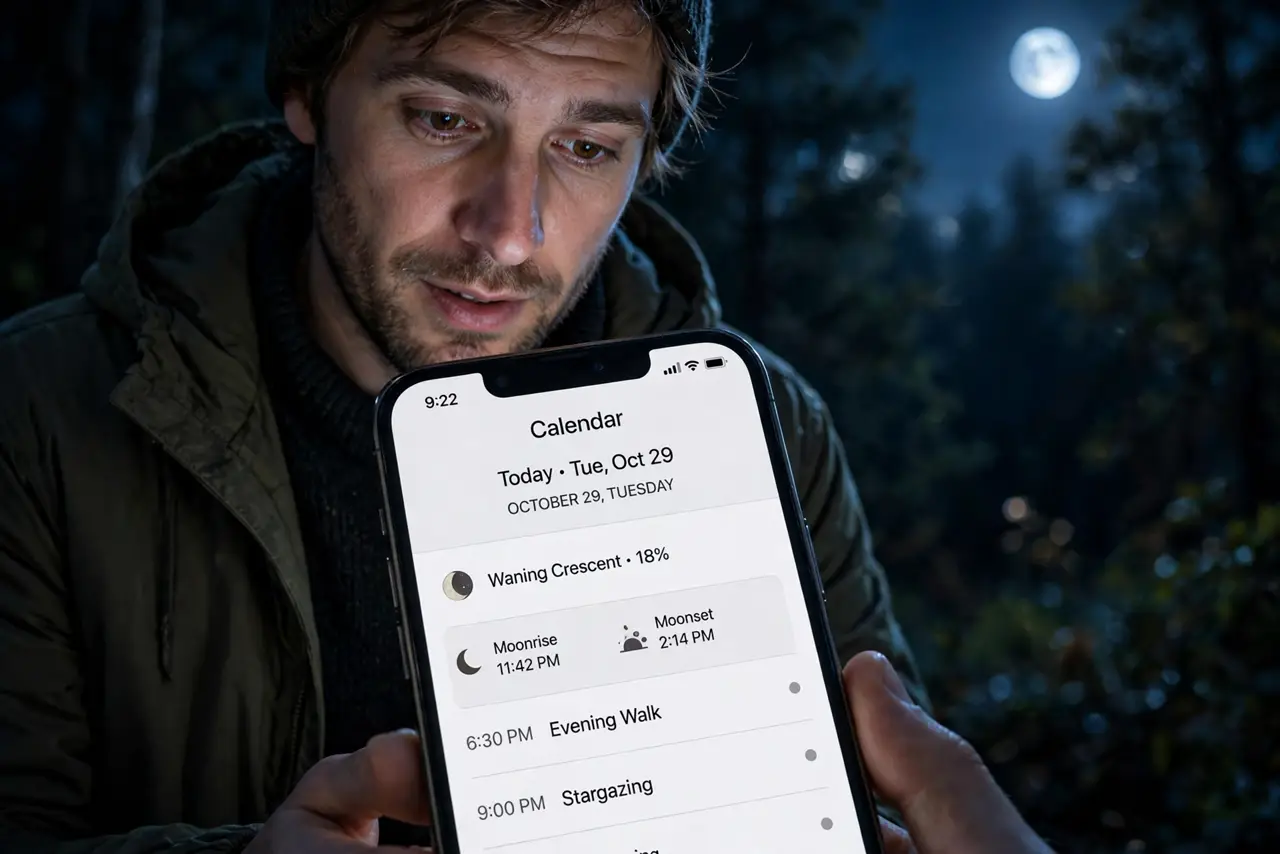
A tiny moon icon on each day — photographers, gardeners, anglers, and the merely curious all have reasons to want lunar phases on their calendar. Google Calendar hides this in the same calendars of interest menu as holidays. Here is the two-click setup.
TL;DR / Quick Fix
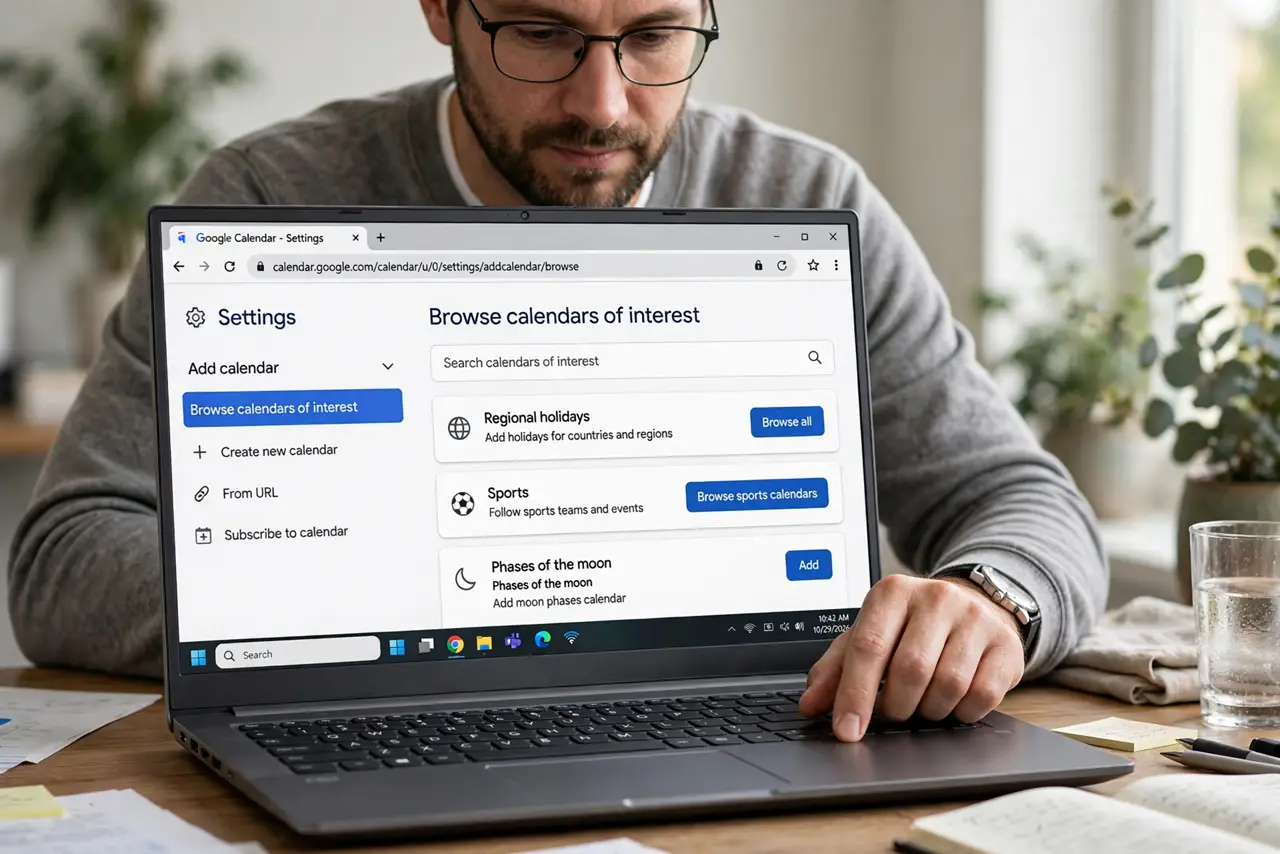
Quick fix: in Google Calendar go to Settings > Add calendar > Browse calendars of interest > Moon phases and subscribe. A small moon icon then marks each day's phase. It's display-only, so add a manual event if a full moon matters to your plans.
Follow these steps
- Open calendars of interest. Settings > Add calendar > Browse calendars of interest — the same menu as holidays and birthdays.
- Subscribe to Moon phases. Check Moon phases. The icons appear on day cells across month and week views.
- Learn the icons. New, crescent, quarter, gibbous, full — the icon shows the phase at a glance. Hover for the exact name.
- Use it for planning. Photographers want the new moon dark sky; others want the full. Plan shoots, tides, or garden tasks around the icons.
- Add reminders manually. The moon layer never notifies. For the date that matters, create a real event with a reminder on top of it.
- Toggle it off when done. Uncheck it in the sidebar after the season passes. Display layers should come and go with need.
What NOT to do
- Do not expect notifications from the moon layer. It is a picture, not an alarm.
- Do not plan precision work on icons alone. Check an astronomy source for exact rise and set times.
- Do not leave every interest calendar on. Moon plus holidays plus birthdays plus sports is visual soup.
- Do not confuse the icon with an event. You cannot attach notes or guests to a moon phase.
Frequently asked questions
Why do I not see moon icons on the phone app?
The mobile app may not render the moon layer. Check the desktop web view — the subscription syncs, the icons may not.
How accurate are the phases?
Accurate to the day for general purposes. For exact times, use a dedicated astronomy app.
Can I get moonrise times in Calendar?
No — the layer shows phase icons only. Times need a separate source.