Reminders vs Tasks? Difference
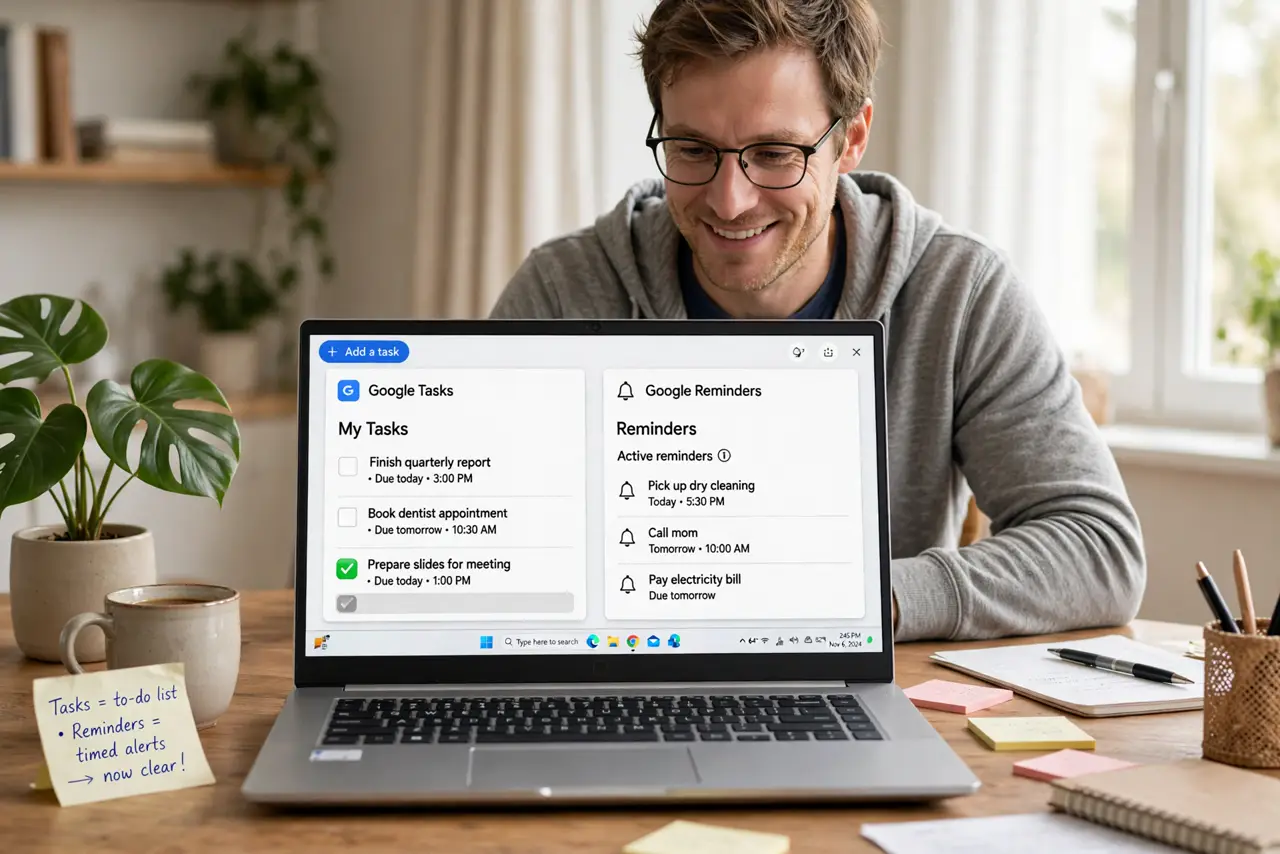
Google has both Reminders and Tasks, they look similar, and Google keeps merging them — no wonder everyone is confused. Here is the plain difference, which to use now, and how to move without losing anything.
TL;DR / Quick Fix
Quick fix: use Google Tasks for everything new — it's the system Google is keeping, with due dates, subtasks, and Calendar integration. Reminders are the legacy system being phased out. Migrate by recreating important reminders as tasks; Google's own migration prompts handle the rest.
Follow these steps
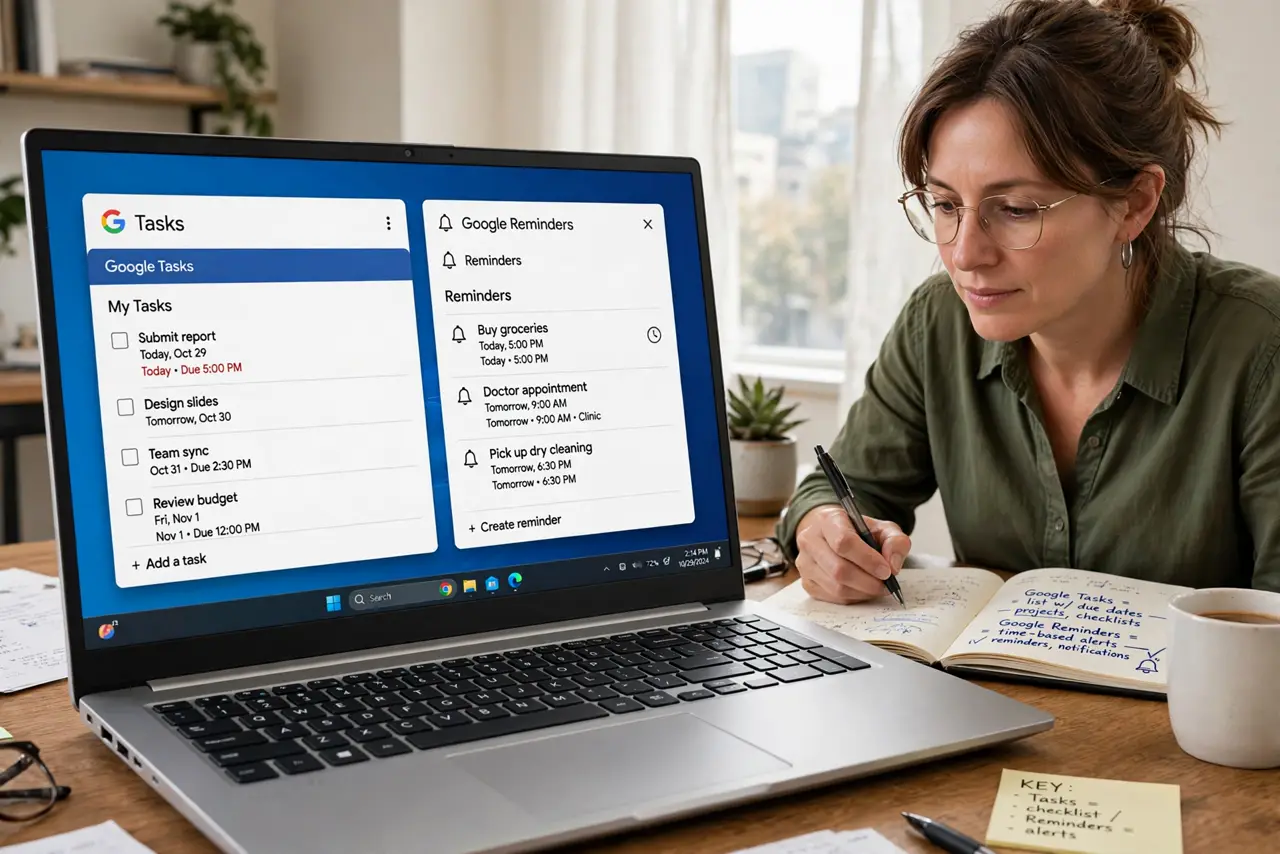
- Know which is which. Tasks: lists with due dates, subtasks, notes — the kept system. Reminders: the older, simpler nudge system Google is retiring.
- Commit to Tasks for new items. All new to-dos go in Tasks. Splitting new items across both systems is how things get lost.
- Recreate critical reminders as tasks. For each important reminder, make a Task with the same date and detail. Critical items deserve the manual move — do not trust memory.
- Follow Google migration prompts. Google surfaces prompts to convert reminders to tasks. Accept them — then verify the important ones landed.
- Use the Calendar integration. Tasks show on their dates in Calendar. Reminders never integrated this well — another reason to move.
- Delete the old reminders. Once migrated, delete the legacy reminders. Two systems with the same items is a contradiction waiting to happen.
What NOT to do
- Do not keep using Reminders because it is familiar. The familiar system is the one being retired.
- Do not migrate by memory. Open the reminders list and convert deliberately — memory drops items.
- Do not run both systems in parallel long-term. Pick Tasks, move, delete — a clean cut beats a slow fade.
- Do not assume the migration caught everything. Spot-check your most important dates after converting.
Frequently asked questions
Are Reminders really going away?
Google has been migrating Reminders into Tasks for years. Treat Reminders as legacy and Tasks as the future.
Will my reminders convert automatically?
Google prompts for conversion, but verify — automatic moves deserve a manual spot-check.
Which works with Google Assistant?
Assistant-created items increasingly land in Tasks. Another vote for the kept system.