Share a Calendar With Family
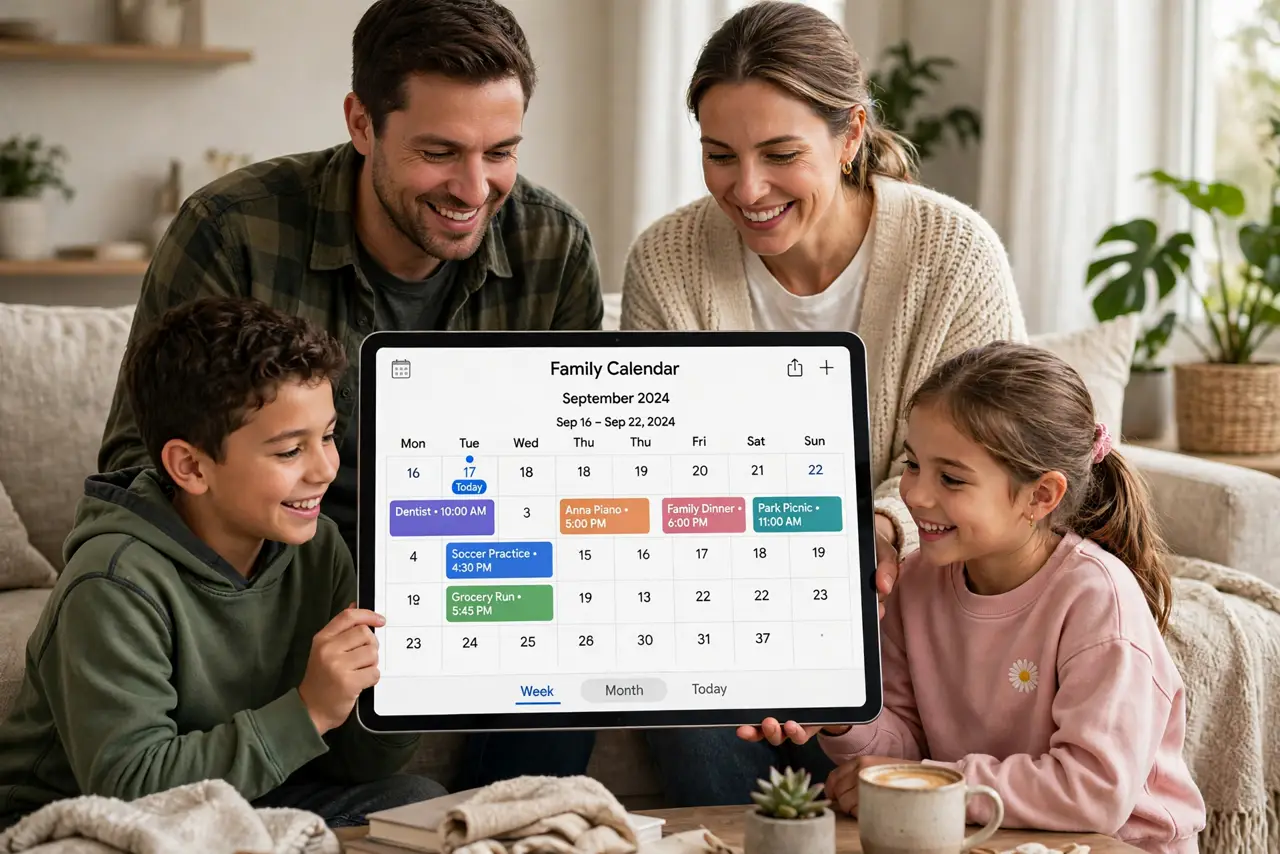
Family life runs on a shared schedule — school pickups, appointments, birthdays — but it lives in four different heads and three different apps. Sharing one calendar with the family puts everyone on the same page: one place where every event is visible to all. It takes five minutes to set up and ends the 'nobody told me' era. Here is how.
TL;DR / Quick Fix
Quick fix: sharing a calendar with family means everyone sees the same events without asking. In your calendar app, open sharing settings for the calendar and invite family members by email, choosing view or edit access. Most platforms also offer a dedicated family calendar that appears automatically for everyone.
Follow these steps
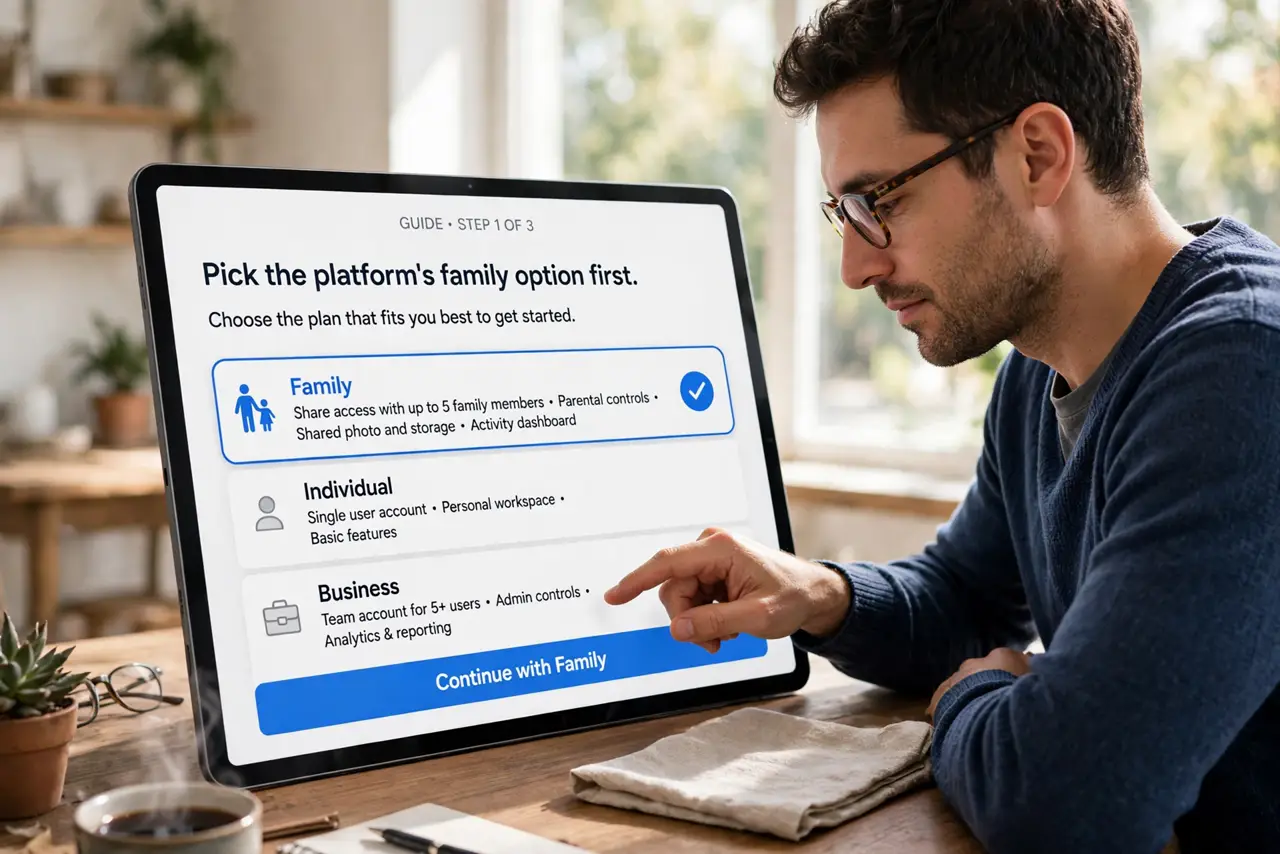
- Pick the platform's family option first. Apple, Google, and Microsoft all offer a built-in family calendar or family group. It is the path of least resistance — members get it automatically.
- Or share any calendar manually. Open the calendar's sharing settings, add each family member by email, and choose their permission: view-only for kids, edit for partners.
- Decide who can edit. View-only prevents accidental deletions by little fingers. Give edit rights to the adults who actually manage the schedule.
- Put shared events on the shared calendar. A family dinner on your work calendar helps nobody. Build the habit: family events go on the family calendar, always.
- Keep private events private. Personal appointments stay on your private calendar. On shared calendars, use the private event setting for anything sensitive.
- Review permissions yearly. Kids grow, circumstances change. A yearly check of who can see and edit keeps the sharing intentional.
What NOT to do
- Do not share your entire personal calendar with everyone. Share a dedicated family calendar instead — your private life stays private.
- Do not give edit access to everyone by default. One accidental 'delete all' from a curious kid ruins the week.
- Do not mix work events into the family calendar. Colleagues' meetings do not belong on the family schedule — keep the streams separate.
- Do not assume sharing is instant everywhere. New shares can take a few minutes to appear on everyone's devices — wait before troubleshooting.
Frequently asked questions
Everyone accepted but the calendar is empty — why?
You are probably looking at the wrong calendar. Make sure the shared family calendar is checked/visible in each person's app.
Can family members get notifications for shared events?
Yes — each person sets their own notification preferences for the shared calendar on their device.
What is the difference between a family calendar and just sharing mine?
A family calendar is a separate shared space. Sharing your personal calendar exposes everything — the separate calendar keeps boundaries clean.