Block Travel Time on Your Calendar
Back-to-back meetings in different places only work if you block the travel between them. Without a travel block, your calendar looks free and someone books the exact minutes you need to get across town. The classic version is the travel block before a meeting, and the same idea works between any two commitments.
TL;DR / Quick Fix
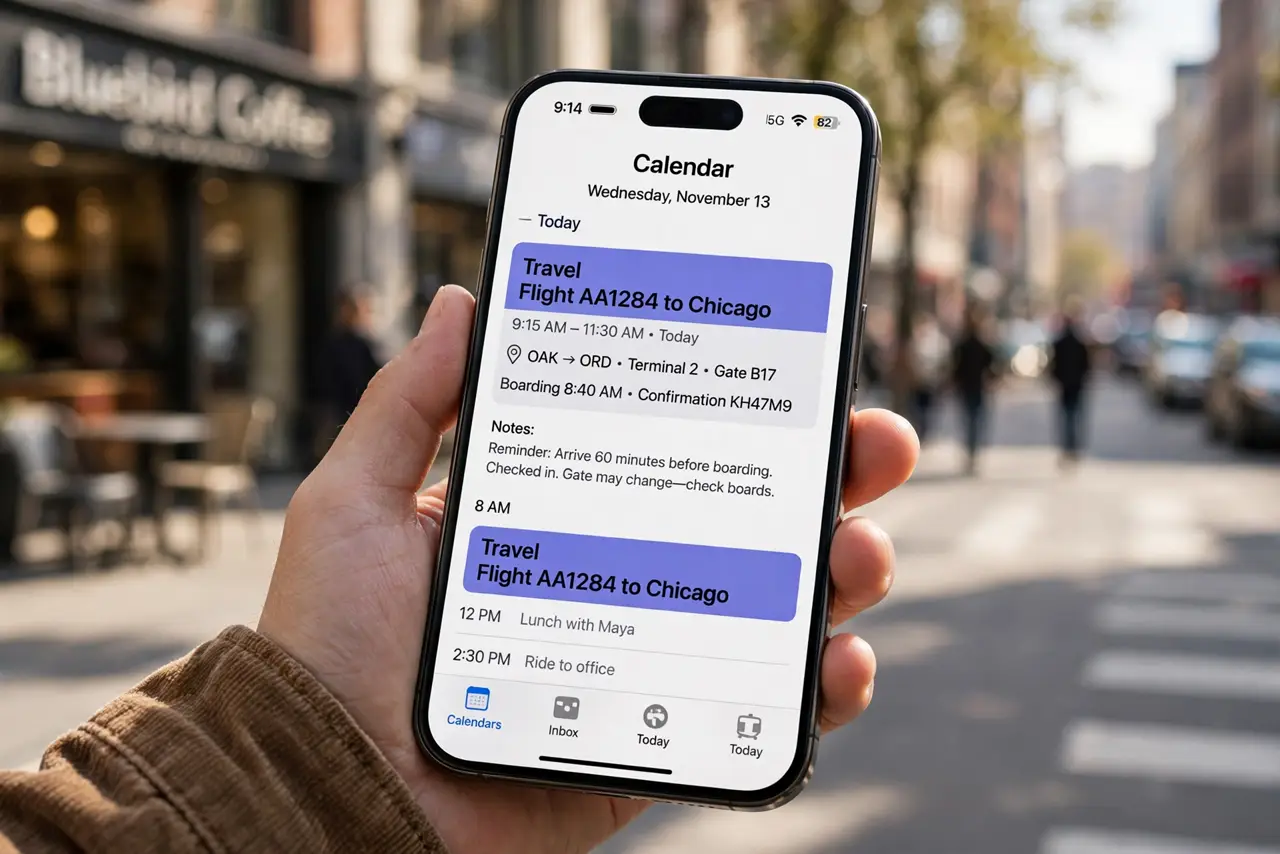
Add travel time as a real calendar event between commitments in different places, and mark it busy so nobody books over it. Estimate the trip honestly, add a small buffer, and include the route or address in the event notes. Review tomorrow's travel blocks each evening.
Follow these steps
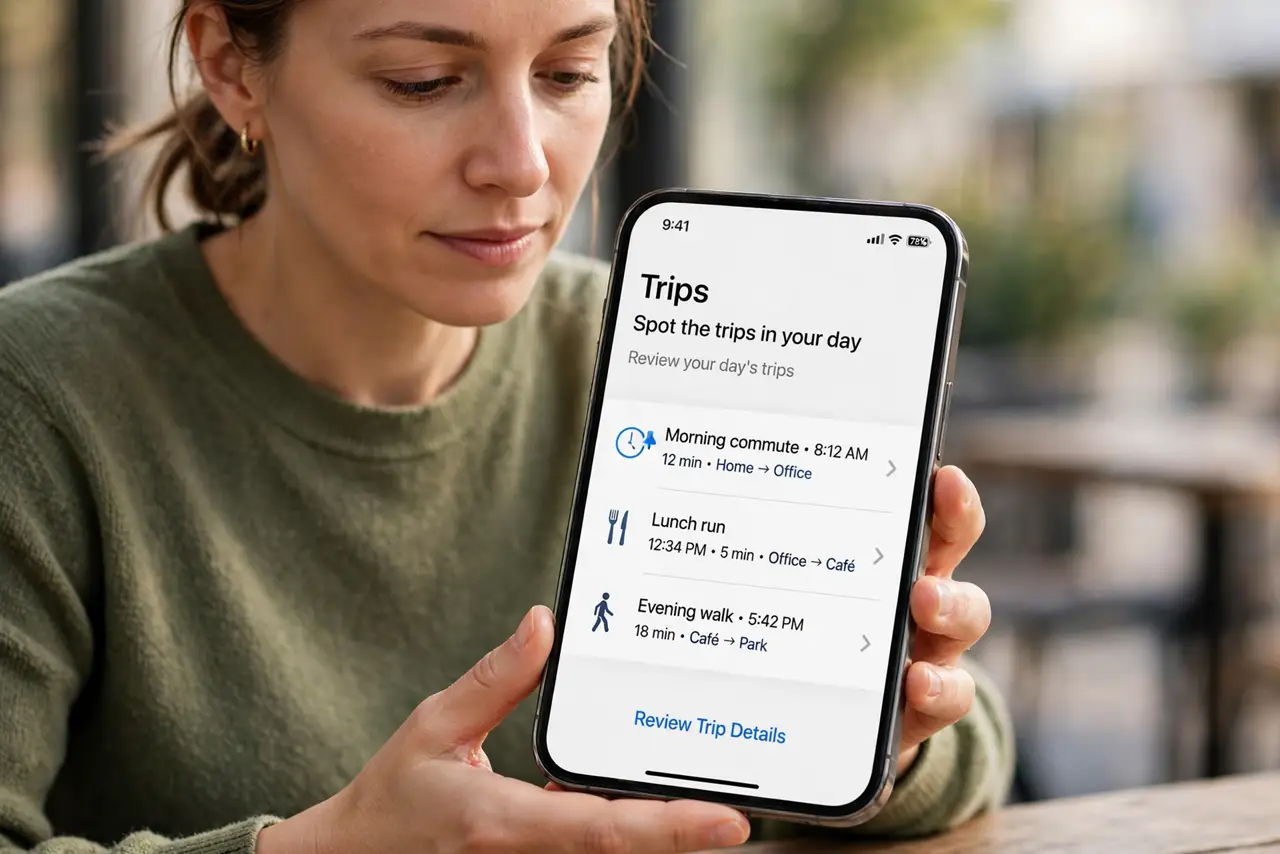
- Spot the trips in your day. Look at tomorrow's calendar and find every pair of commitments in different places. Each gap between them needs its own travel block.
- Estimate the trip honestly. Check a maps app for the real travel time at the hour you will actually travel, not the optimistic midnight estimate. Add five to ten minutes for parking, elevators, and finding the room.
- Create a travel event between the meetings. Add an event titled Travel to [place] in the gap, using the same travel-block habit you use before single meetings. Include the address and route in the description.
- Mark the block as busy. Set the event's availability to Busy so colleagues see you as unavailable. A block marked Free invites exactly the double-booking you are trying to avoid.
- Add buffer for the unexpected. Put a few spare minutes on each side of the trip for traffic or a late-running meeting. A tight block that assumes perfection fails on the first rainy day.
- Review travel blocks each evening. Glance at tomorrow's travel blocks before bed. If a meeting moved or was cancelled, resize or delete the travel block so phantom blocks do not eat your day.
What NOT to do
- Do not trust mental math for travel time. Write the block on the calendar, because a trip you only imagine always feels shorter than it is.
- Do not mark travel blocks as Free. A free block is invisible to scheduling, and someone will book right over your drive.
- Do not copy yesterday's block for a different trip. Traffic patterns change by hour and route, so re-estimate each trip.
- Do not skip the buffer to look more available. Looking busy for the real travel time is more professional than arriving late.
Frequently asked questions
How much travel time should I block?
The realistic door-to-door time plus five to ten minutes of buffer. Check a maps app at the actual travel hour, not at midnight.
Should travel blocks be public or private?
Mark them Busy so nobody double-books you, but keep the details minimal if your calendar is shared widely.
What if two meetings are in the same building?
Block the walking time anyway. Elevators, badge readers, and wrong turns still eat minutes.