World Clock in Calendar? How To
Google Calendar gives you one secondary time zone — but your team spans five. The world clock workaround puts multiple zones where you can see them while scheduling. Here is the practical setup.
TL;DR / Quick Fix
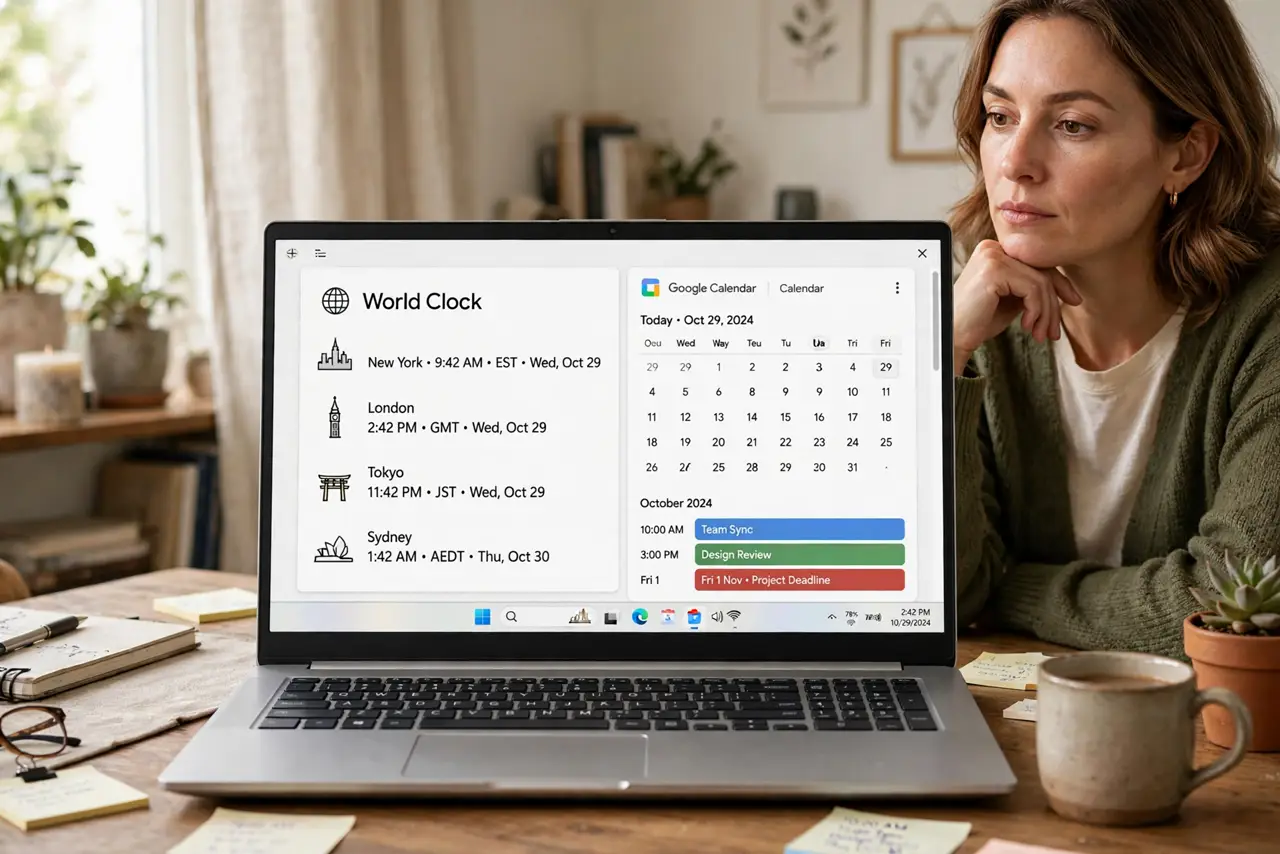
Quick fix: keep a world clock (Google Clock app or a widget) showing each teammate's city visible while scheduling in Calendar. Combine it with the secondary time zone setting for your two most-used zones. Name each clock by person ('Ana — Lisbon') so the human maps to the hour.
Follow these steps
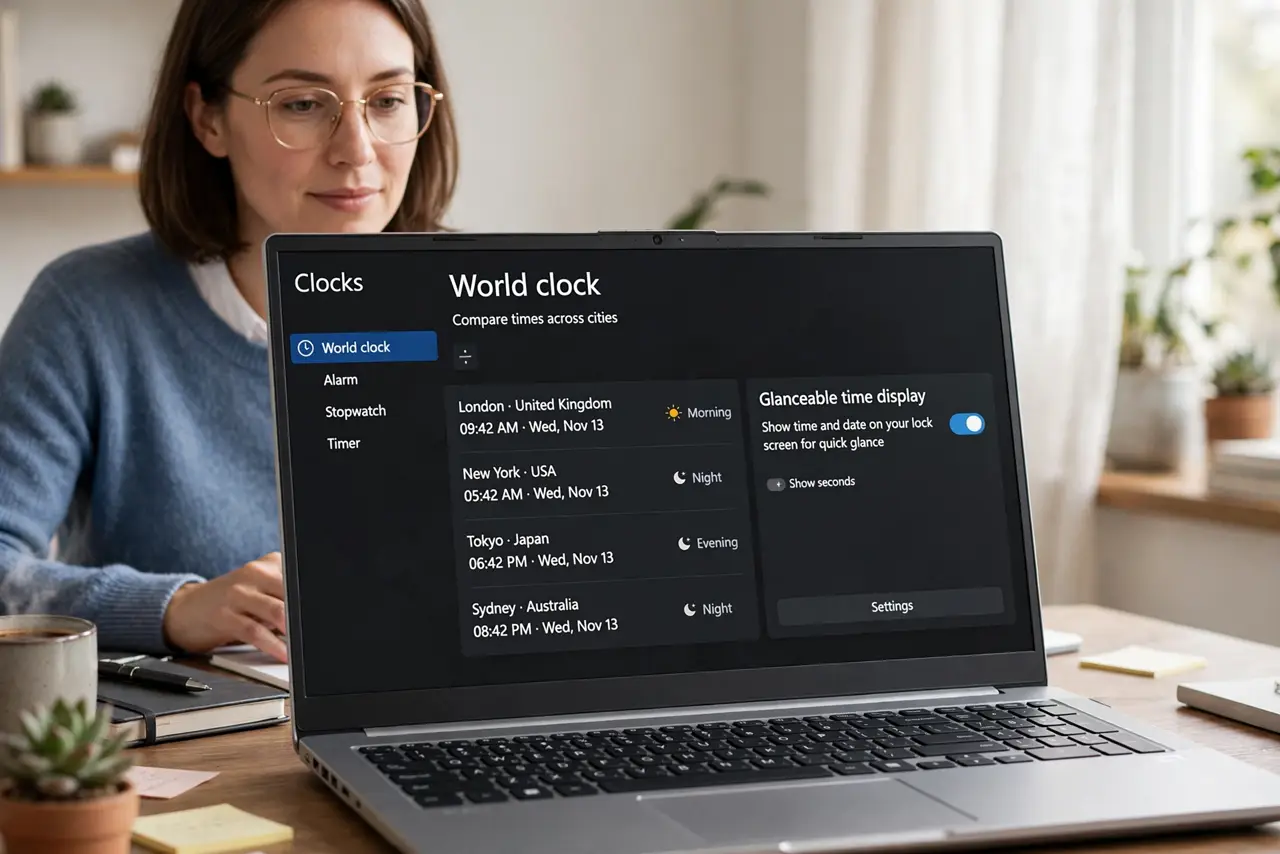
- Pick your world clock tool. Google Clock app world clock tab, a desktop widget, or a pinned converter tab — any persistent, glanceable display works.
- Add each teammate city. Add one clock per person-city. Name them by person — Ana — Lisbon — because you schedule with people, not cities.
- Keep it visible while scheduling. Side-by-side with the calendar tab, or on a second monitor. A world clock in another tab may as well not exist.
- Layer the secondary time zone. Set Calendar secondary zone to your most-used partner zone — the clock covers the rest.
- State the zone in every invite. Write 3 PM Lisbon / 10 AM New York in the description. Redundant clarity is the whole game across zones.
- Recheck at daylight saving. Relative offsets shift twice a year. Re-verify every clock the week clocks change.
What NOT to do
- Do not do zone math in your head at midnight. That is when the 12-hour errors happen — read the clock.
- Do not assume the offset you memorized still holds. Daylight saving changes it — verify, do not recall.
- Do not schedule 9 AM without a zone. Whose 9 AM? Always say.
- Do not rely on memory for colleagues cities. People move — the clock label should too.
Frequently asked questions
Why not just use the secondary time zone for everything?
Calendar allows only one secondary zone. The world clock covers zones three, four, and five.
What is the best free world clock?
Google own Clock app world clock is free and reliable; timeanddate.com converter handles the tricky conversions.
How do I handle a teammate who travels?
Ask for their current city each trip, or agree that all scheduling uses one reference zone — usually the company one.