Events in the Wrong Time Zone? Fix
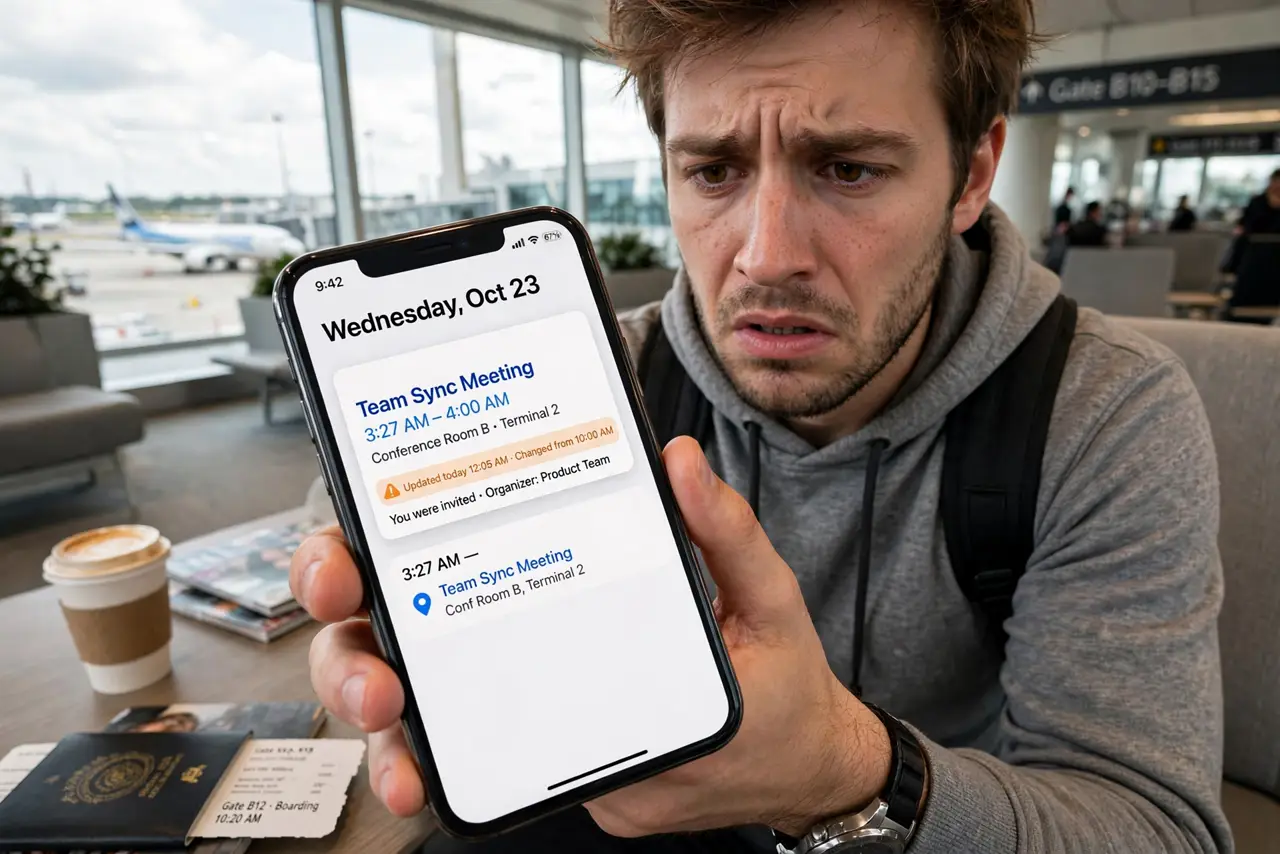
You land in a new time zone and your 9 AM meeting now shows at 4 AM — or invites arrive shifted by hours for no reason. Events in the wrong time zone are a settings mismatch: the calendar thinks you are somewhere you are not. The fix is quick once you find the right toggle. Here is how to get every event back to the right hour.
TL;DR / Quick Fix
Quick fix: events at the wrong time usually mean the calendar's time zone does not match where you are. Check the time zone in settings and on the event, especially after travel. Turn on automatic time zone if offered. Fix it once and all events snap back into place.
Follow these steps
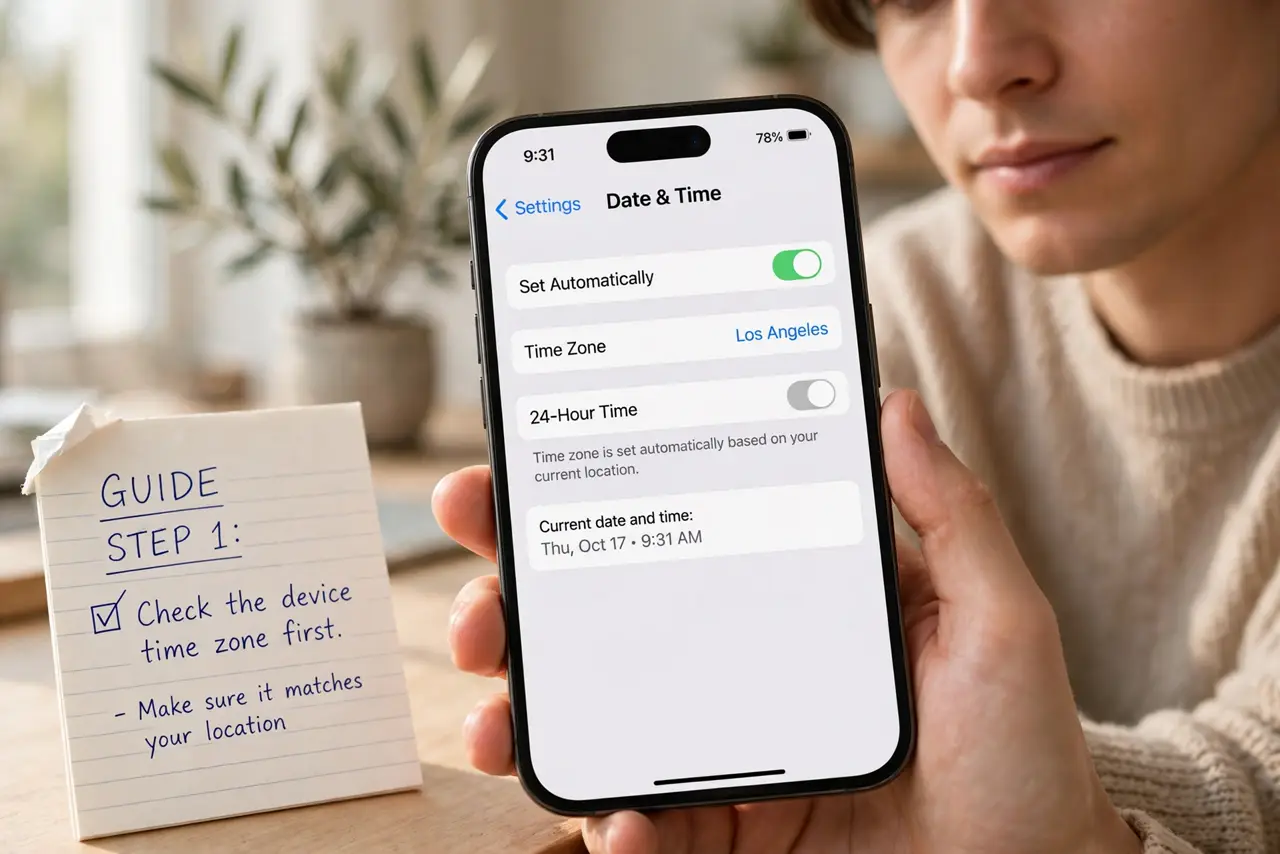
- Check the device time zone first. Open date and time settings and confirm the zone matches where you actually are. After travel, devices sometimes lag behind — this single setting shifts everything.
- Turn on automatic time zone. Let the device set the zone from the network. Manual zones go stale the moment you travel; automatic keeps up.
- Check the calendar app's own zone. Some calendar apps have their own time zone setting separate from the device. Both must agree — see meeting invite time zones for how invites convert.
- Inspect the event's zone. Open a wrong-looking event and check what zone it was created in. An event pinned to the old zone displays shifted until corrected.
- Fix recurring events carefully. A recurring event created in another zone may need its zone updated on the series, not just one instance — see recurring event exceptions.
- Verify with a known meeting. After fixing, check a meeting whose real time you know. If it reads correctly, the whole calendar is fixed.
What NOT to do
- Do not manually shift every event's time. Fix the zone setting once — editing events one by one fights the system and breaks on the next trip.
- Do not turn off automatic time zone 'to keep things stable.' It is the thing keeping things correct while you move.
- Do not ignore the event-level zone. A correct device zone plus one wrongly-zoned event still shows that event wrong.
- Do not panic about past events. Fix the setting going forward; historical events display per the zone rules in effect then.
Frequently asked questions
Why did all my meetings shift after my flight?
Your device kept the old time zone while you moved. Enable automatic time zone and everything snaps to the new local times.
An invite shows the wrong time but my zone is right — why?
The organizer may have created it with the wrong zone, or a secondary time zone display is confusing the reading. Ask the organizer to confirm.
Do all-day events shift with time zones?
They should not — all-day events are zone-independent. If one moved, it was probably created as a timed event by mistake.