Your Car Spies on You
Your car knows where you go, how fast you drive, and sometimes what you say — and many automakers share or sell that data to brokers and insurers. The connected features you enjoy are also a data pipeline. A few opt-outs in the car's settings and companion app shut most of it down. See the connected car details and the same fight on your smart TV.
TL;DR / Quick Fix
Quick fix: modern cars collect location, driving habits, and voice data — and many automakers share or sell it. Opt out of data sharing in the car's privacy settings and the companion app, and decline connected services you do not need. Your car should drive you, not report on you.
Follow these steps
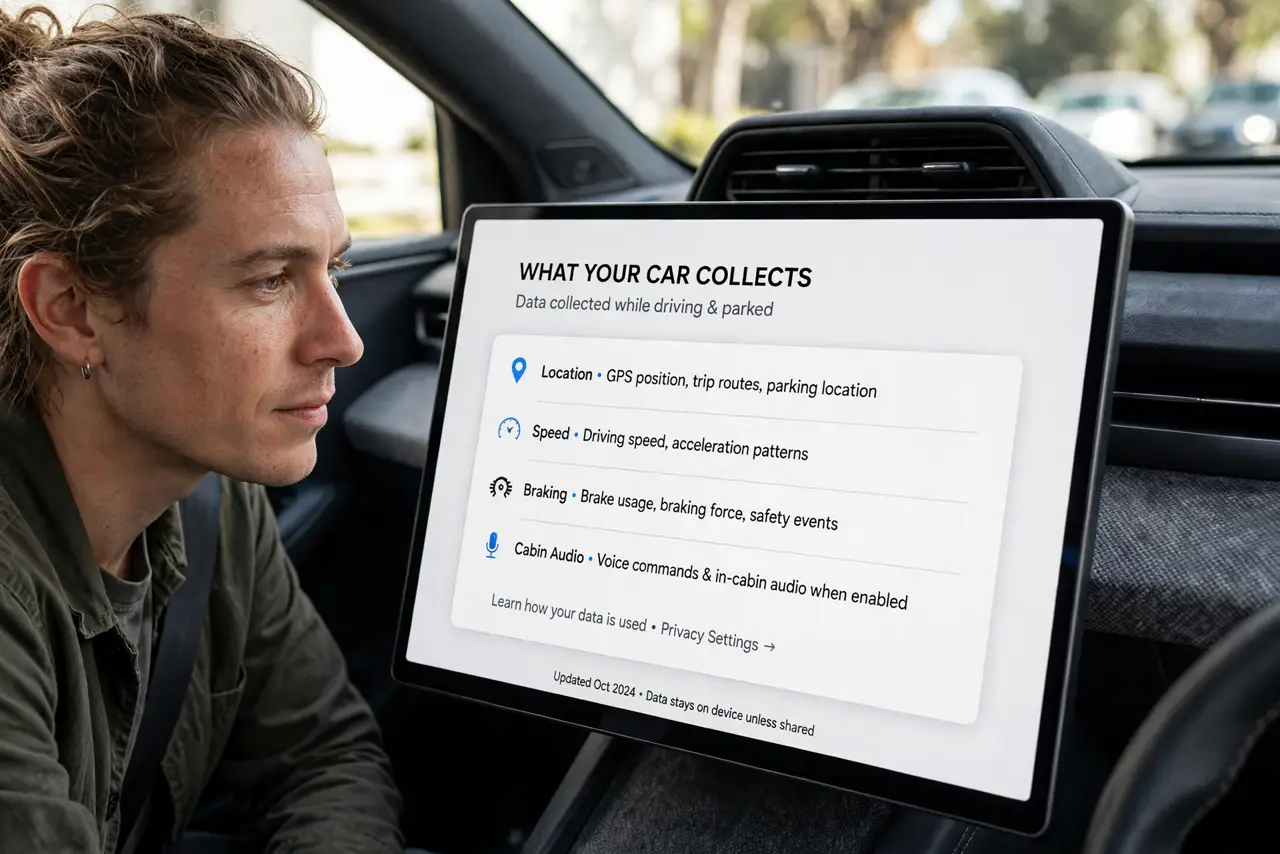
- Learn what your car collects. Modern cars log location, speed, braking, and sometimes cabin audio. The companion app adds your phone's data to the mix. Knowing the scope is step one.
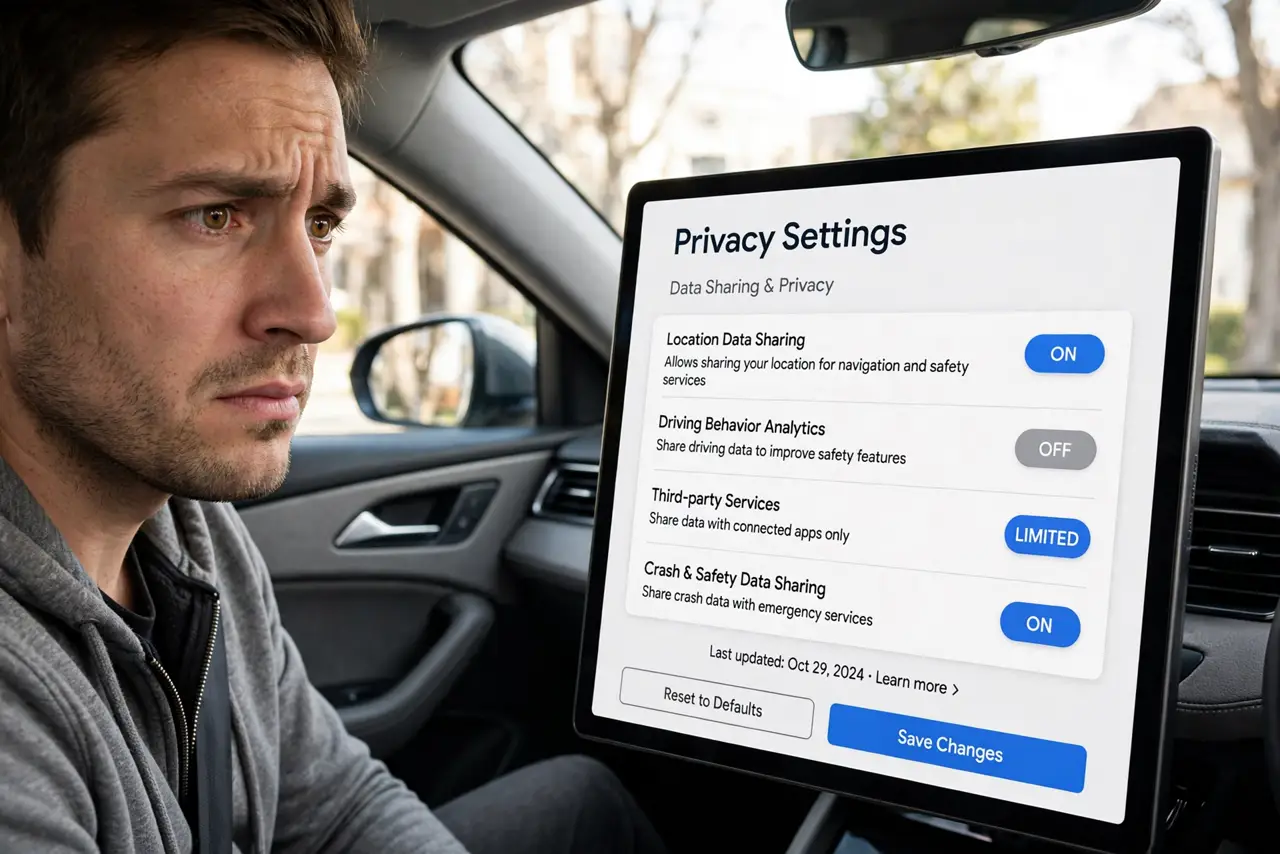
- Open the car's privacy settings. In the infotainment system, find privacy or data-sharing settings. Automakers bury these — check under settings, connected services, or legal menus.
- Opt out of data sharing. Decline sharing for marketing, analytics, and third parties wherever the car lets you. Keep only what a feature you actually use requires.
- Tame the companion app. The phone app often has its own data toggles plus location permissions. Restrict its location access and disable data sharing inside the app too.
- Decline connected services you do not use. Remote start, stolen-vehicle tracking, and concierge services each come with data collection. If you never use one, turn it off rather than leaving it on.
- Check before selling or returning. Factory-reset the infotainment system and remove the car from your app account when you sell or return it. Your trips should not go with the car.
What NOT to do
- Do not accept every connected feature by default. Each one is a data tap — enable only what you genuinely use.
- Do not ignore the companion app's permissions. It can be the bigger data collector than the car itself.
- Do not assume opting out is one toggle. Automakers split sharing across several menus — hunt them all down.
- Do not forget rentals and loaners. Sign out of your accounts and delete paired phones before returning any car.
Frequently asked questions
Which data do automakers sell?
Practices vary by brand, but location, driving behavior, and contact info have all been reported in broker datasets. Your brand's privacy policy names its sharing.
Can I use the car without connected services?
Yes — the car drives fine offline. You lose remote features, but navigation and driving work without an account.
Does opting out break anything?
Core driving never depends on data sharing. You may lose remote start or live traffic, which is the honest tradeoff.