A Carrier Port-Out PIN Protects Your Number
Your phone number can be moved to another carrier with surprisingly little verification, which is exactly what SIM swap attackers count on. A port-out PIN adds a secret code the attacker does not know, and it takes minutes to set.
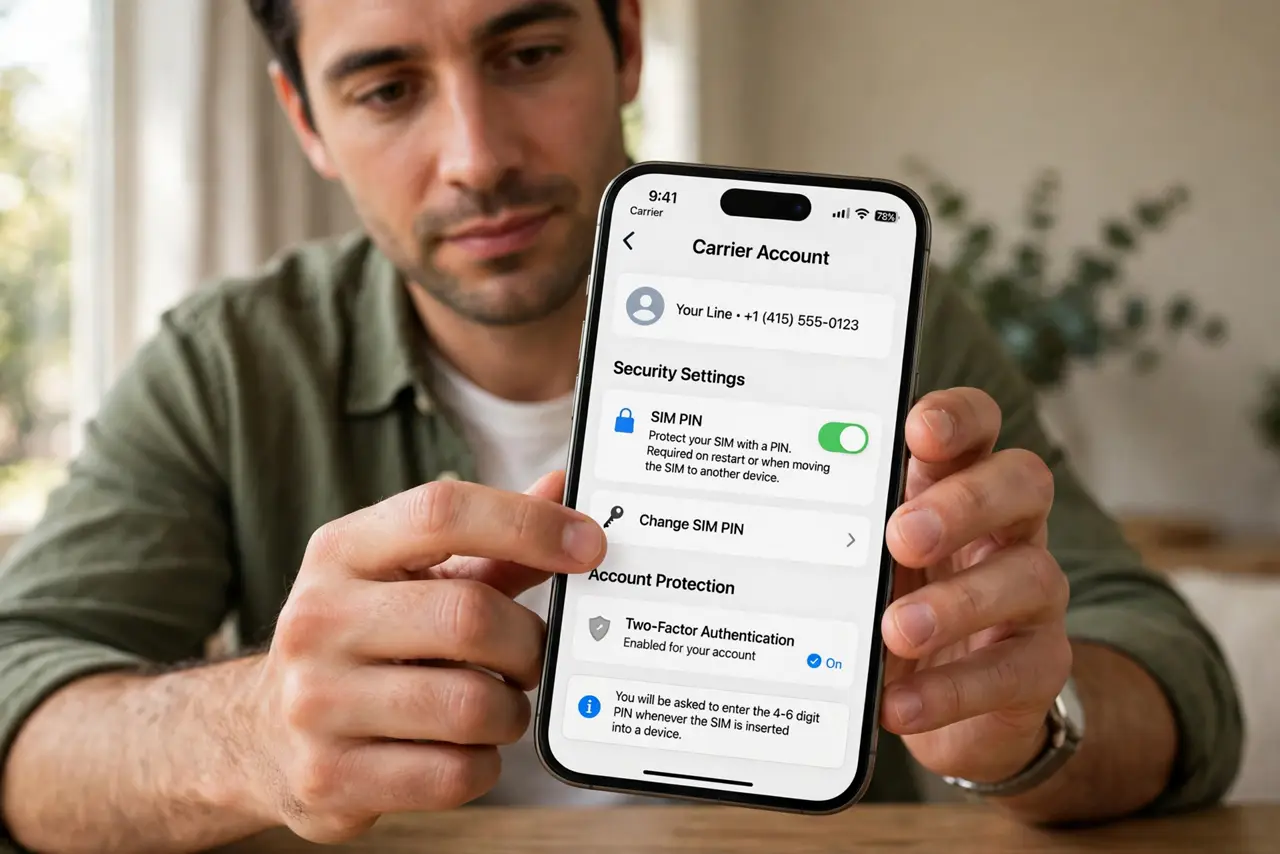
TL;DR / Quick Fix
Quick fix: call your carrier or open its app and set a port-out PIN and account passcode today. Use a code nobody can guess from your life, store it in your password manager, and ask the carrier to require it for every number transfer.
Follow these steps
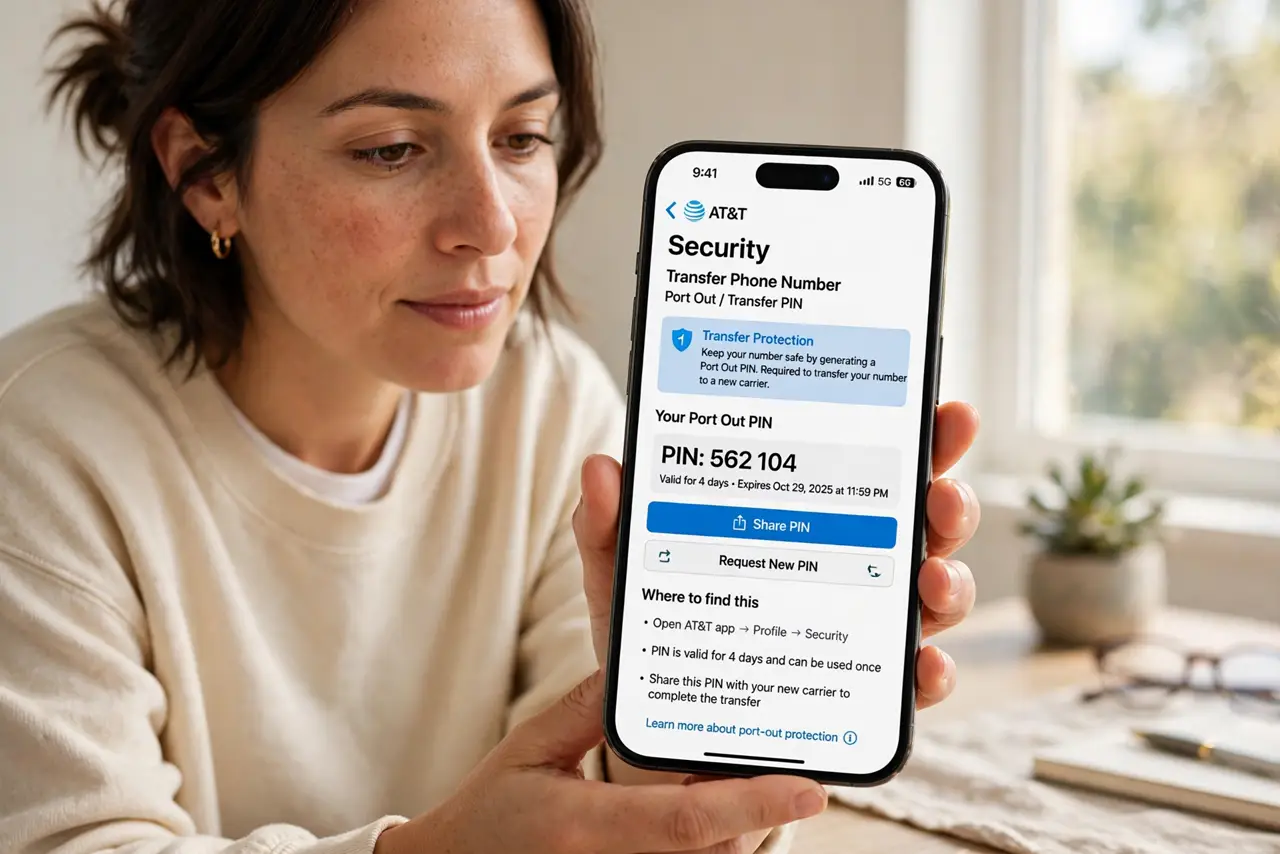
- Find the port-out or transfer PIN setting. Open your carrier's app or account site and look under security or profile. Every major carrier offers some form of transfer protection, though the name varies.
- Set a PIN nobody can guess. Choose random digits, not a birthday or address. Attackers research victims, so personal numbers are the first guesses.
- Add an account passcode too. Set a separate passcode for account changes by phone or chat. The port-out PIN guards transfers; the passcode guards everything else.
- Store both in your password manager. Save the PIN and passcode where you keep passwords, not in a notes app or on paper by the phone. You will need them rarely, so they must be findable.
- Ask the carrier to enforce it always. Confirm with support that no transfer or SIM change happens without the PIN. A PIN that staff can skip is decoration.
- Tell family on the same account. If others share your plan, their lines need the same protection. One unprotected line is the attacker's way in, as every SIM swap story shows.
What NOT to do
- Do not use your birthday as the PIN. Attackers know birthdays, so a personal PIN is barely better than no PIN.
- Do not set the PIN and forget where it is. You will need it for a legitimate carrier switch someday, so store it retrievably.
- Do not assume the carrier set it by default. Most carriers leave transfer protection off until you turn it on yourself.
- Do not share the PIN with anyone who calls you. Your carrier will never ask for it on an incoming call, and anyone who does is not your carrier.
Frequently asked questions
What is a port-out PIN?
A secret code your carrier requires before moving your number to another carrier, blocking unauthorized transfers.
Does it stop SIM swaps?
It stops the transfer-based kind and raises the bar for the rest. Pair it with app-based two-factor for the strongest setup.
What if I forget the PIN?
You can reset it with the carrier through identity verification, which is slower but keeps the protection real.