Password in a Past Data Breach? Change It Now
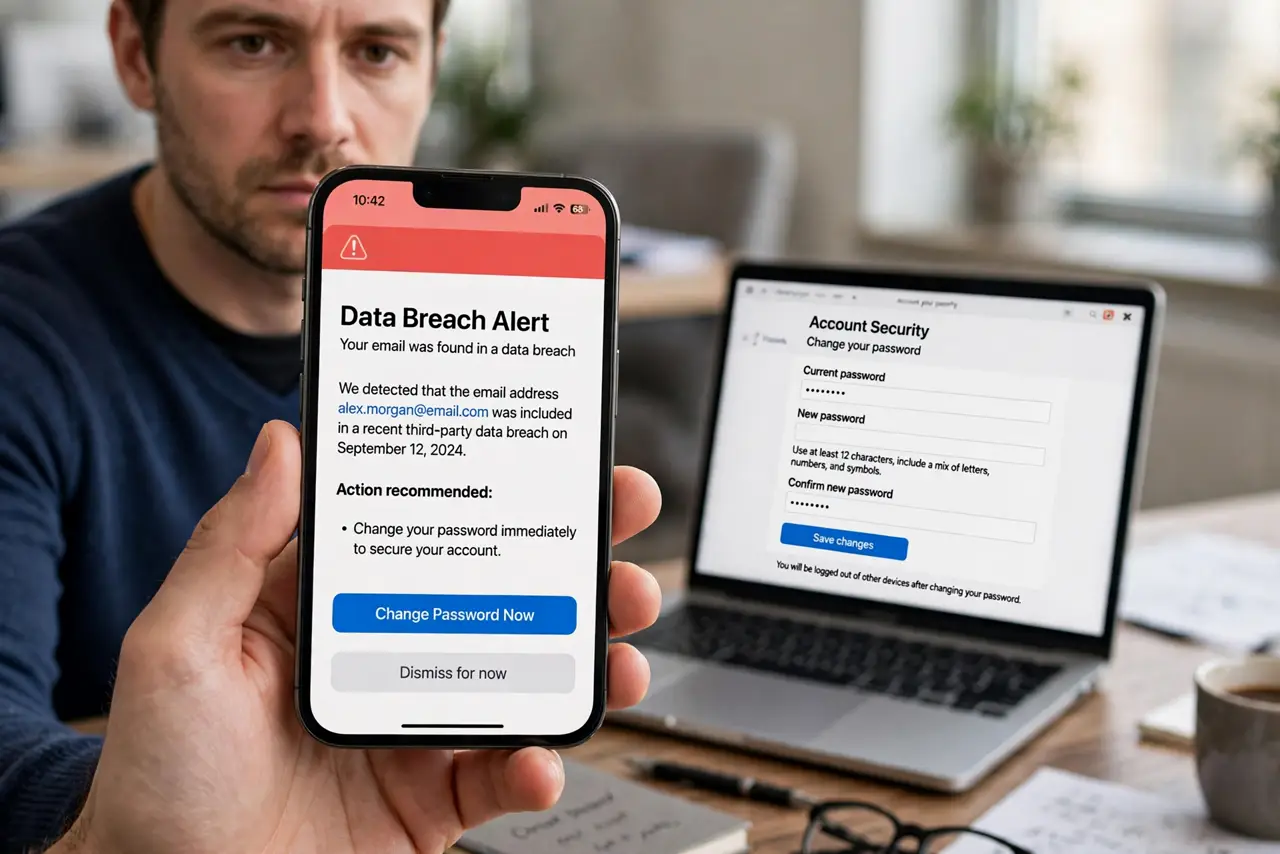
A breach notice does not always mean someone used your password, but it does mean the password can no longer be trusted. Change it everywhere it was reused, starting with email and banking, and add two-factor authentication.
TL;DR / Quick Fix
Quick fix: change the breached password everywhere you reused it, starting with email and banking, to fresh, unique passwords. Turn on two-factor authentication, store the new passwords in a password manager, and watch for unusual activity. Replace it everywhere, starting today.
Follow these steps
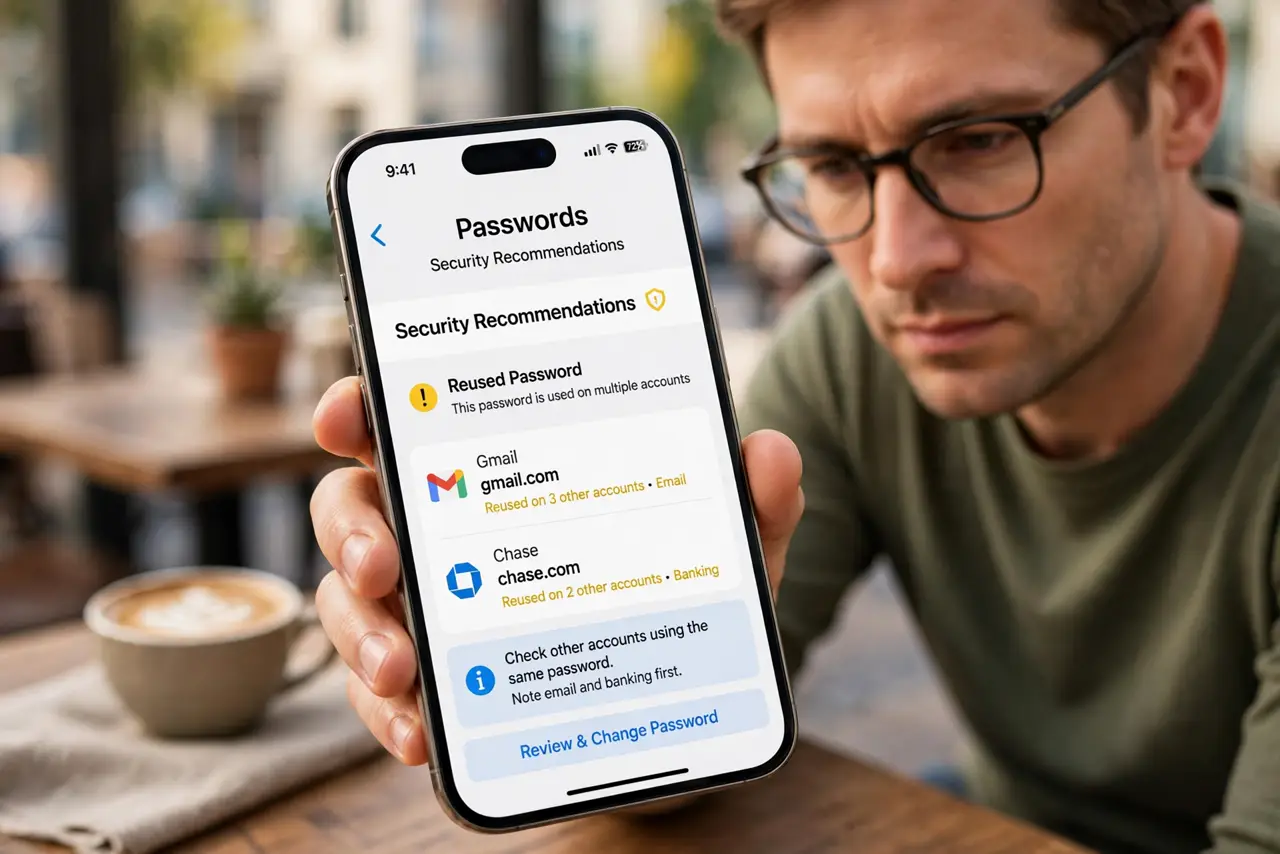
- Find where the password was reused. Check your browser saved passwords, or your password manager, for other accounts using the same password. Note email and banking first.
- Change email first. Change your email password to a fresh, unique one. Email controls resets for many accounts, so a breached email password is the most urgent to replace.
- Change banking and payment next. Change banking, payment, and shopping passwords next. Watch statements closely for a few weeks after a breach notice.
- Change every other reuse. Work through the remaining accounts that shared the password, giving each a unique replacement. A password manager makes this far faster.
- Turn on two-factor authentication. Turn on two-factor authentication on email, banking, and social accounts. A second factor protects accounts even if another password leaks later.
- Watch for unusual activity. Check recent activity, sessions, and sent items on important accounts for a few weeks. Report anything unfamiliar through the official app or site.
What NOT to do
- Do not keep using a breached password because nothing bad happened yet. A breach means the password is out there, whether or not it has been used.
- Do not change it to a close variation of the old password. Attackers try variations, so the replacement must be genuinely new.
- Do not ignore a breach notice for an old account you no longer use. Delete the old account if possible, or change its password anyway.
- Do not click a breach notice link to change the password. Go to the real site yourself, through a bookmark or typed address.
Frequently asked questions
How do I know if my password was breached?
Breach check tools and notices from the service itself can tell you. Use a reputable breach checker for your email, and act on notices from services you use.
What if I cannot remember where I reused it?
Check saved passwords in your browser or password manager, and search your email for welcome messages from accounts you created.
Should I change passwords on every breach notice?
Change the breached password and its reuses. You do not need to change unrelated unique passwords that were not part of the breach.