Cat6 vs Cat6a?
Ethernet cable shopping confronts you with Cat6 and Cat6a — nearly identical names, different prices, and claims about 10-gigabit speeds. The difference is real but narrow: shielding and how far 10G reaches. Buy the wrong one and you either overpaid or capped your fancy new multi-gig network.
TL;DR / Quick Fix
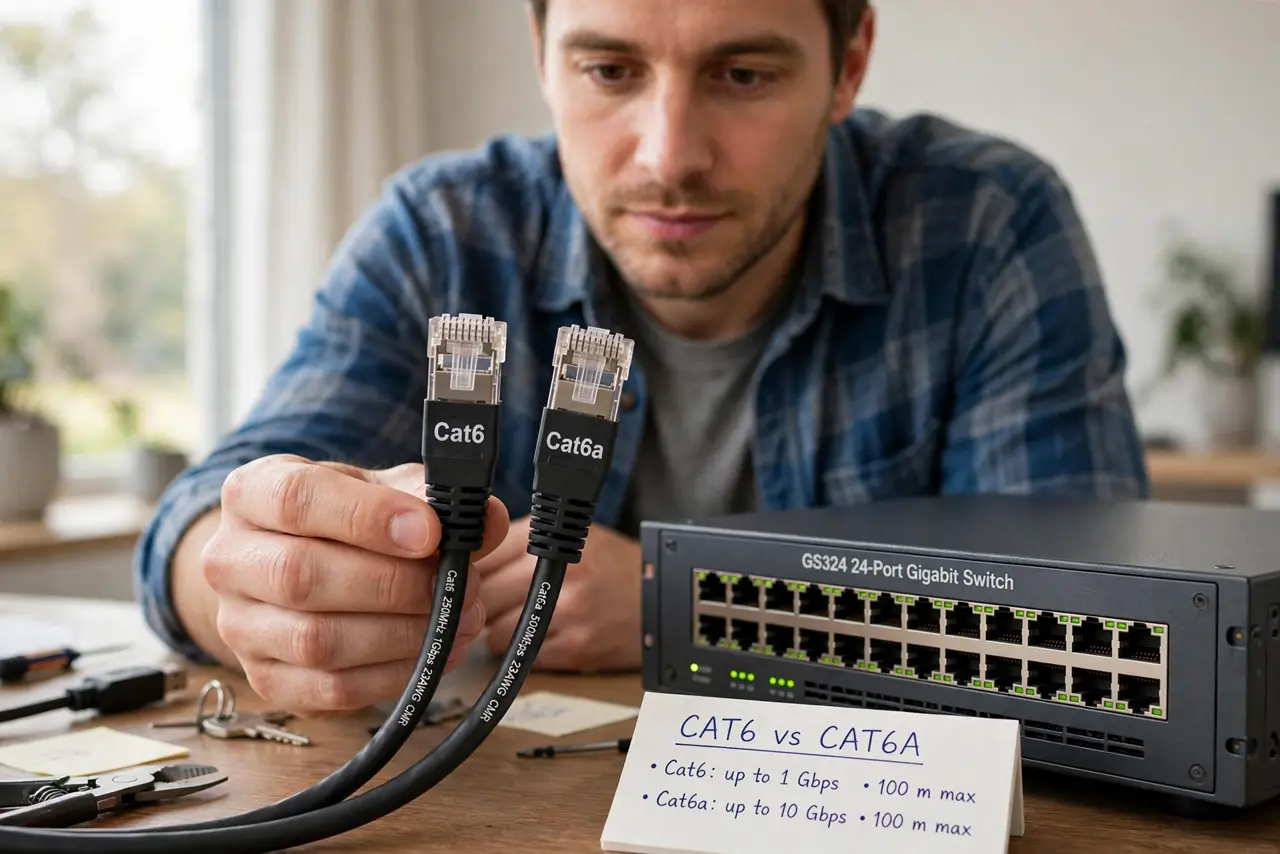
Quick fix: Cat6 handles 10G up to 55 meters — plenty for most homes. Cat6a handles 10G to the full 100 meters with better shielding against interference. Buy Cat6a only for long 10G runs or noisy environments; otherwise Cat6 is cheaper and easier to work with.
Follow these steps
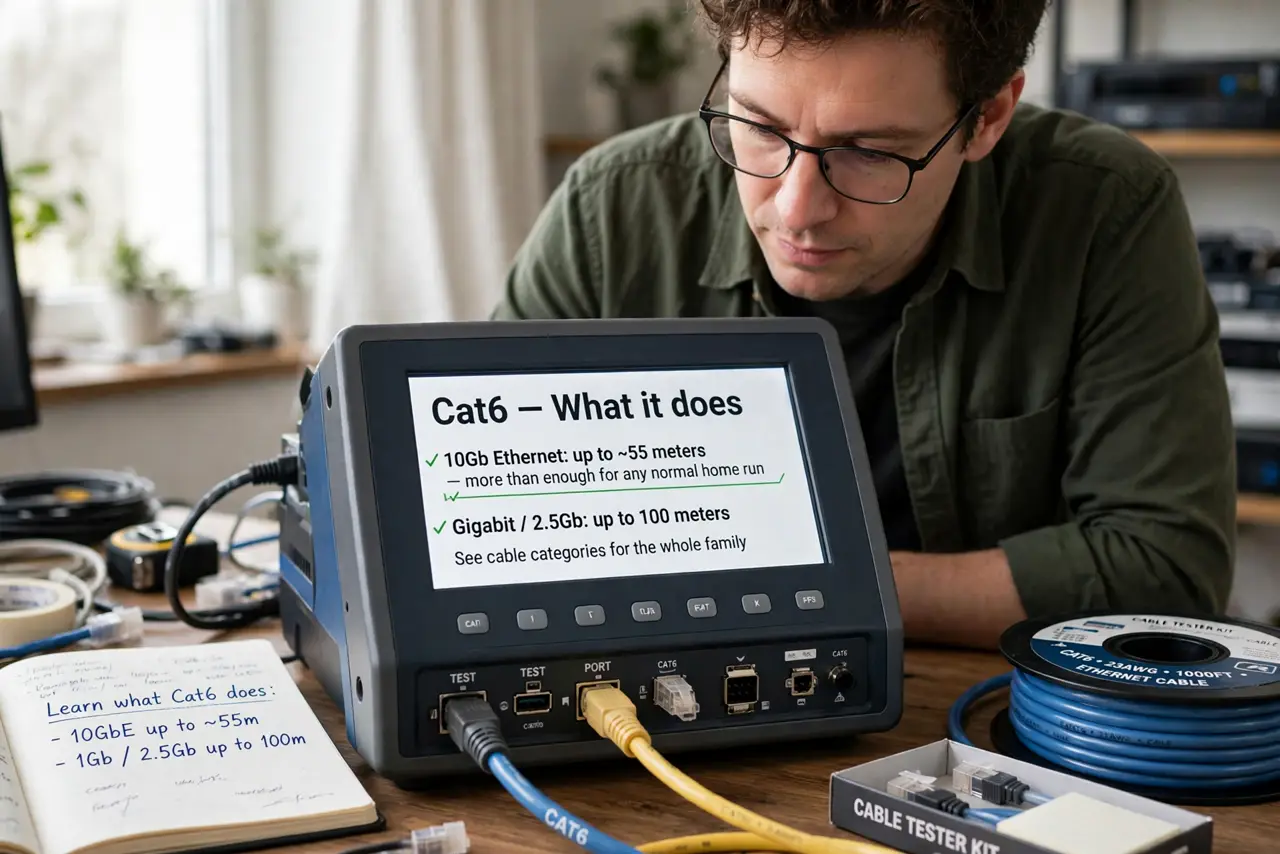
- Learn what Cat6 does. Cat6 supports 10-gigabit Ethernet up to about 55 meters — more than enough for any normal home run. For gigabit and 2.5G, it works at the full 100 meters. See cable categories for the whole family.
- Learn what Cat6a adds. Cat6a carries 10G the full 100 meters and adds shielding against crosstalk and interference. The ‘a’ stands for augmented — thicker, stiffer, pricier.
- Measure your longest run. Under 55 meters to the farthest jack? Cat6 does 10G fine. Longer, or bundled tightly with other cables? That is the Cat6a zone — distance decides, not ambition.
- Consider interference. Cables running alongside power lines or through electrically noisy spaces benefit from Cat6a’s shielding. In clean residential walls, Cat6’s unshielded pairs are perfectly happy — see shielded vs unshielded for the deeper version.
- Do not forget the connectors. Cable is only half the chain — jacks, patch panels, and terminations should match the cable grade. A Cat6a cable into Cat5e jacks is a Cat5e link wearing a costume.
- Buy solid copper, whatever you choose. Copper-clad aluminum (CCA) cable is cheaper and worse at everything — power delivery, longevity, signal. Check the jacket print: solid copper or walk away.
What NOT to do
- Do not buy Cat6a ‘for future-proofing’ a gigabit home. The future you are proofing against is 10G at distance — be honest about whether that future includes you.
- Do not mix grades blindly. The link runs at the weakest component’s level — one Cat5e jack in a Cat6a run wastes the upgrade.
- Do not kink or staple either cable. Tight bends and staples crush the pairs and kill performance — gentle curves and proper clips only.
- Do not run either beyond 100 meters. That is the Ethernet limit regardless of category — longer needs a switch in the middle.
Frequently asked questions
Is Cat6a harder to install?
Yes, noticeably — thicker, stiffer, wider bend radius. In tight existing walls, Cat6’s flexibility is a genuine advantage.
Can I use my old Cat5e?
For gigabit and 2.5G, absolutely — Cat5e handles both at full distance. Only 10G demands better cable.
Does the cable affect Wi-Fi?
Only the wired backhaul feeding your access points. Wi-Fi itself is wireless — but a slow cable to the access point caps everything it broadcasts.