What Is CGNAT?
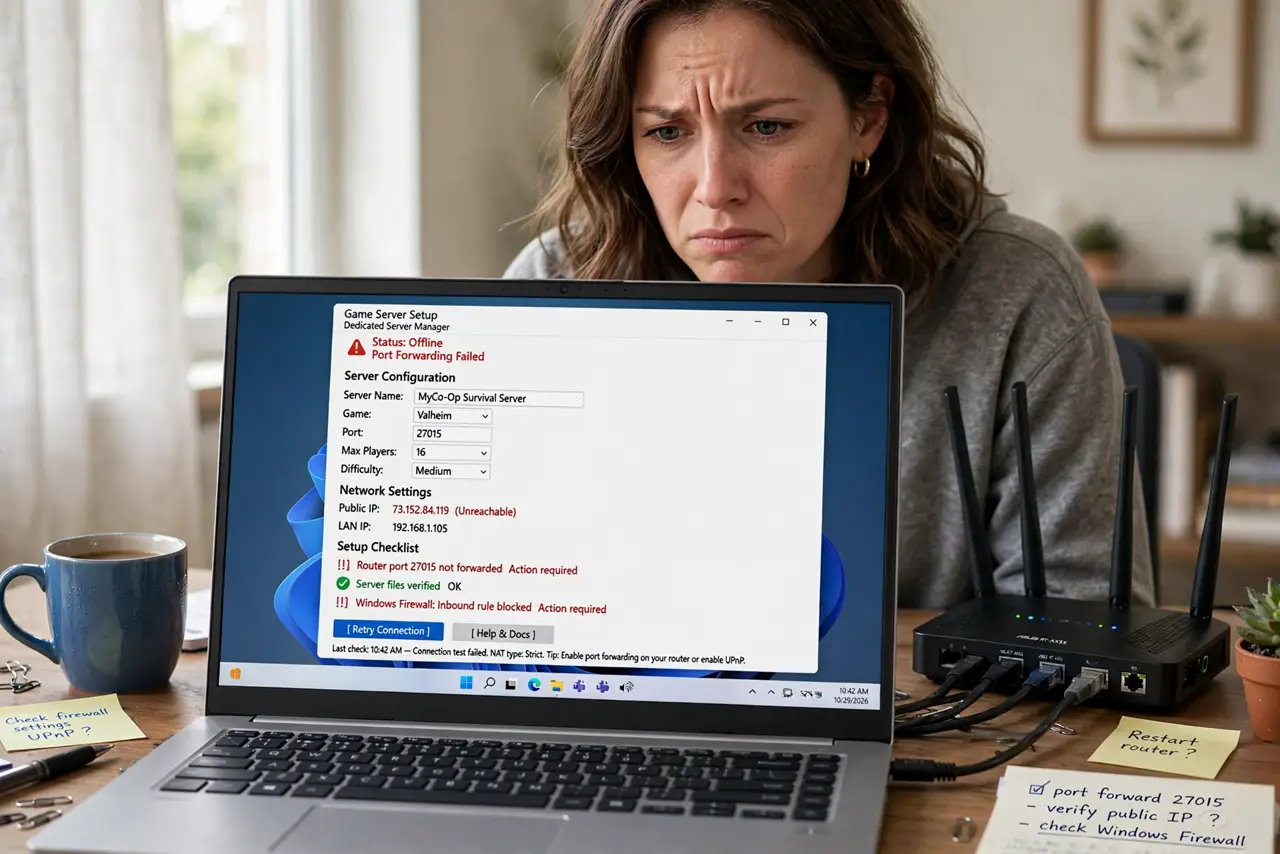
You set up port forwarding for your game server exactly like the tutorial said — and nobody outside your house can connect. The culprit is often CGNAT: your internet provider shares one public IP address among many customers, so inbound connections can never reach you. No amount of router configuration fixes it. This guide explains what is happening and the real workarounds.
TL;DR / Quick Fix
Quick fix: CGNAT means your provider shares one public IP among many customers, breaking port forwarding and self-hosting — that is why your game server is unreachable. Ask your provider for a public IP, or use a tunneling service. A VPN with port forwarding also works around it.
Follow these steps
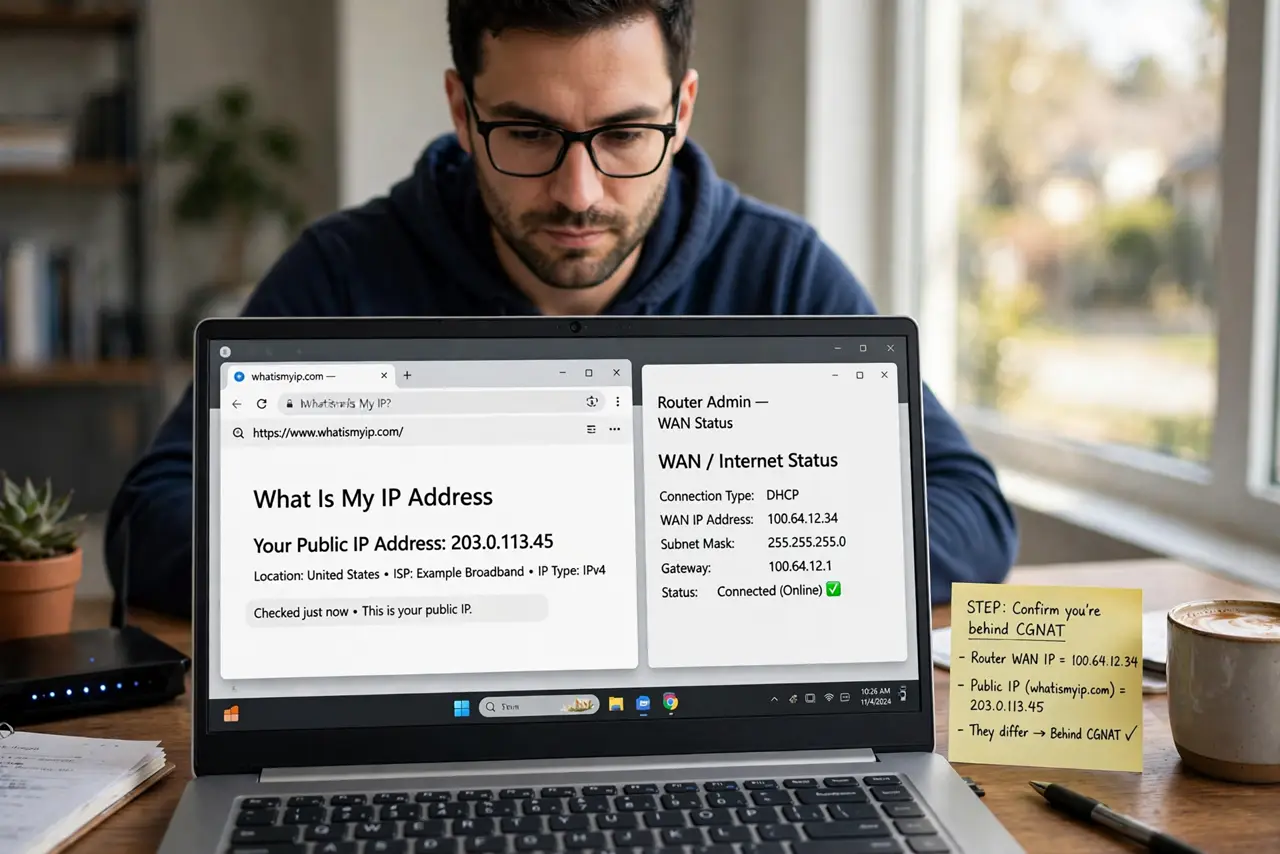
- Confirm you are behind CGNAT. Check your router's WAN IP and compare it to a 'what is my IP' site. If they differ — or the WAN IP falls in the shared 100.64.x.x range — you are behind CGNAT. The CGNAT basics guide details the check.
- Understand why port forwarding fails. Port forwarding tells your router where to send inbound traffic — but with CGNAT, inbound traffic stops at the provider's equipment, which you cannot configure. Your router never sees it. This is why tutorials 'do not work' for you.
- Ask your provider for a public IP. Many ISPs offer a real public (often dynamic) IP on request — sometimes free, sometimes for a small monthly fee, sometimes only on business plans. One call or chat can permanently solve it.
- Use a tunneling service. Services that tunnel inbound connections through their servers bypass CGNAT entirely — your server connects out to them, and players connect in through them. It is the standard workaround when the ISP will not budge.
- Consider a VPN with port forwarding. Some VPN providers offer port forwarding: your server's traffic goes through the VPN, and the provider forwards a port to you. It works around CGNAT and adds privacy — at the cost of some latency.
- Do not fight it at the router. No DMZ setting, firewall rule, or UPnP toggle defeats CGNAT — the blockage is upstream of your equipment. Save the hours; the fix is the public IP or the tunnel, never the router.
What NOT to do
- Do not assume port forwarding is broken. Your configuration is probably perfect — CGNAT makes correct configs fail, which is why the tutorials seem wrong.
- Do not pay for 'gaming router' features to fix this. No consumer router feature reaches past the provider's NAT — marketing cannot fix physics.
- Do not expose services without security. Once inbound works (public IP or tunnel), your server faces the whole internet — keep it updated, password-protected, and minimal.
- Do not forget IPv6 as an escape hatch. If your ISP offers real IPv6, each device gets its own address with no NAT at all — some self-hosters bypass CGNAT this way entirely.
Frequently asked questions
How do I know for sure it is CGNAT?
Compare the WAN IP in your router admin page with a public IP checker. Different addresses — or a 100.64.0.0/10 WAN address — means CGNAT. Matching addresses means the problem is elsewhere.
Will my ISP give me a public IP?
Often yes — policies vary wildly. Some hand them out free on request, some charge monthly, some reserve them for business tiers. Asking costs nothing.
Is a tunnel slower than a direct connection?
Slightly — traffic takes an extra hop through the tunnel provider. For most game servers it is unnoticeable; for latency-critical competitive hosting, a real public IP is better.