40MHz vs 80MHz Channel?
Buried in your router settings is a choice between 20, 40, 80, and 160 MHz channel width, with no explanation of what any of it means. Pick wrong and your Wi-Fi is either slow for no reason or constantly dropping in a crowded building. The tradeoff is simple once you see it: wider channels are faster but fussier.
TL;DR / Quick Fix
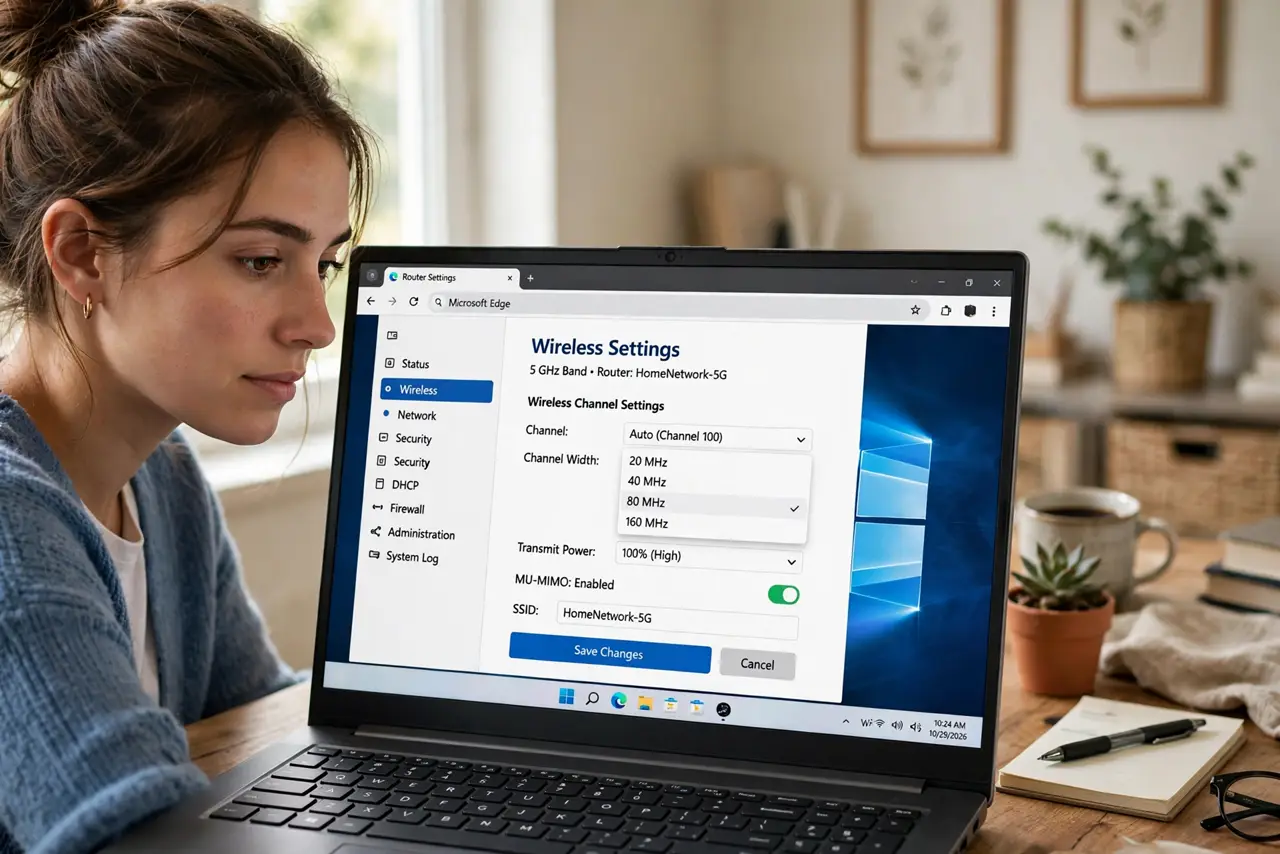
Quick fix: use 80 MHz width on 5 GHz for maximum speed near the router, and 40 MHz on 2.4 GHz for better range and fewer neighbor conflicts. Wider is faster but more fragile — through walls or in crowded apartments, narrower often wins on real speed.
Follow these steps
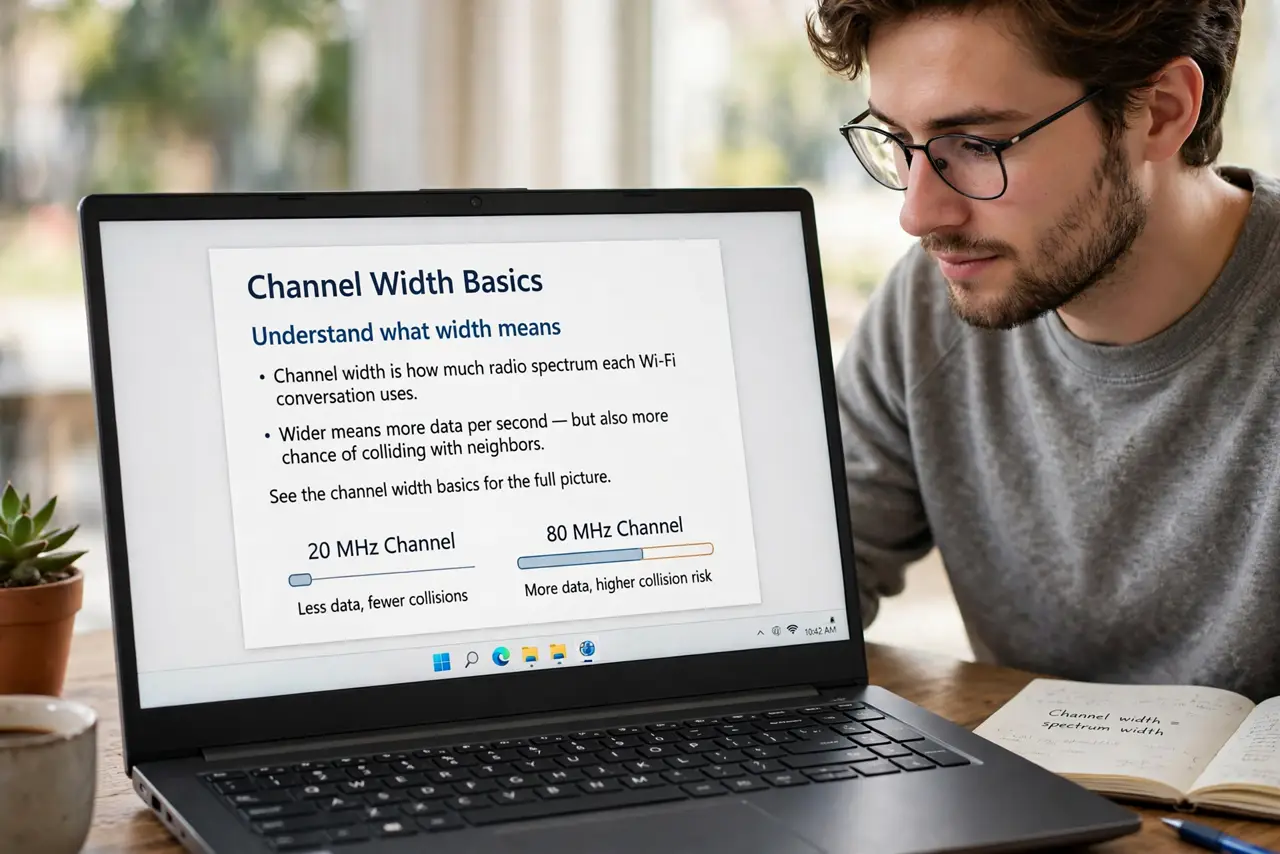
- Understand what width means. Channel width is how much radio spectrum each Wi-Fi conversation uses. Wider means more data per second — but also more chance of colliding with neighbors. See the channel width basics for the full picture.
- Use 20 or 40 MHz on 2.4 GHz. The 2.4 GHz band is narrow and crowded. In apartments, 20 MHz is often the stable choice; 40 MHz works where neighbors are sparse.
- Use 80 MHz on 5 GHz at home. The 5 GHz band has room to breathe. 80 MHz gives the big speed numbers on the box — use it unless you see instability.
- Consider 160 MHz carefully. 160 MHz doubles 80 MHz speed on paper but needs clean spectrum and nearby clients. In most real homes it adds dropouts, not speed.
- Match width to distance. Far from the router, narrower widths hold a connection better — a stable 40 MHz beats a flapping 80 MHz every time.
- Change one thing, then test. Adjust the setting, run a speed test from your usual spot, and live with it a day. Wi-Fi tuning is empirical — the numbers tell you what works.
What NOT to do
- Do not set 160 MHz 'because bigger is better.' In crowded spectrum it causes more interference and slower real-world speeds.
- Do not use 40 MHz on 2.4 GHz in a dense apartment. You will stomp on neighbors' networks and yours will suffer for it.
- Do not change width and channel at the same time. If things improve (or break), you will not know which change did it.
- Do not expect miracles from width alone. If the router is in a closet behind a water heater, no width setting fixes physics — check placement first.
Frequently asked questions
What channel width should gamers use?
Whatever is most stable — usually 80 MHz on 5 GHz close to the router. Consistency beats peak speed for gaming.
Why did my speed drop after choosing 160 MHz?
Likely interference or radar detection forcing channel changes. Drop back to 80 MHz and retest.
Does channel width affect range?
Indirectly — wider channels are more fragile at distance. Narrower widths maintain usable connections farther out.