Clear Your Desktop
Your desktop is covered in icons — screenshots, installers, random documents — and every time you save something it lands on top of the pile. A cluttered desktop is not just ugly; it slows you down every time you hunt for a file and quietly raises your stress. Clearing it is a one-hour job with a simple rule: the desktop is a workspace, not a storage unit. Start by rounding up the screenshot pile.
TL;DR / Quick Fix
Quick fix: move everything on the desktop into three sorting folders — File, Delete, Decide — then empty them over a week. Keep only current active work on the desktop afterward, and run a five-minute sweep weekly. A clean desktop stays clean only with the habit.
Follow these steps
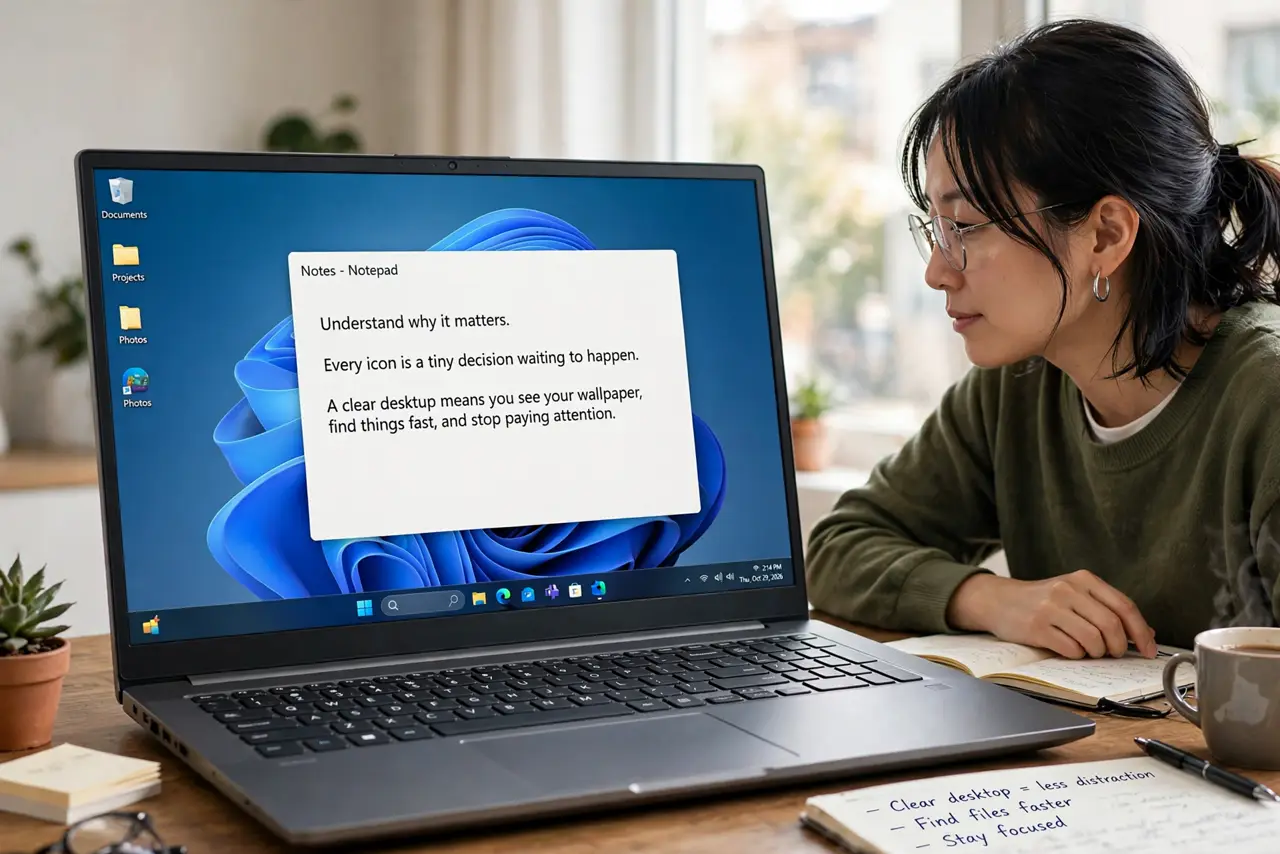
- Understand why it matters. Every icon is a tiny decision waiting to happen. A clear desktop means you see your wallpaper, find things fast, and stop paying attention rent to files you already forgot.
- Create three sorting folders. Make File, Delete, and Decide folders right on the desktop. Sweep every icon into one of the three — fast triage, no deep organizing yet.
- Delete the obvious junk. Empty the Delete folder immediately: old installers, duplicates, screenshots you never looked at again. This is usually half the pile, gone in minutes.
- File the keepers. Move the File folder's contents to their real homes in your folder structure. If a file has no home, that tells you something about your structure — fix the structure, not the file.
- Decide on the maybes within a week. The Decide folder gets a deadline: one week. Anything undecided after that gets filed or deleted — limbo is how the pile re-forms.
- Keep the desktop nearly empty. Going forward, the desktop holds only active work — the document you are editing today, not the archive of the year. Everything else lives in folders.
What NOT to do
- Do not organize deeply during the first sweep. Triage into three buckets; deep filing comes after the pile is gone.
- Do not treat the desktop as permanent storage. Files that live there for months belong in folders — the desktop is a desk, not a drawer.
- Do not delete in a panic without checking. The Delete folder is for obvious junk; financial and legal files get filed, not trashed.
- Do not skip the weekly sweep. Desktops re-clutter in days without the habit; five minutes a week beats another big cleanup.
Frequently asked questions
Will a clean desktop make my computer faster?
Marginally at best — modern systems handle icons fine. The real speed gain is yours: you find things faster and think clearer.
Should I just hide the icons instead?
Hiding treats the symptom. The files still pile up unseen; clean them once, then hiding becomes a legitimate aesthetic choice.
What about icons that disappear on their own?
That is a different issue — a display setting, not clutter. See the disappearing icons bug guide; if icons vanish by themselves, check the view settings before assuming you deleted them.