A Copied Password Sits in Your Clipboard
You copy a password to paste it somewhere, and it sits in the clipboard for hours — readable by any app you open next. The clipboard is a public hallway, not a safe, so copied secrets need a quick exit.
TL;DR / Quick Fix
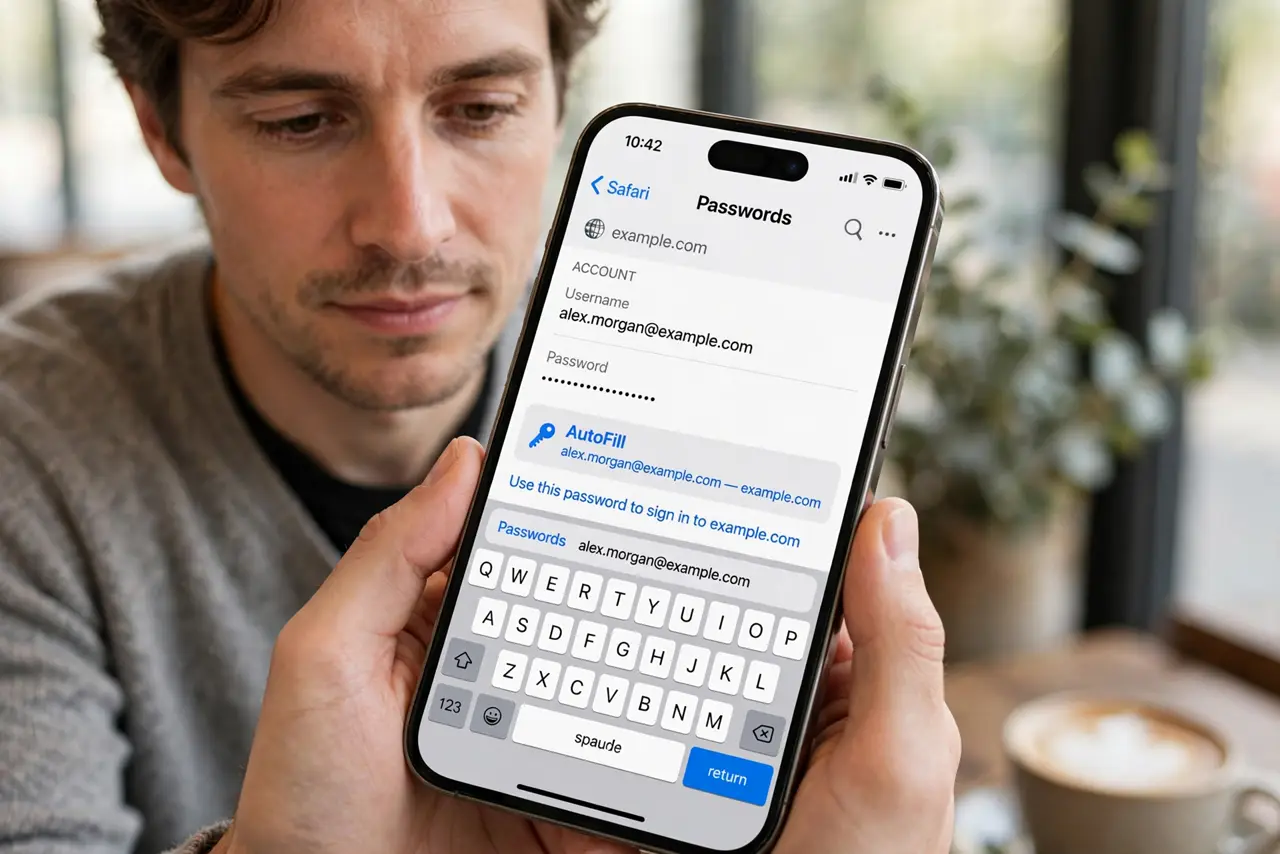
Quick fix: stop copying passwords by hand today and use your password manager's autofill instead. Then clear the clipboard by copying some harmless text, check carefully which apps read the clipboard, and never copy two-factor codes manually you can autofill.
Follow these steps
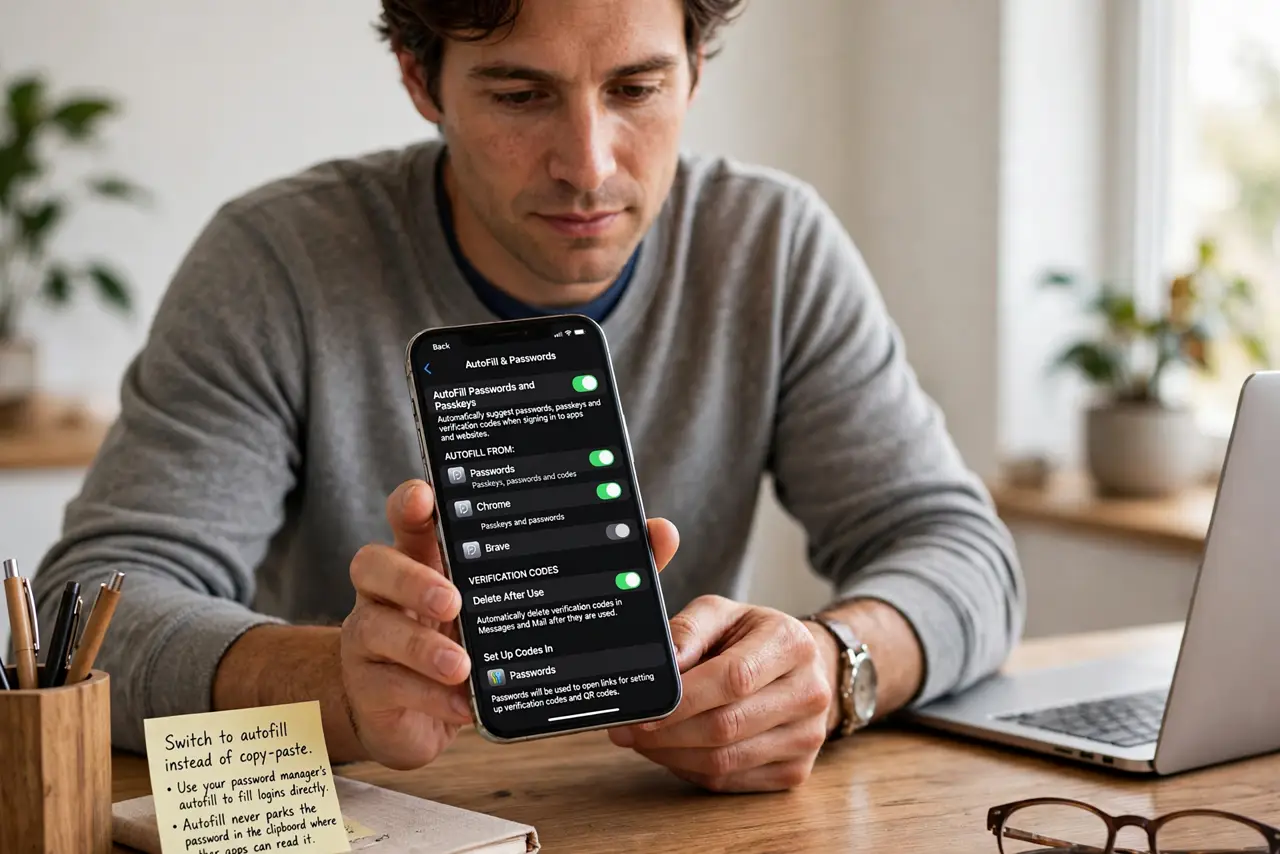
- Switch to autofill instead of copy-paste. Use your password manager's autofill to fill logins directly. Autofill never parks the password in the clipboard where other apps can read it.
- Clear the clipboard after any copy. Copy a harmless word right after pasting a secret. The new copy pushes the password out of the clipboard immediately.
- Check which apps read the clipboard. Some phones notify you when an app reads the clipboard. If a game or shopping app peeks at every copy, that app has earned your suspicion.
- Avoid copying two-factor codes by hand. Let the authenticator or manager autofill codes where possible. A copied code in the clipboard is as exposed as a copied password.
- Do not keep passwords in a notes app. Copying from a notes app means the password lives in the note, the clipboard, and the destination. The manager plus autofill removes all three stops.
- Restart the phone if you are unsure. A restart clears the clipboard on most phones. When in doubt after copying something sensitive, a quick restart wipes the slate.
What NOT to do
- Do not copy passwords on a shared or borrowed device. The next user of that clipboard inherits everything you copied.
- Do not paste passwords into chat or email to move them. That moves the secret from the clipboard into a message history, which is worse.
- Do not assume the clipboard clears itself fast. On many phones it persists for hours or until something else is copied.
- Do not let apps with clipboard access linger. An app that reads every copy does not need to stay installed.
Frequently asked questions
Can apps really read my clipboard?
Yes. On many phones any foreground app can read the clipboard without asking, which is why secrets should not sit there.
Does autofill really avoid the clipboard?
Yes. Proper autofill fills the field directly, so the password never passes through the shared clipboard.
How do I clear the clipboard fast?
Copy any harmless text. The new content replaces the old, pushing the secret out immediately.