'Dark Web Alert'? What It Means
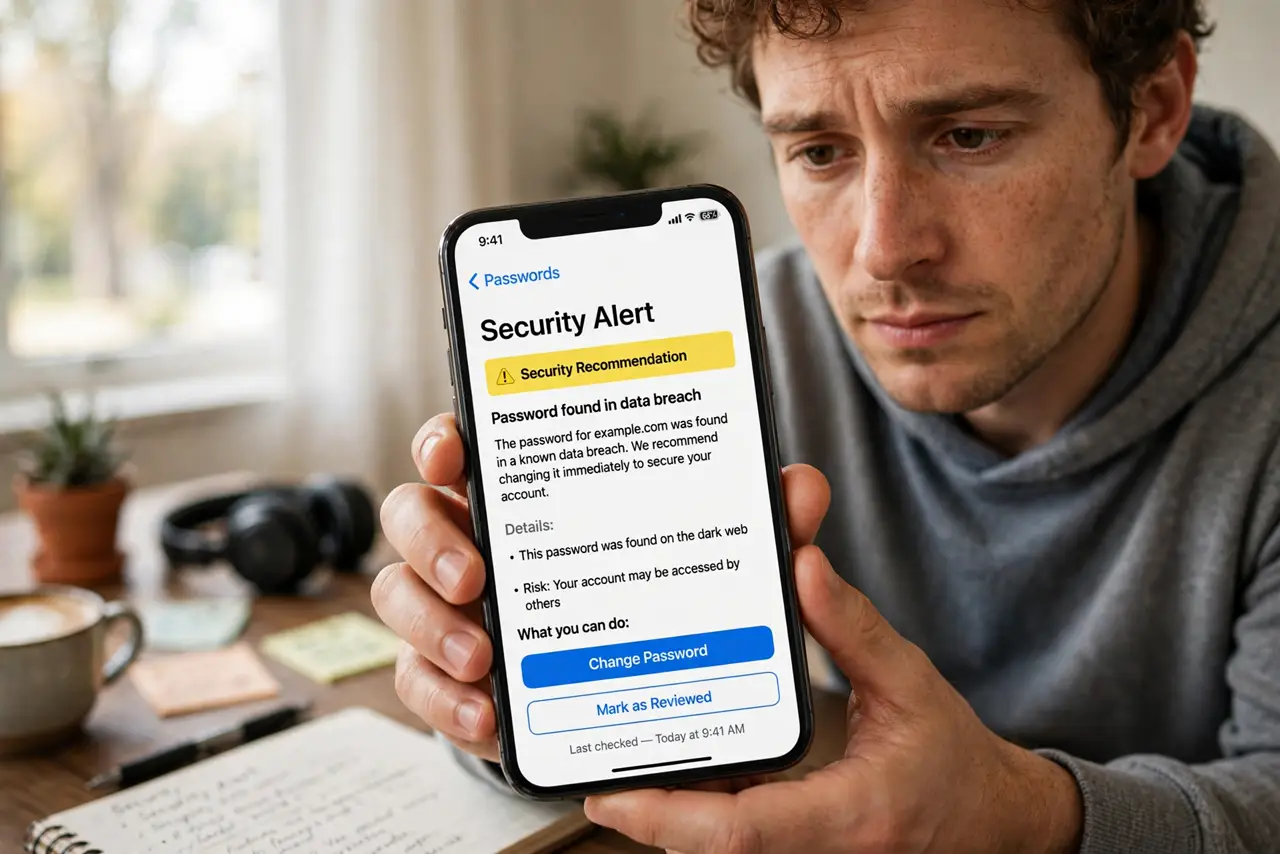
Your password manager or bank flashes a 'Dark Web Alert' and your stomach drops. It sounds like hackers are inside your accounts right now — but usually it means your email and an old password appeared in a leaked database. Here is what the alert actually means, and the calm, correct response.
TL;DR / Quick Fix
A dark web alert means your email or an old password turned up in a leaked database — not that someone is inside your account now. Change that password everywhere you reused it, switch on two-factor authentication, and scan for unfamiliar activity. Treat it as a warning, not an emergency.
Follow these steps
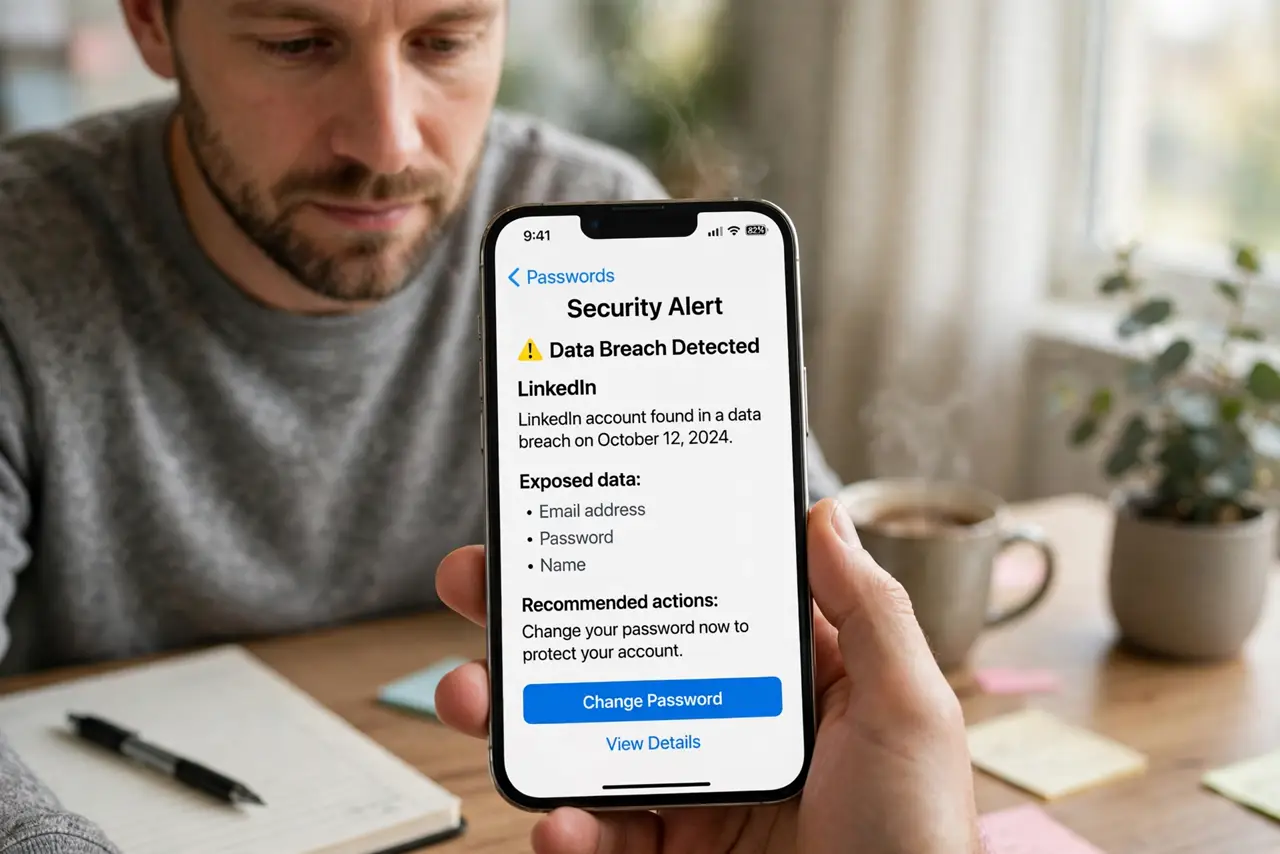
- Read what was actually exposed. Most alerts name the breach and the data type — usually an email plus password combo from an old leak. Knowing the scope tells you how far to go.
- Change the password on that account first. Give it a long, unique replacement. A password manager makes unique ones painless — see how to set one up.
- Change it everywhere you reused it. Reuse is the real danger: one leaked password opens every account that shares it. Work through the list methodically.
- Switch on two-factor authentication. Even with your password in the wild, a second factor blocks most break-ins. Start with email and banking — see the 2FA setup guide.
- Scan for unfamiliar activity. Check recent logins, sent messages, and password-change emails. Anything odd is a sign to act like an account takeover.
- Keep monitoring on, ignore the noise. Old breaches recirculate, so repeat alerts for the same email are normal. Only reused credentials need action.
What NOT to do
- Do not buy 'dark web removal' services. Nobody can delete leaked data from criminal forums — those services sell peace of mind, not removal.
- Do not click links in alert emails. Open the service's app or site yourself; alert emails are a favorite phishing lure.
- Do not change only the one password if you reused it elsewhere. The reused copies are the open doors.
- Do not assume silence means safety. Many breaches go undetected for years — unique passwords protect you regardless.
Frequently asked questions
Does a dark web alert mean I am hacked right now?
No. It means your credentials were found in stolen data, which is a risk, not a confirmed break-in. Change the password and the risk mostly evaporates.
Can I get my data removed from the dark web?
No. Once leaked, it circulates forever. The fix is making the leaked data useless: unique passwords plus two-factor authentication.
Why do I keep getting alerts for the same old email?
Breach databases get repackaged and resold, so the same old leak triggers fresh alerts. If the password is unique and changed, there is nothing to do.