Cloud File Offline Copy Outdated? Fix It
An offline copy that is days old can trick you into editing stale content, then overwriting newer work when it finally syncs. The fix is confirming you have the newest version before you type a single word.
TL;DR / Quick Fix
Quick fix: Check your connection and sync status. Force a sync and wait for it to finish. Compare dates before you edit. Save your offline edits separately if they matter. Check for a conflict copy after syncing. Mark files you need offline deliberately.
Follow these steps
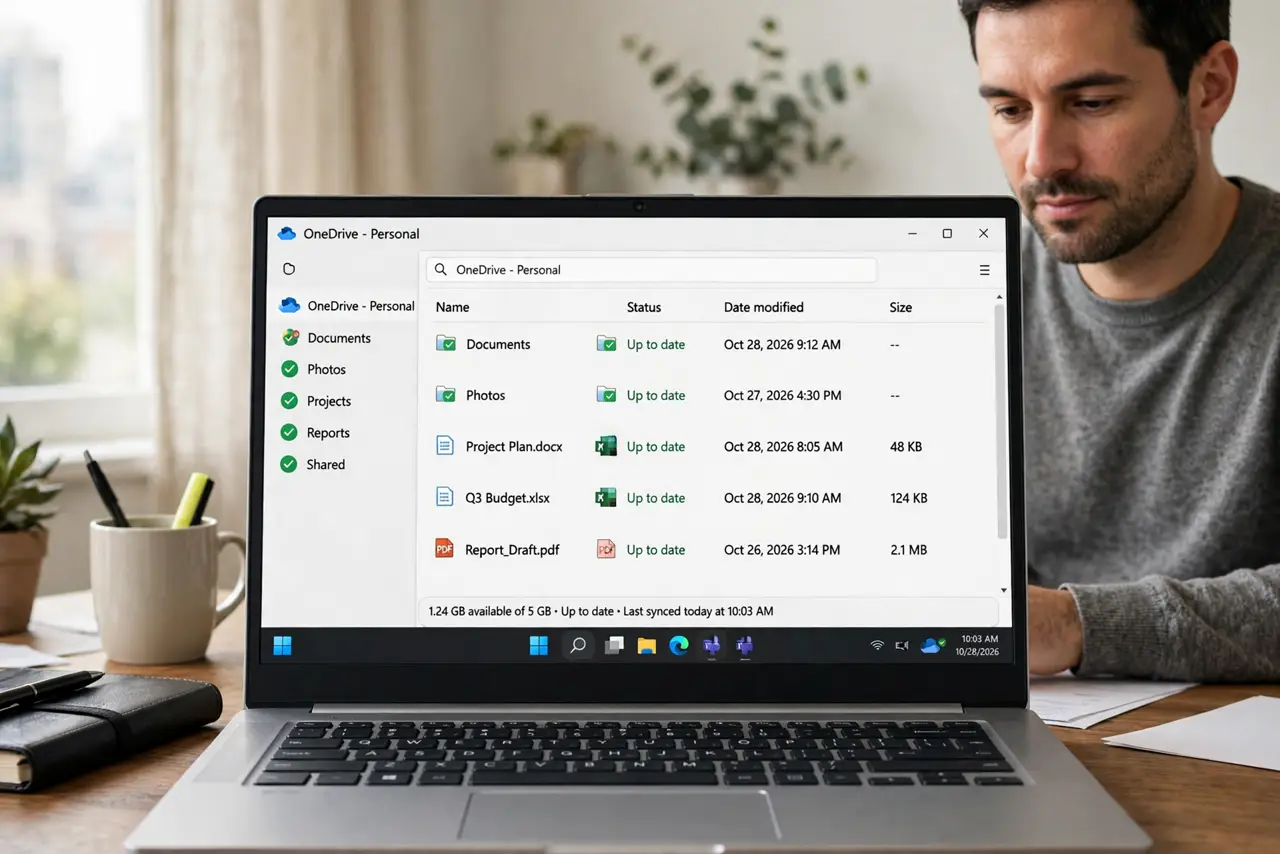
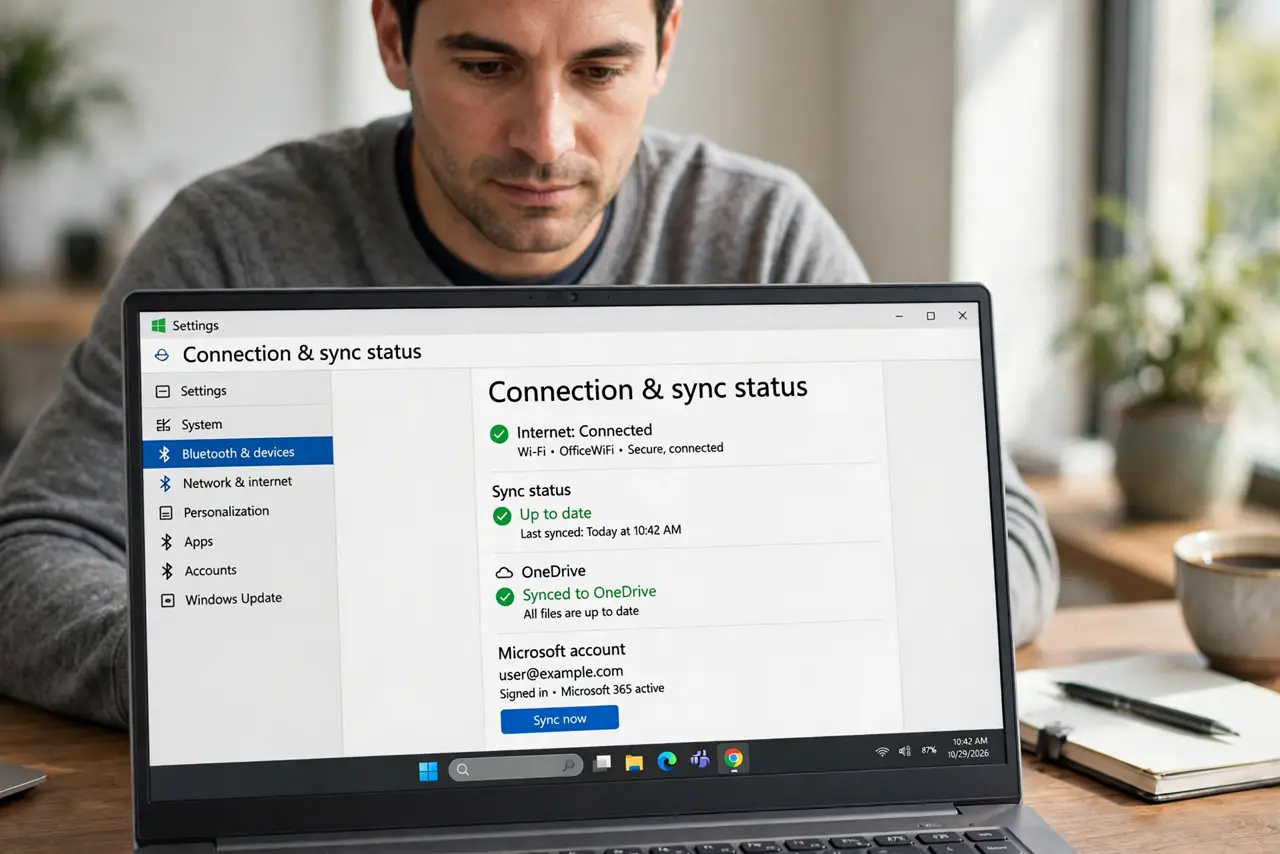
- Check your connection and sync status. Confirm the device is online and the cloud app reports syncing, not paused or erroring. An offline copy cannot update while sync is paused.
- Force a sync and wait for it to finish. Use the sync option and wait until it reports complete. Opening the file mid-sync is how stale edits happen.
- Compare dates before you edit. Check the modified date of the cloud version against your offline copy. If the cloud copy is newer, open that one, not your local file.
- Save your offline edits separately if they matter. If you already edited the stale copy, save it under a new name first. Then merge its changes into the current cloud version manually.
- Check for a conflict copy after syncing. Syncing a stale edit often creates a conflict copy. Look for it, merge it, and archive the extra copy promptly.
- Mark files you need offline deliberately. For files you edit on the move, mark them for offline use in advance, and sync before you leave coverage. Planned offline use beats accidental offline staleness.
What NOT to do
- Do not edit an offline copy without checking its date. Stale edits overwrite newer work on sync.
- Do not assume a green icon means fully synced. Wait for the sync status to say complete.
- Do not delete the cloud version because your offline copy looks newer. Compare dates and content first.
- Do not travel with unsynced edits and no backup. A lost device then means lost work.
Frequently asked questions
Why is my offline copy old?
Because sync was paused, the device was offline, or the file was never marked for offline use and only partially downloaded.
Will syncing overwrite my offline edits?
It can create a conflict copy instead. Save offline edits separately, then merge them.
How do I work offline safely?
Mark files offline in advance, sync before leaving, edit one copy, and sync fully when you return.