Organize Cloud Storage
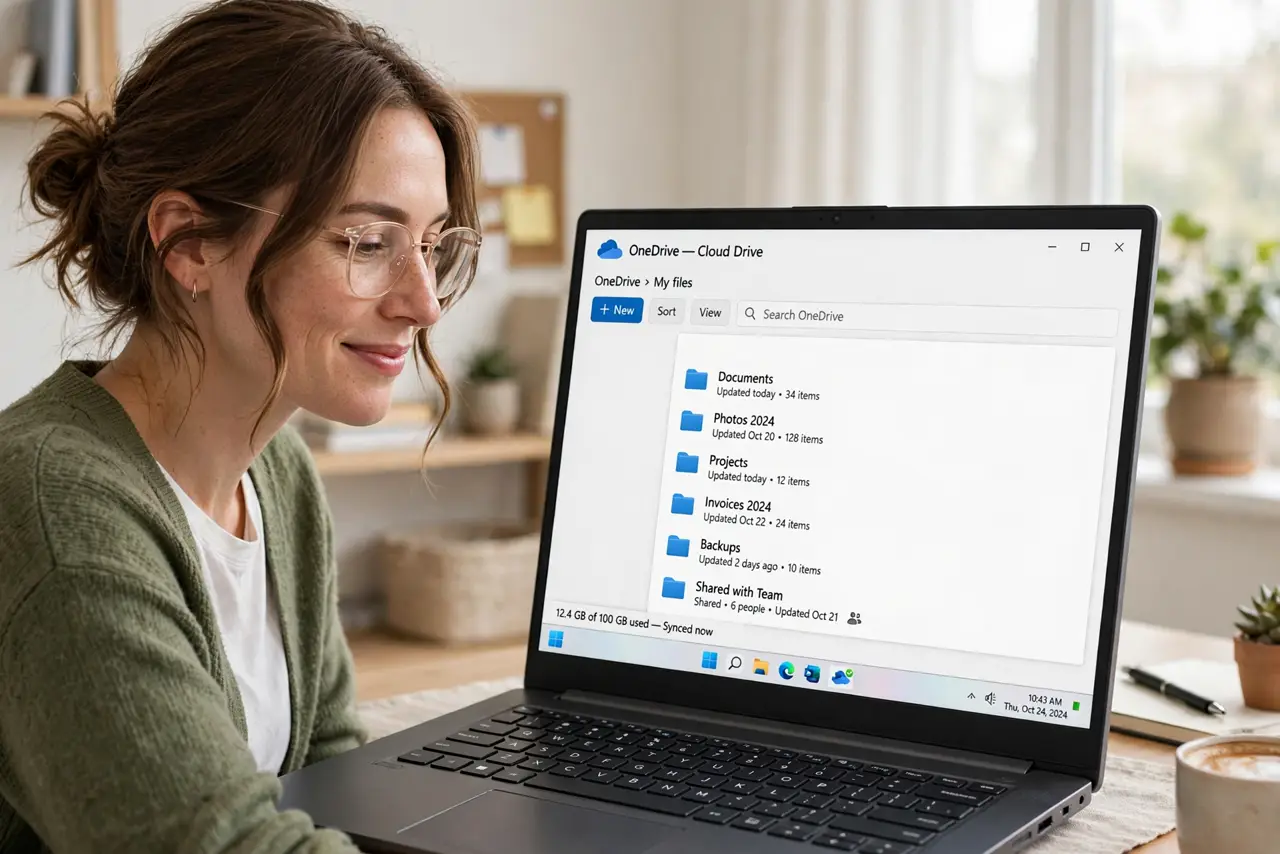
Your cloud drive is a digital junk drawer — 'final-final-v2-REALLY-final.docx' next to three copies of the same vacation photos, and you pay for storage you cannot find anything in. Chaos in the cloud costs real money every month. A simple system, applied once, turns it back into a tool.
TL;DR / Quick Fix
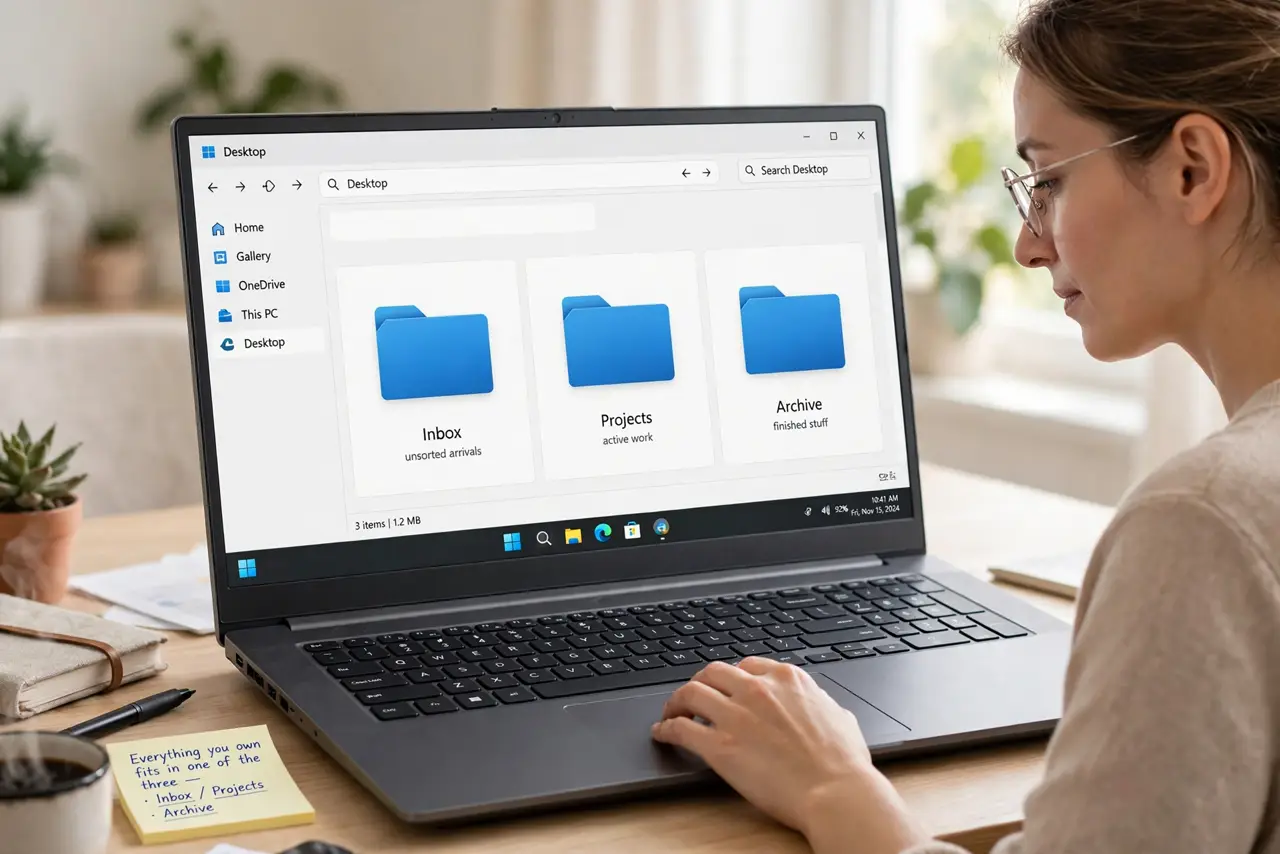
Quick fix: create a simple folder system — Inbox, Projects, Archive — and sort everything into it, deleting duplicates as you go. Name files with dates (2026-10-29-report) so they sort themselves. Empty the trash afterward, since cloud trash still counts against your storage quota.
Follow these steps
- Create three top-level folders. Inbox for unsorted arrivals, Projects for active work, Archive for finished stuff. Everything you own fits in one of the three — that is the point.
- Sort in passes, not marathons. Do one folder per sitting. Drag files into the three buckets, and do not reorganize the system mid-sort — finish the pass first.
- Delete duplicates as you go. Cloud drives breed copies. When you find 'report (3).docx', keep the newest, delete the rest. Duplicates are the biggest silent storage eater.
- Name files so they sort themselves. Start names with dates in YYYY-MM-DD format. Chronological order appears automatically, and 'final-final' naming dies out.
- Empty the cloud trash. Deleted files sit in trash counting against your quota — sometimes for 30 days. Empty it manually after a big cleanup to reclaim the space now. A full drive also triggers storage-full warnings.
- Set a monthly inbox-zero ritual. Once a month, empty the Inbox into Projects or Archive. Ten minutes keeps the system alive — skip it and the junk drawer returns.
What NOT to do
- Do not create twenty clever folders. Complexity kills systems — three buckets you actually use beat a taxonomy you abandon.
- Do not organize before deleting. Sorting junk into labeled folders is just organized hoarding — purge first, sort second.
- Do not keep 'just in case' copies of everything. If you have not opened it in two years and it is not a legal document, let it go.
- Do not forget shared folders. Other people's mess in your shared drives counts against clarity too — ask owners to tidy or unshare.
Frequently asked questions
Should I pay for more storage or organize first?
Organize first. Most people reclaim 30-50% by deleting duplicates and trash — then buy only what you still need.
What's the best folder structure?
The one you will maintain. Inbox/Projects/Archive works because it has three decisions, not thirty.
How do I handle photos?
One folder per year, subfolders per event. Deduplicate with your photo app's built-in tools before sorting.