Is the CMOS Battery Dead? Signs and Safe Fix
If your computer forgets the time every time you turn it off, or BIOS settings reset on their own, the small CMOS battery on the motherboard may be flat. This battery keeps the clock and basic settings alive when the computer is off. Replacing it is usually cheap, but it needs care and the computer must be off and unplugged first.
TL;DR / Quick Fix
Quick fix: write down the symptoms, then check the clock after a shutdown. If the time resets every boot and BIOS settings reset, a flat CMOS battery is likely. Do not open the computer while it is plugged in, and seek help if you are not comfortable inside a computer.
Follow these steps
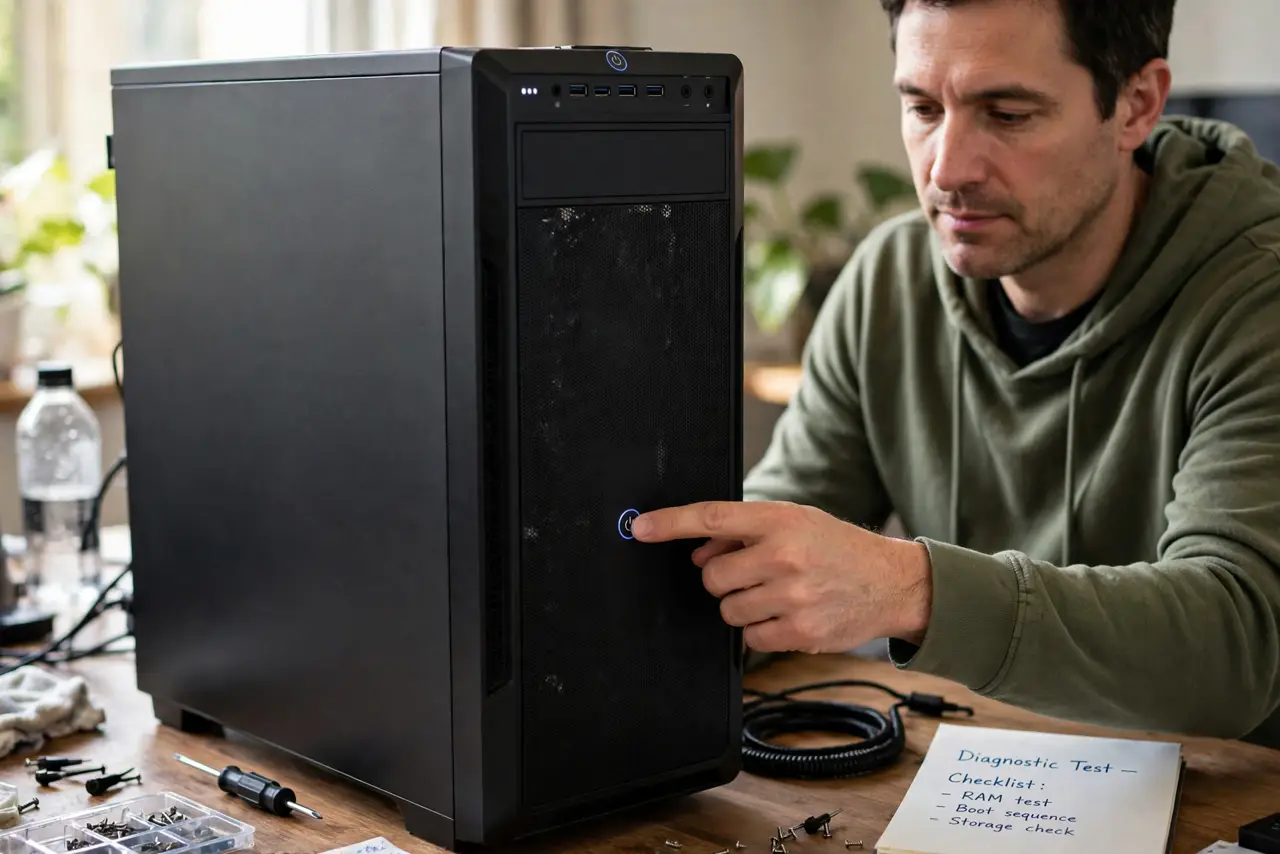
- Confirm the pattern. Turn the computer fully off, unplug it, wait a few minutes, then turn it on again. If the clock is wrong again and a message about BIOS settings appears, the pattern points to the CMOS battery. One wrong clock after a long holiday alone is not proof.
- Check BIOS settings reset too. Enter BIOS setup only if you know the key for your computer, usually shown briefly at startup. If settings you saved, such as boot order, have returned to defaults, that supports a flat battery. Do not change settings you do not understand.
- Turn everything off and unplug. Shut the computer down, switch off the power supply if it has a switch, and unplug the power cable. Wait until fans and lights are fully off. Never open a computer that is still plugged in or running.
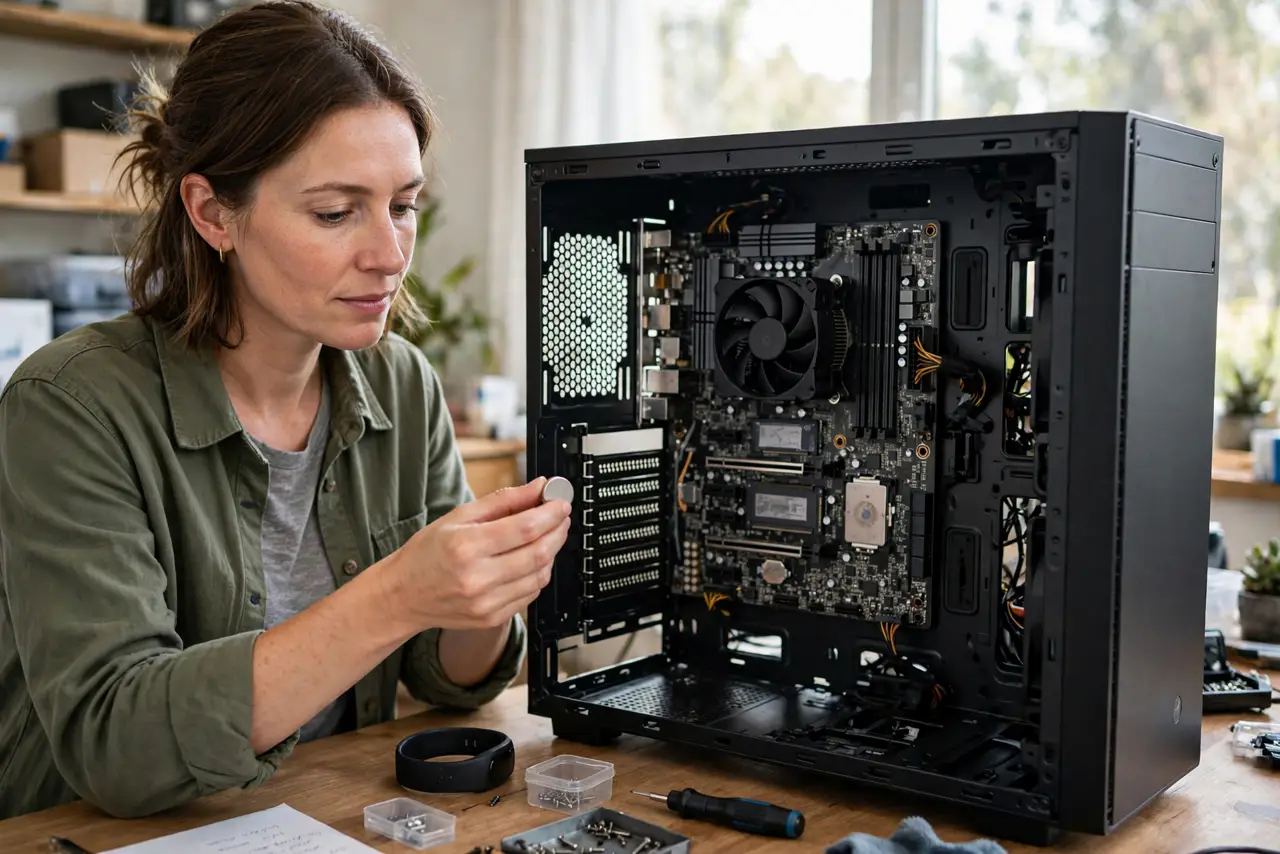
- Find the battery type. The CMOS battery is usually a flat silver coin cell on the motherboard, commonly marked CR2032, but check your computer manual or model documentation first. Do not guess the type, because a wrong cell can damage the board.
- Replace it only if you are comfortable. If you are comfortable working inside a desktop, ground yourself, note which way the battery faces, and swap like for like. If it is a laptop with a sealed case, or you are unsure at any point, stop and take it to a repair shop.
- Set the clock and check again. After replacement, set the date and time in Windows and in BIOS if needed, then shut down fully and check the next day. If the clock stays correct, the battery was the cause. If it still resets, seek a repair check.
What NOT to do
- Do not open a laptop with a glued or sealed battery pack to reach the CMOS battery. You can damage the main battery or the case, and you may void a warranty.
- Do not touch other parts of the motherboard with metal tools. A short circuit can damage the board, so work slowly and keep tools away from components.
- Do not throw the old battery in household trash. Coin cells need battery recycling, so take the old cell to a battery recycling point.
- Do not ignore a swelling battery. If any battery looks swollen, smells unusual, or is hot, stop, do not puncture it, and seek professional help.
Frequently asked questions
Is a dead CMOS battery dangerous?
A flat CMOS battery itself is not an emergency, but opening a computer needs care. Unplug it first, and stop if you are unsure.
Will replacing it delete my files?
No. The CMOS battery does not store your documents or photos. It only keeps the clock and basic BIOS settings when power is off.
What if the clock still resets after a new battery?
Then the cause may be elsewhere, such as a BIOS issue or a faulty board connection. Take the computer for a repair check rather than swapping parts at random.