Keycap Popped Off? Reattach It Safely
A keycap flew off and now there is a bare switch staring at you. Most keycaps snap back on in seconds — if you align the tiny clips correctly and do not force them. This guide shows the safe reattachment for the common keycap types.
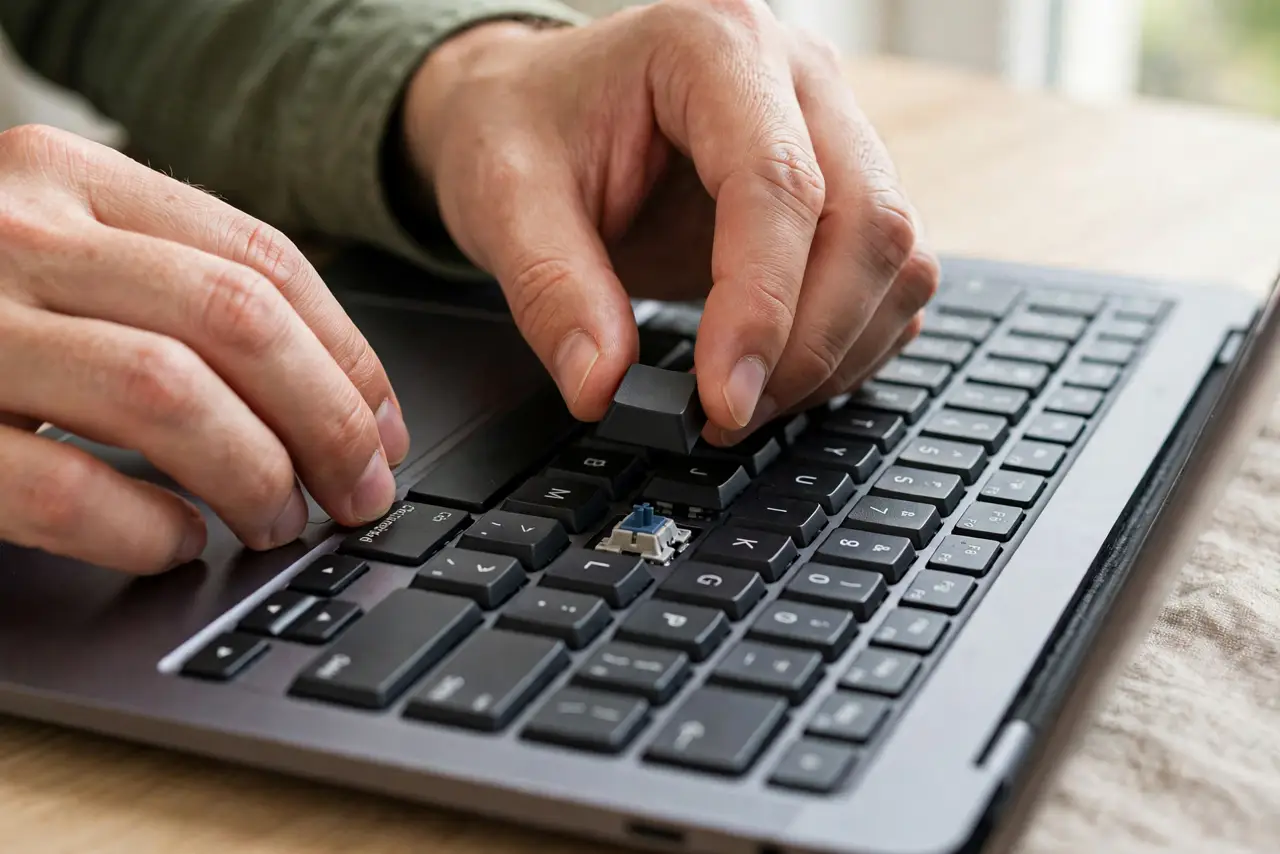
TL;DR / Quick Fix
Quick fix: inspect the keycap's underside clips and the scissor mechanism on the keyboard — if nothing is broken, align the cap and press straight down until it clicks. If the tiny plastic clips are snapped, order a replacement keycap rather than gluing it.
Follow these steps
- Inspect the clips first. Look at the keycap's underside and the keyboard's scissor mechanism. Intact clips mean a simple snap-back; broken clips mean you need a replacement cap.
- Align before pressing. Position the keycap squarely over the switch, matching its orientation. Pressing a misaligned cap is how the tiny clips break.
- Press straight down until it clicks. Apply even pressure straight down. You should feel or hear a click as the clips engage — that is the sound of success.
- Test every corner. Tap all four corners of the reattached key. A cap seated on only three clips will pop off again at the worst moment.
- Check the scissor mechanism. If the little X-shaped scissor underneath came apart, reassemble it first: the two pieces snap together, then the cap snaps onto them.
- Replace rather than glue. If clips are broken, buy a replacement keycap for your exact model. Glue makes a permanent mess of a part designed to be removable.
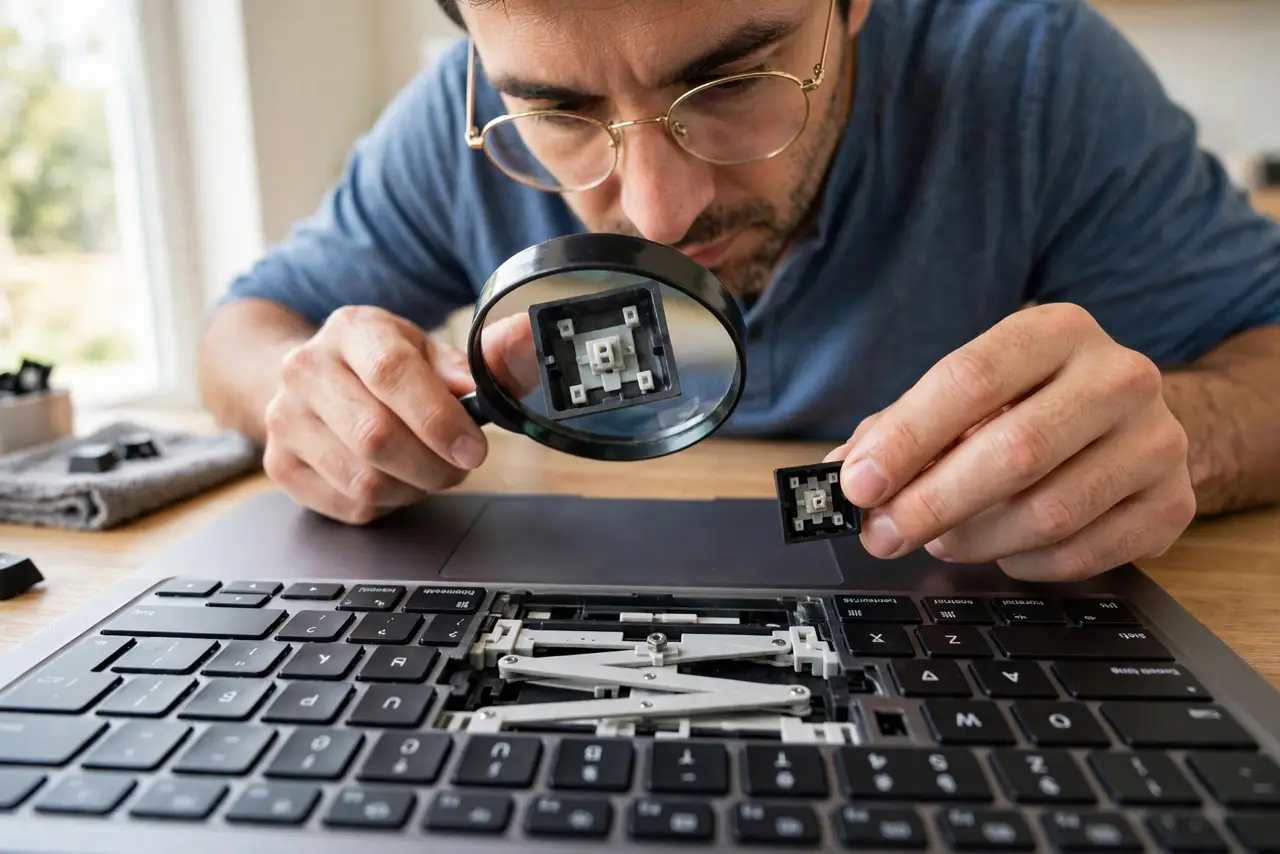
What NOT to do
- Do not force a keycap that resists. Forcing snaps the clips you were trying to save — realign and press gently.
- Do not superglue a keycap. Glue destroys the removable design and can seep into the switch, killing the key entirely.
- Do not lose the tiny parts. Work over a table, not your lap — scissor pieces are small and love to vanish.
- Do not pry off neighboring keys 'to see how they work.' Each removal risks more broken clips; study the one that popped.
Frequently asked questions
How do I put a keycap back on?
Align it over the switch and press straight down until it clicks. Check the clips and scissor mechanism first.
My keycap clips are broken — now what?
Order a replacement keycap for your exact keyboard model. They are cheap, and gluing is never the answer.
Why do keycaps pop off?
Usually a sharp impact, aggressive cleaning, or weakened clips from a previous removal. For keys that stick rather than pop, see sticky keys.