Clean a PC With Compressed Air
The inside of your PC looks like a dryer lint trap, and temperatures are creeping up. Compressed air is the right tool — but blasted carelessly it spins fans to death and drives dust deeper. Here is the safe technique the repair shops use.
TL;DR / Quick Fix
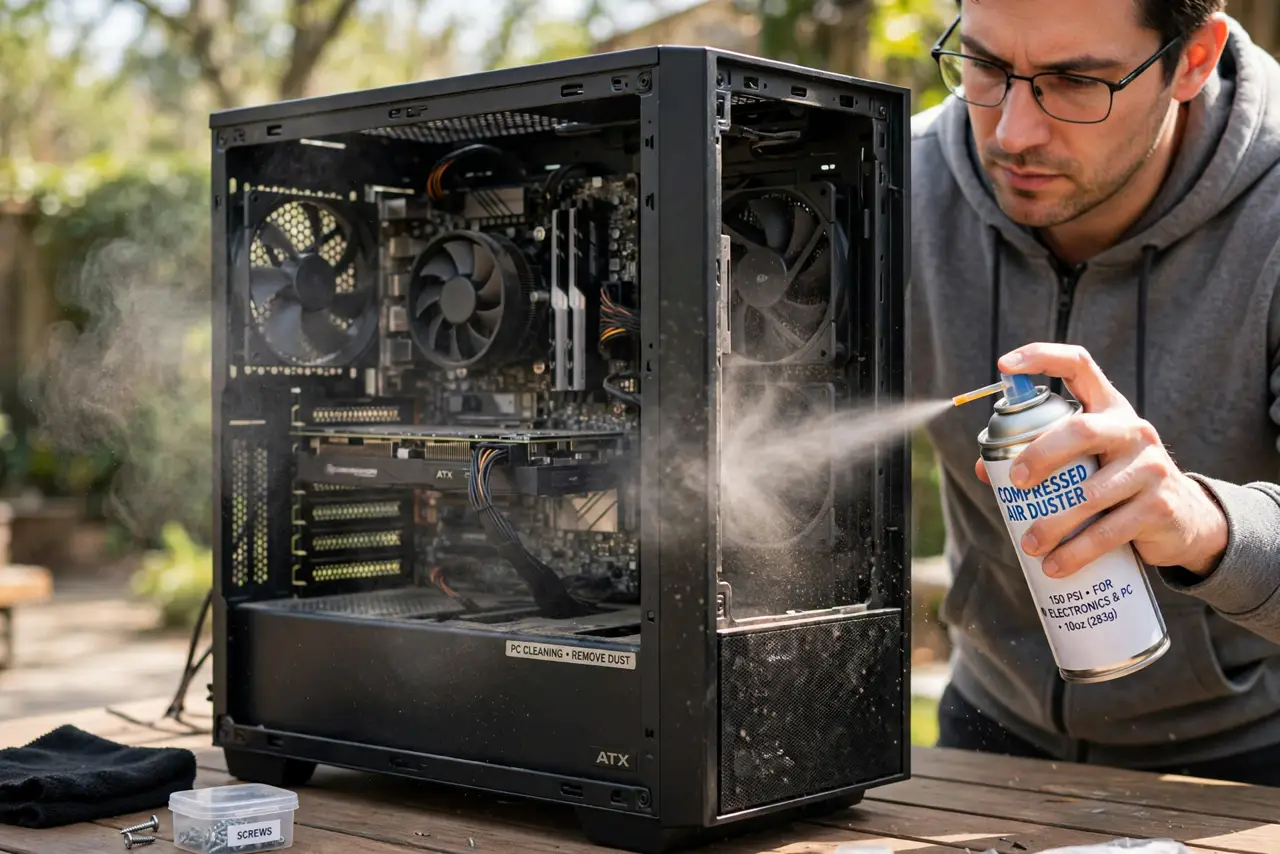
Quick fix: take the PC outside or to a ventilated spot, power it off and unplug it. Hold fans still with a finger; blow dust out in short bursts from a can or blower — never spin fans with air. Work top to bottom; let everything settle before powering on.
Follow these steps
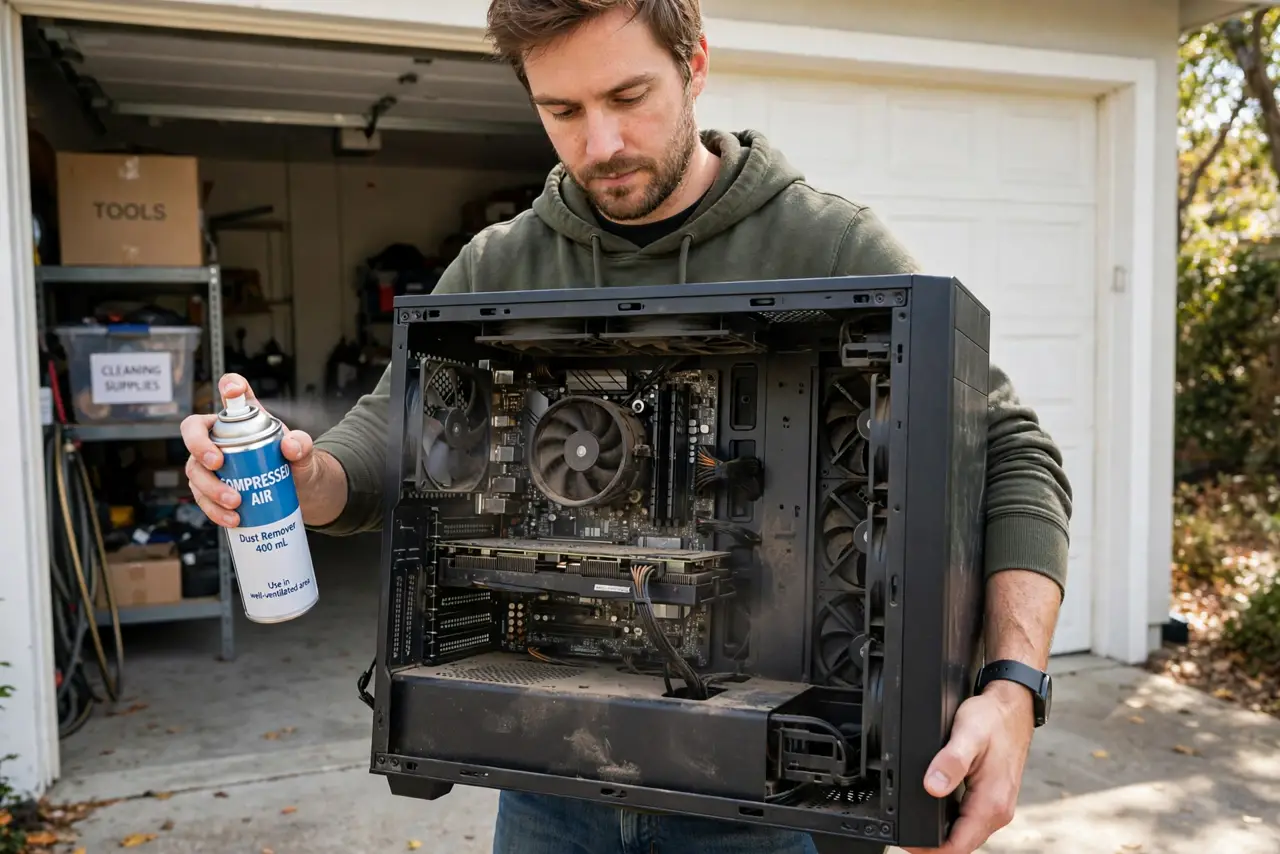
- Move the PC somewhere ventilated. Outside or a garage. The dust cloud you are about to make does not belong in your bedroom.
- Power off and unplug everything. Full shutdown, PSU switch off, cable out. You will be touching internals — no power, no risk.
- Hold every fan still. Pin each fan with a finger or a soft tool. Letting air spin fans turns them into generators, feeding voltage back into the board.
- Use short bursts, can upright. Short puffs, can held upright — tilting sprays freezing liquid propellant. A dedicated electric blower avoids this entirely.
- Work top to bottom, inside out. Dust falls downward; start high so you are not re-dirtying cleaned areas. Blow heatsink fins along the fin direction.
- Let it settle, then reconnect. Wait a few minutes for any moisture or dislodged dust to settle. Reconnect, boot, and enjoy the lower temperatures.
What NOT to do
- Do not spin fans with the air stream. It feels fun and can damage fan bearings and backfeed the motherboard.
- Do not use a vacuum inside the case. Static discharge from vacuum nozzles can kill components — air blows, vacuums add risk.
- Do not tilt the can upside down. Liquid propellant sprays out freezing cold and can crack solder joints with thermal shock.
- Do not blow dust deeper into heatsinks. Direct the stream so dust exits the case, not into the next fin stack.
Frequently asked questions
How often should I clean my PC?
Every 6-12 months in normal homes, more with pets. The dust filters stretch this — clean those more often, the interior less.
Can I use a hair dryer instead?
No — hair dryers blow hot air and generate static. A cool electric blower or compressed air can is the right tool.
Is it safe to touch components?
Yes, with the PC unplugged and after touching the case to discharge static. Components are sturdier than their reputation — fans excepted.