Computer Beeps Once on Startup? What It Means
A single short beep as a computer starts often means the power-on self-test passed, and the machine is about to boot normally. That is reassuring, but only if the screen follows and the system loads. If nothing appears, or the beep repeats, the story changes, so check what happens next before you relax. Three beeps tell a different story, covered in the three beeps guide.
TL;DR / Quick Fix
Quick fix: Watch what happens right after the beep. Check whether the beep is new. Then work through the remaining steps in order, checking one change at a time, and stop for a technician if you see damage, swelling, or a burning smell.
Follow these steps
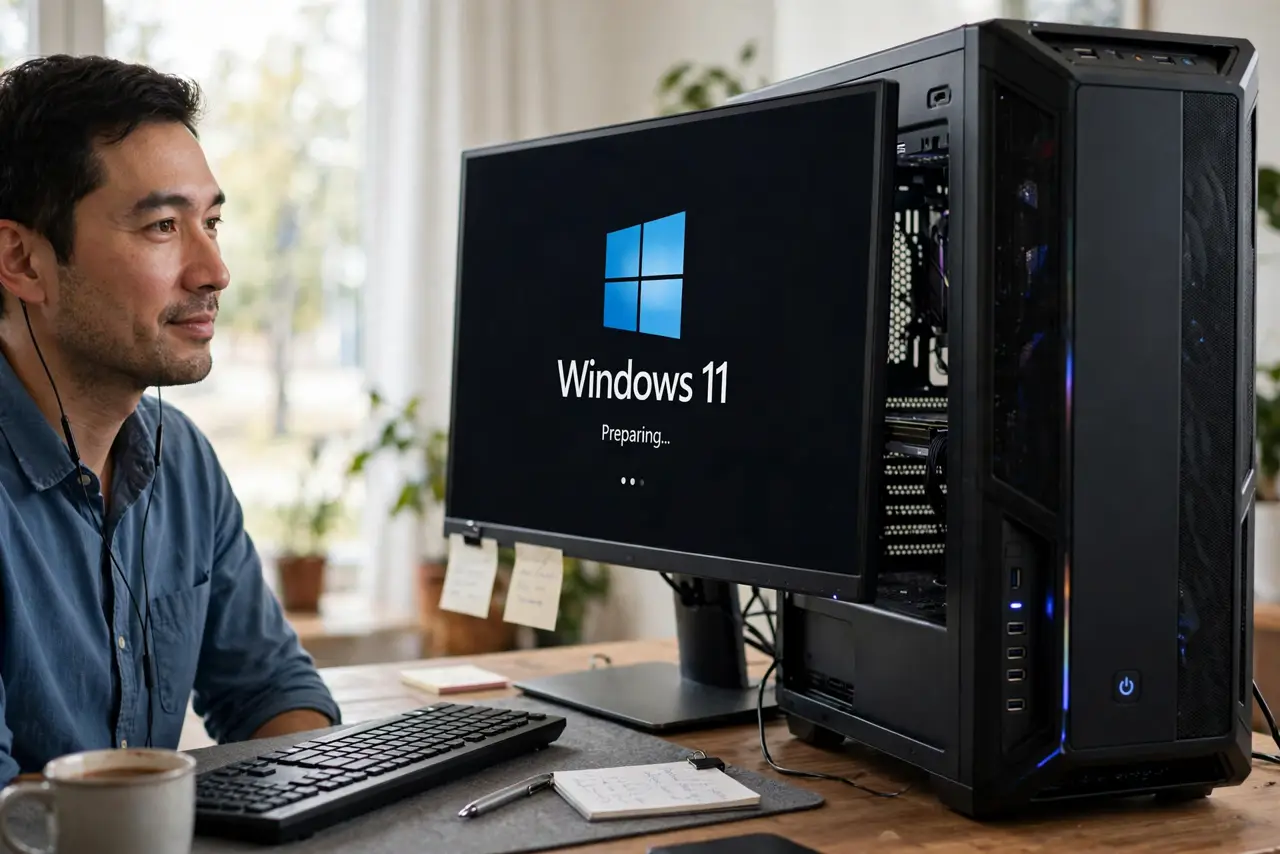
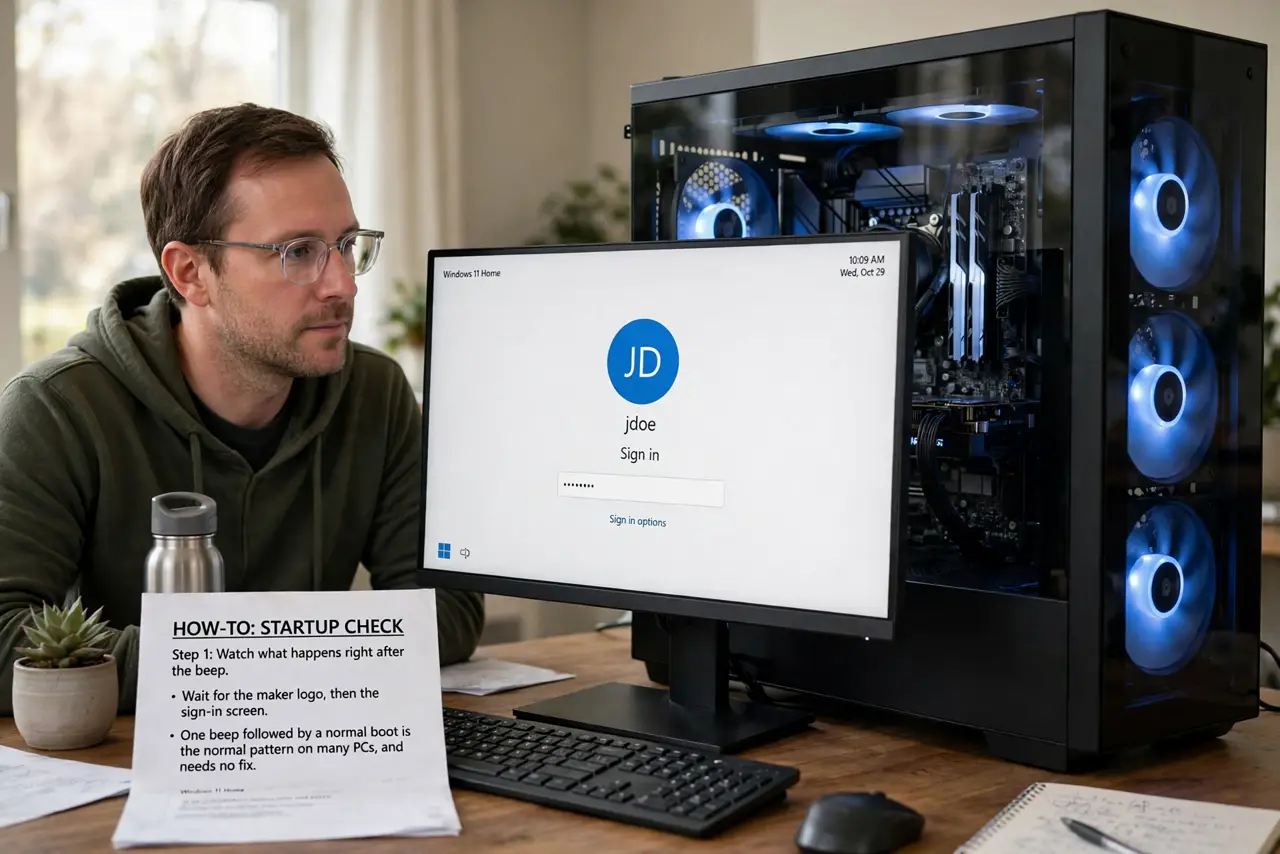
- Watch what happens right after the beep. Wait for the maker logo, then the sign-in screen. One beep followed by a normal boot is the normal pattern on many PCs, and needs no fix.
- Check whether the beep is new. If the computer never beeped before and now does, note what changed: a new part, a cleaning, or a move. A new beep after a change points to that change.
- Listen for the beep length and count. A single short beep differs from a long beep or a repeated pattern. Count carefully, because makers use beep counts as error codes, and the count is the clue.
- Check the screen for an error message. If the screen shows a message about a keyboard, drive, or boot device, follow that message first. The screen message is more specific than the beep alone.
- Reseat nothing yet if it boots normally. If one beep is followed by a normal boot every time, do not open the case to fix a non-problem. Opening a working computer adds risk without a fault to fix.
- Look up your exact model beep codes. Search the maker site for your exact model and its beep codes. Makers differ, so a code that means one thing on one brand can mean another elsewhere.
What NOT to do
- Do not assume one beep always means success. On some models one beep is an error, so the boot result and the model guide matter more than the beep alone.
- Do not open the case and reseat parts for a normal boot. Unneeded reseating can bend pins and create the very fault you were worried about.
- Do not ignore a single beep that comes with a black screen. A beep plus no display is a fault, even if the beep count sounds harmless.
- Do not copy beep meanings from a random forum for a different brand. Beep codes are maker-specific, so use your exact model guide.
Frequently asked questions
Is one beep on startup normal?
On many PCs, yes: one short beep means the power-on self-test passed. It is normal only when a normal boot follows.
What if the beep is long, not short?
A long beep is a different code on many models. Note the length, check the screen, and look up your exact model codes.
Should I worry if the beep just started?
Only if the boot changed too. A new beep with a normal boot is worth noting, while a new beep with a failed boot needs checking.