Computer Beeps Three Times on Startup? Fix It
Three beeps on startup are an error code on many PCs, and they often point to memory. That does not mean the memory is dead: a stick can simply be loose after a move or a cleaning. Work from the model code to a safe reseat, and stop if the board or sticks look damaged. The safe RAM reseat steps cover the hands-on part in detail.
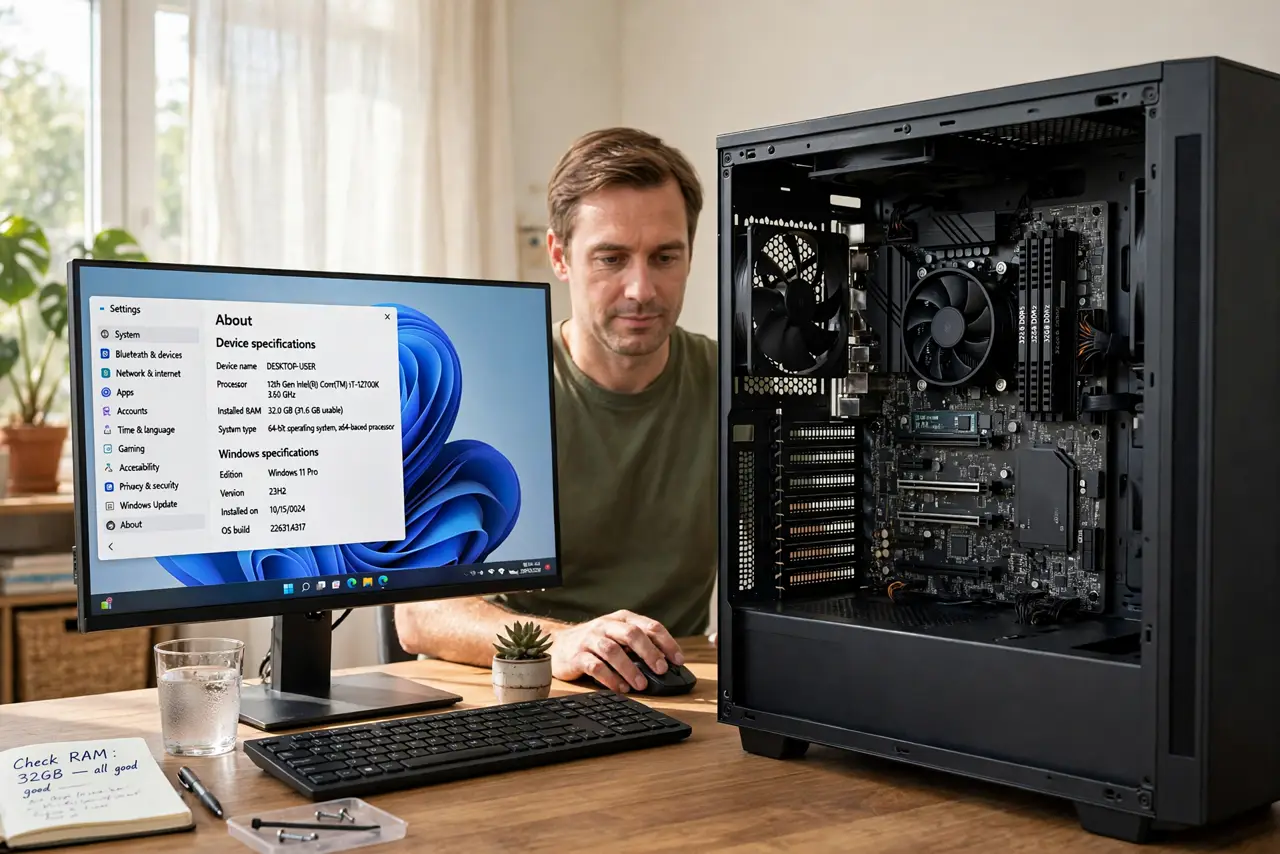
TL;DR / Quick Fix
Quick fix: Confirm three beeps and no boot. Look up the code for your exact model. Then work through the remaining steps in order, checking one change at a time, and stop for a technician if you see damage, swelling, or a burning smell.
Follow these steps
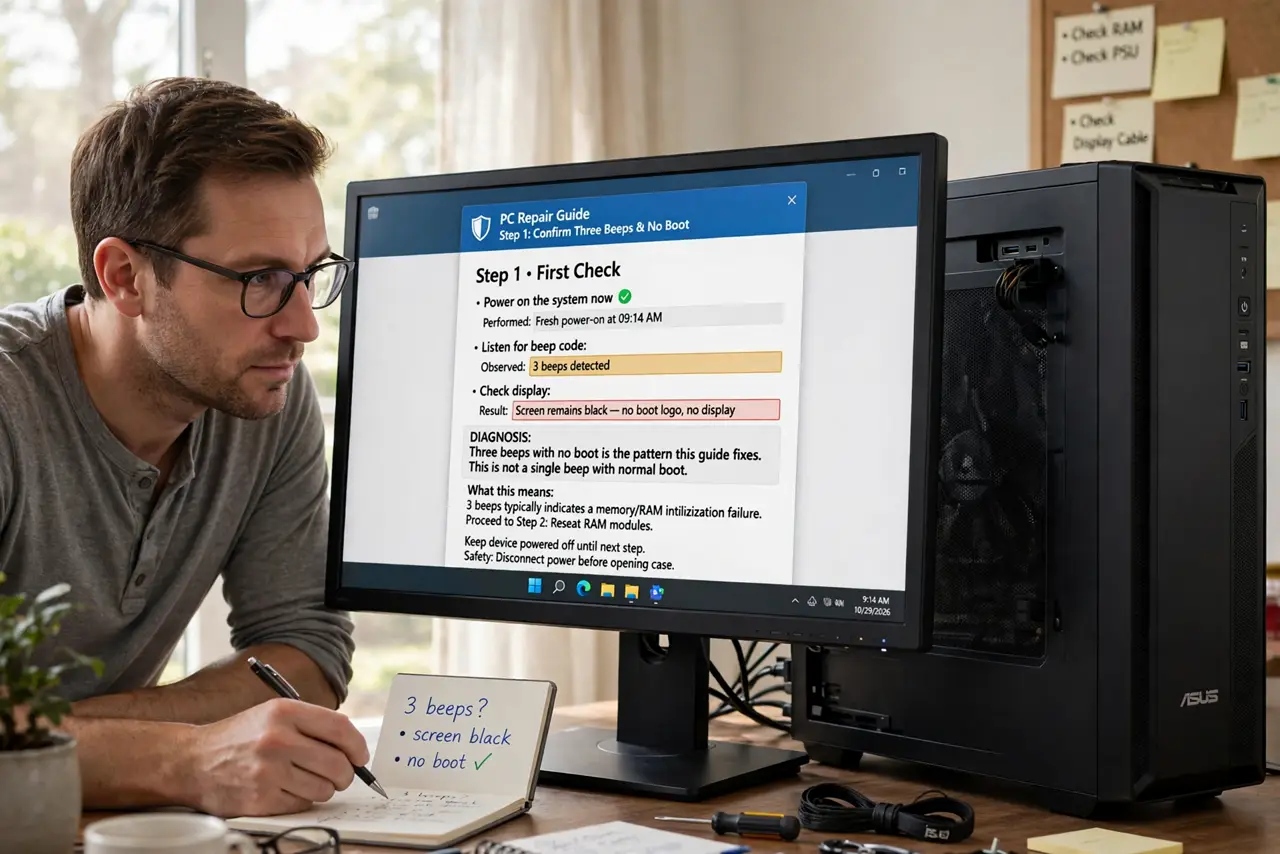
- Confirm three beeps and no boot. Count the beeps again on a fresh power-on, and check whether the screen stays black. Three beeps with no boot is the pattern this guide fixes, not a single beep with a normal boot.
- Look up the code for your exact model. Search the maker site for your exact model and beep codes. Three beeps mean memory on many models, but makers differ, so confirm before you open the case.
- Unplug the PC and ground yourself. Shut down, unplug the power cable, press the power button to drain leftover charge, and touch bare metal on the case before touching any part inside.
- Reseat the memory sticks one at a time. Open the clips, lift each stick out, check the gold contacts and slot for dust, then press it back until both clips click. Test with all sticks back in before changing anything else.
- Test one stick at a time if it still beeps. If the beeps continue, try booting with a single stick, then swap to the other stick. If one stick boots and the other beeps, the failing stick is identified.
- Try a different slot for the working stick. If no stick boots in the first slot, try the working stick in another slot the manual names. A faulty slot and a faulty stick look alike until you swap them.
What NOT to do
- Do not force a memory stick into a slot. A stick fits only one way, and forcing it can bend pins or break the stick.
- Do not touch the gold contacts with bare fingers. Skin oils and static can damage memory, so hold sticks by the edges only.
- Do not keep powering on repeatedly hoping the beeps stop. Repeated failed boots do not fix a loose stick, and they waste time you could spend reseating it once, properly.
- Do not buy new memory before testing one stick at a time. A loose stick or a dusty slot is free to fix, while new parts may not fix the real fault.
Frequently asked questions
Do three beeps always mean memory?
On many models, yes, but makers differ. Always confirm with your exact model beep codes before assuming memory is the cause.
Can a cleaning cause three beeps?
Yes. Cleaning can nudge a stick loose or leave dust in a slot, which is why a careful reseat is the first fix after a cleaning.
What if reseating does not help?
Test sticks one at a time and in different slots. If nothing boots, the board or the memory may need a technician to test with known-good parts.