Computer Case Airflow: Front vs Top Fans
Front fans pull cool air in; top fans push hot air out. Getting that simple direction right matters more than the number of fans — and getting it wrong just stirs hot air around the case.
TL;DR / Quick Fix
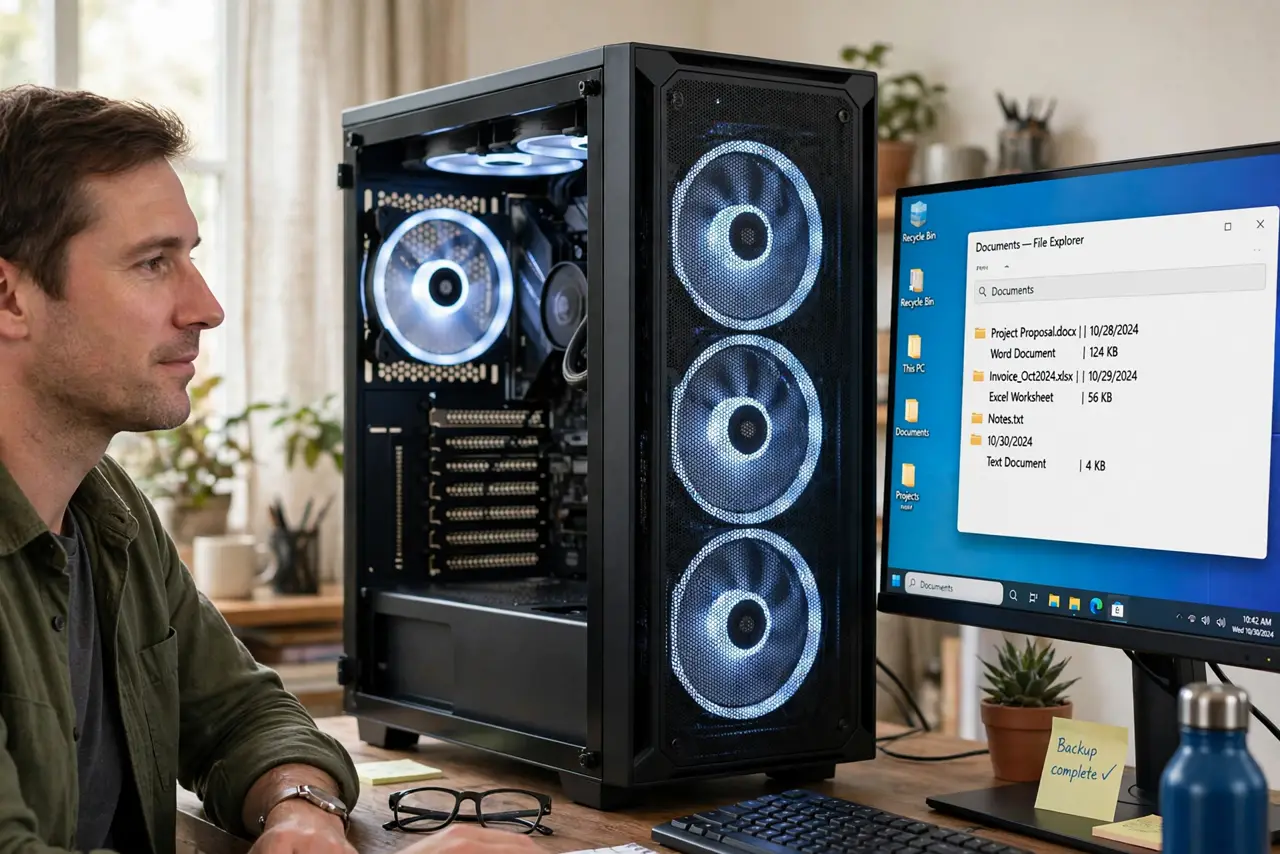
Quick fix: set front fans as intake and rear and top fans as exhaust, so air flows front-to-back and bottom-to-top. Keep cables out of the path, and do not mix intake and exhaust on the same panel, and keep the top of the case clear of clutter.
Follow these steps
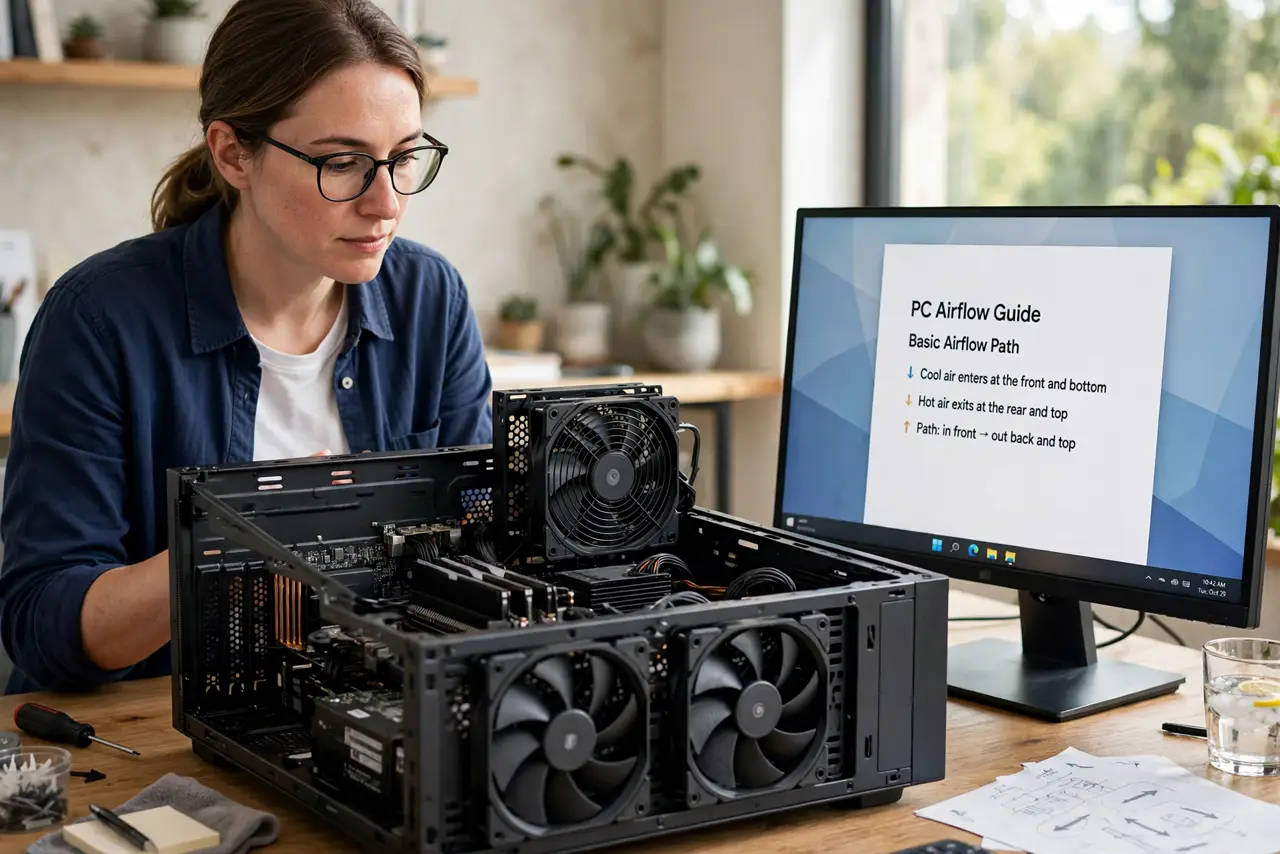
- Learn the basic path: in front, out back and top. Cool air should enter at the front and bottom, and hot air should leave at the rear and top. Heat rises, so exhausting upward works with physics instead of against it.
- Set front fans to intake. Point front fans to pull fresh air into the case. Front intake feeds cool air directly to the graphics card and drives, where it matters most.
- Set rear and top fans to exhaust. Point rear and top fans outward to expel hot air. Top exhaust is especially effective since hot air already wants to rise out there.
- Balance intake and exhaust. Aim for slightly more intake than exhaust, or roughly equal. Strong negative pressure pulls dusty air in through every crack; slight positive pressure keeps dust to the filtered intakes.
- Keep the path clear. Route cables behind the motherboard tray and keep drives out of the main airflow lane. A clear path moves more air than an extra fan fighting cables.
- Check dust buildup too. Even perfect fan direction fails through clogged filters and heatsinks. Clean intakes and filters on a schedule so the airflow you designed actually flows.
What NOT to do
- Do not point all fans inward. All-intake with no exhaust traps hot air inside, which is worse than fewer well-directed fans.
- Do not mix intake and exhaust on the same panel. They cancel each other and create turbulence instead of flow.
- Do not add fans before fixing direction. Two correctly oriented fans beat six fighting each other.
- Do not block the top exhaust with books or boxes. The hottest air leaves there, so keep the top of the case clear.
Frequently asked questions
Should top fans be intake or exhaust?
Exhaust, almost always. Hot air rises, so top fans should help it leave, not push it back down.
How many fans do I really need?
Two or three well-placed fans beat six random ones. Direction and clear paths matter more than count.
Does positive or negative pressure matter?
Mildly. Slight positive pressure with filtered intakes keeps dust out better than strong negative pressure.