Computer Powers On Then Off Instantly? Fix It
When a computer flashes on and dies within a second, it is usually protecting itself: a short, a loose power connection, or a heat trip can cut power at once. That instant shutdown is a clue, not a reason to keep pressing the button. Check the simple causes first, and stop if you smell burning or see damage. A machine that stays on but shows nothing is a different fault, covered in the no display guide.
TL;DR / Quick Fix
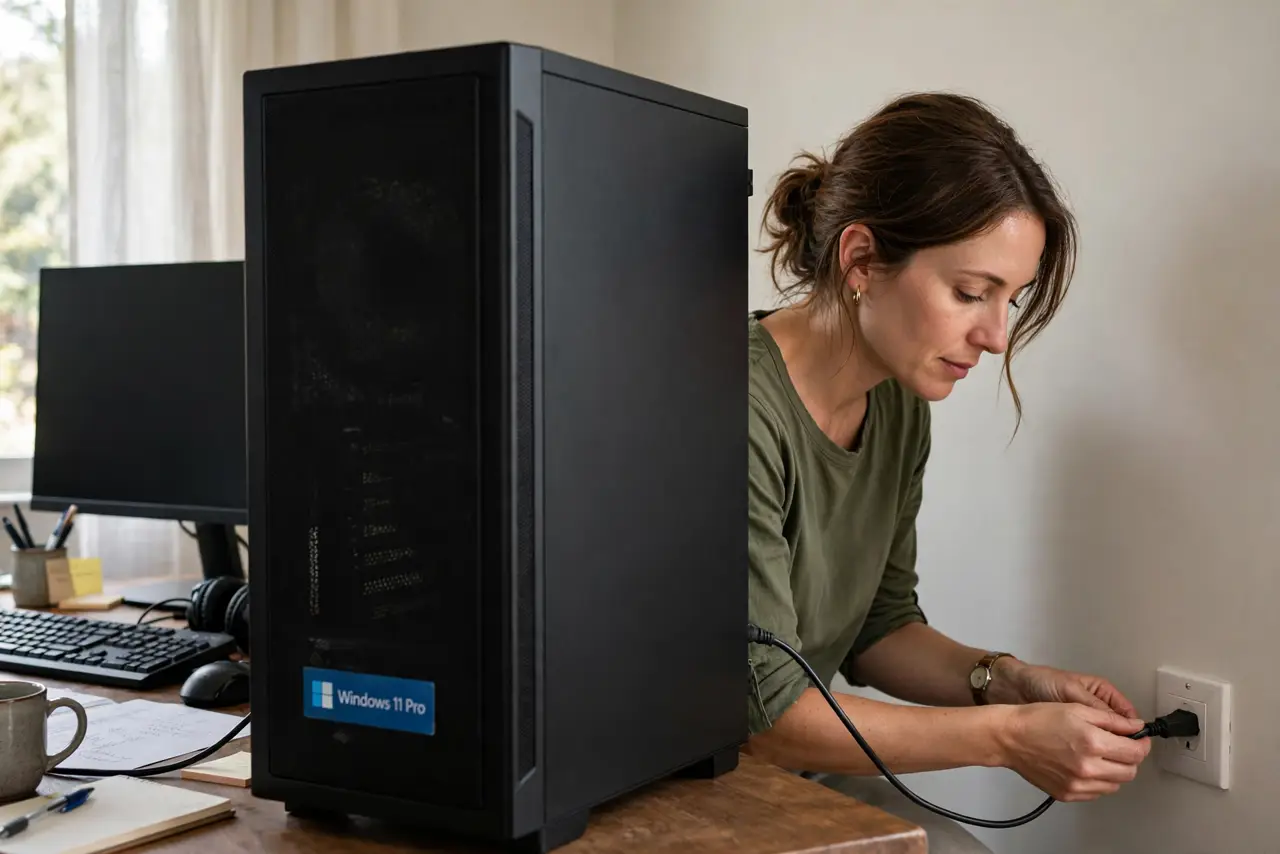
Quick fix: Stop pressing the power button repeatedly. Check the power cable and wall socket. Then work through the remaining steps in order, checking one change at a time, and stop for a technician if you see damage, swelling, or a burning smell.
Follow these steps
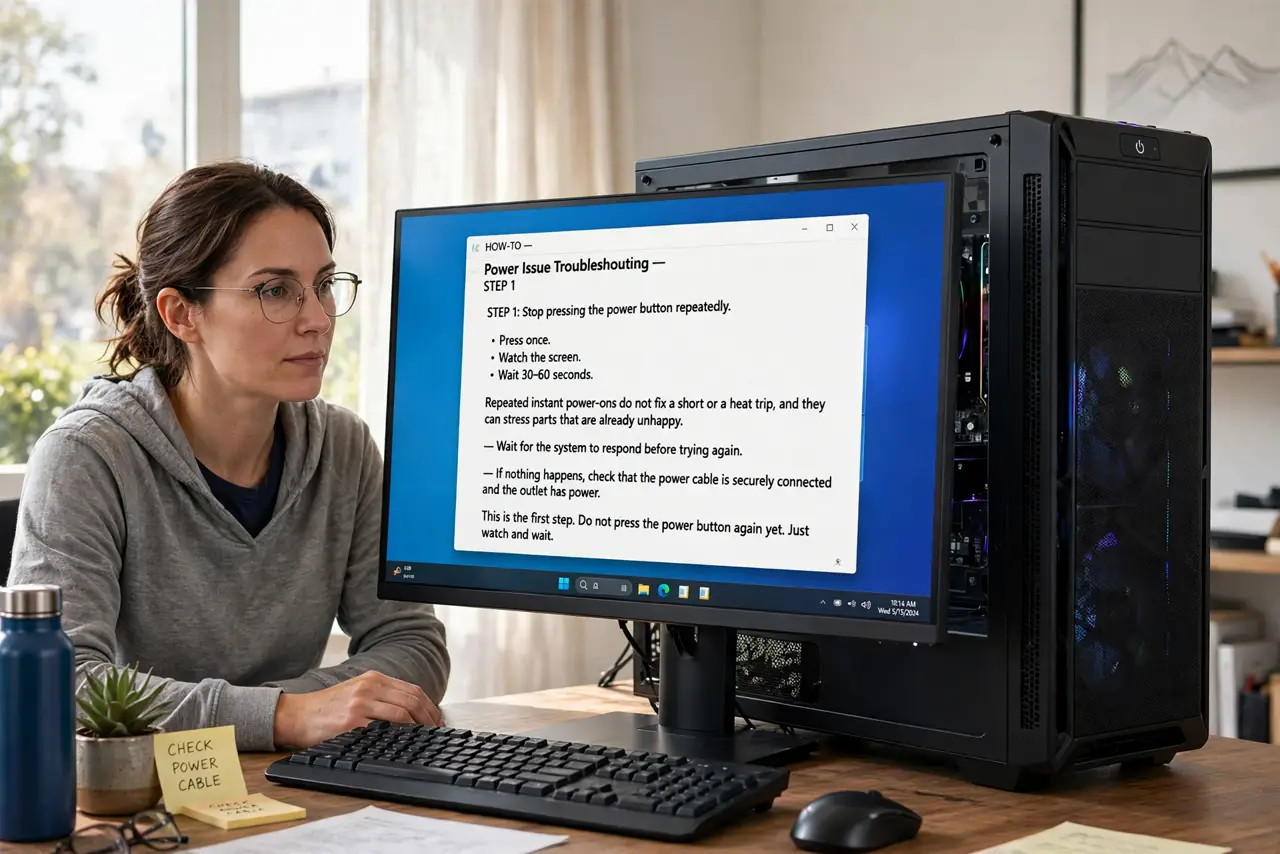
- Stop pressing the power button repeatedly. Press once, watch, and wait. Repeated instant power-ons do not fix a short or a heat trip, and they can stress parts that are already unhappy.
- Check the power cable and wall socket. Push the power cable firmly into the PC and the wall, and try a different wall socket you know works. A loose cable or a dead socket can cut power the moment the PC draws current.
- Look for a stuck power button. Press the power button and feel whether it springs back. A button stuck down can power the PC on and then signal it off again at once.
- Disconnect extras and try the minimum. Unplug USB drives, extra monitors, and peripherals, leaving only power, one monitor, and the keyboard. If it now stays on, add extras back one at a time to find the culprit.
- Check for heat and blocked vents. Feel for hot air at the vents, and check that vents are not blocked by a wall, a blanket, or dust. A fan that cannot move air can trip a heat shutdown within seconds.
- Listen and look inside only when unplugged. Unplug the PC, open the side panel, and look for a loose cable touching the board, a fan that cannot spin, or any scorch mark. If you see damage or smell burning, stop and book a technician.
What NOT to do
- Do not keep forcing power-ons after a burning smell. A short or a damaged part can get worse with each attempt, so stop and get help.
- Do not open the power supply unit itself. It holds dangerous charge even unplugged, and its internals are never a user repair.
- Do not block vents to make a PC quieter. Blocked vents cause heat trips, and a PC that shuts off instantly may be protecting itself from heat damage.
- Do not replace the power supply on a guess. Test cables, the button, and the minimum setup first, because a loose cable is a free fix.
Frequently asked questions
Why does it turn off in under a second?
A protection circuit cuts power when it detects a short, a bad connection, or dangerous heat. The instant cut is the protection working, not the fault itself.
Can a USB device cause this?
Yes. A faulty USB device or cable can short a port and trip the shutdown, which is why the minimum-setup test is so useful.
What if it stays on after I unplug everything?
Add parts back one at a time. The part that brings the instant shutdown back is the one to replace or repair.