Controller Buttons Mapped Wrong? Remap Them Right
You press jump and the controller does something else entirely. The mapping is usually set inside the game or in a controller profile, not broken hardware. Check the game first, then the profile, then the controller itself.
TL;DR / Quick Fix
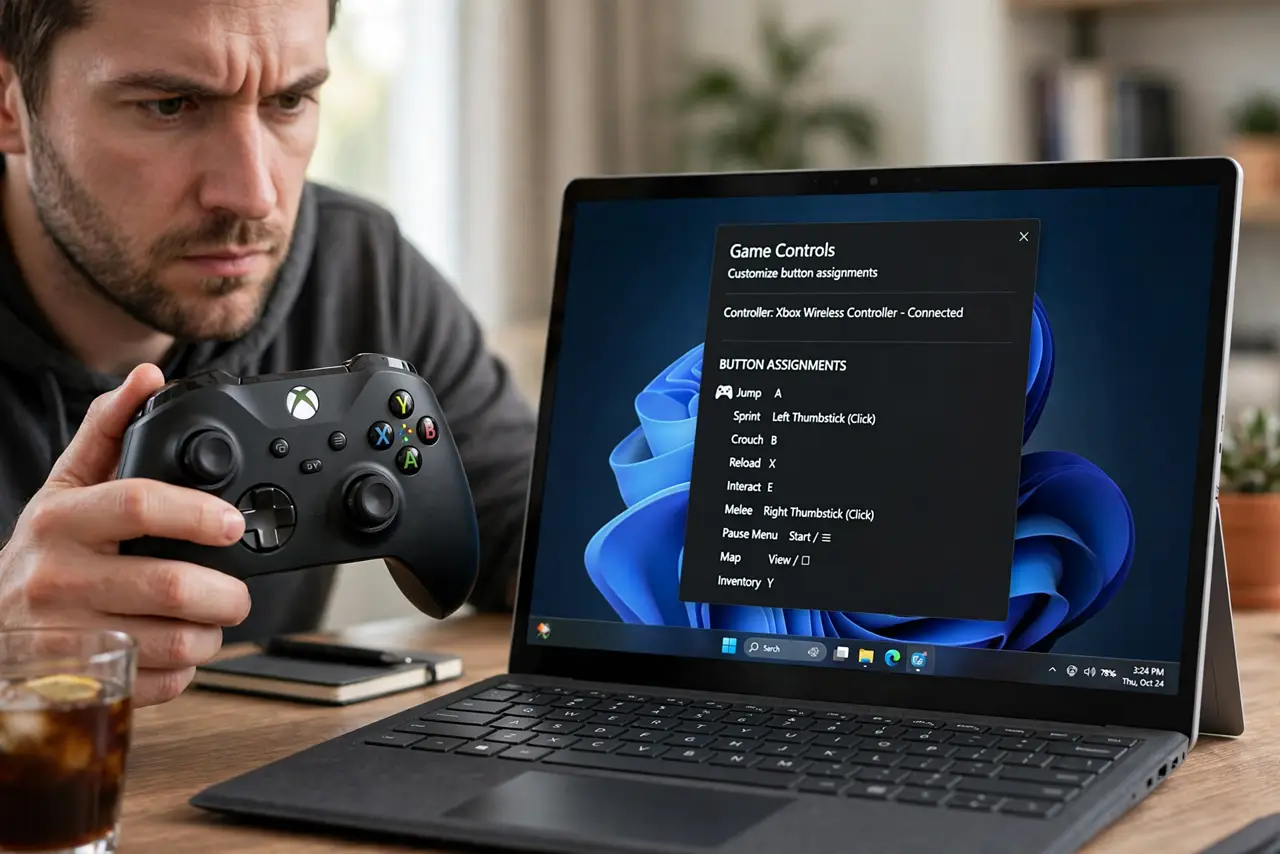
Quick fix: open the game controls menu and confirm the layout matches your controller type. If the layout looks right but buttons still act wrong, reset the mapping to default, then test the same buttons in a second game to see whether the problem follows the controller.
Follow these steps
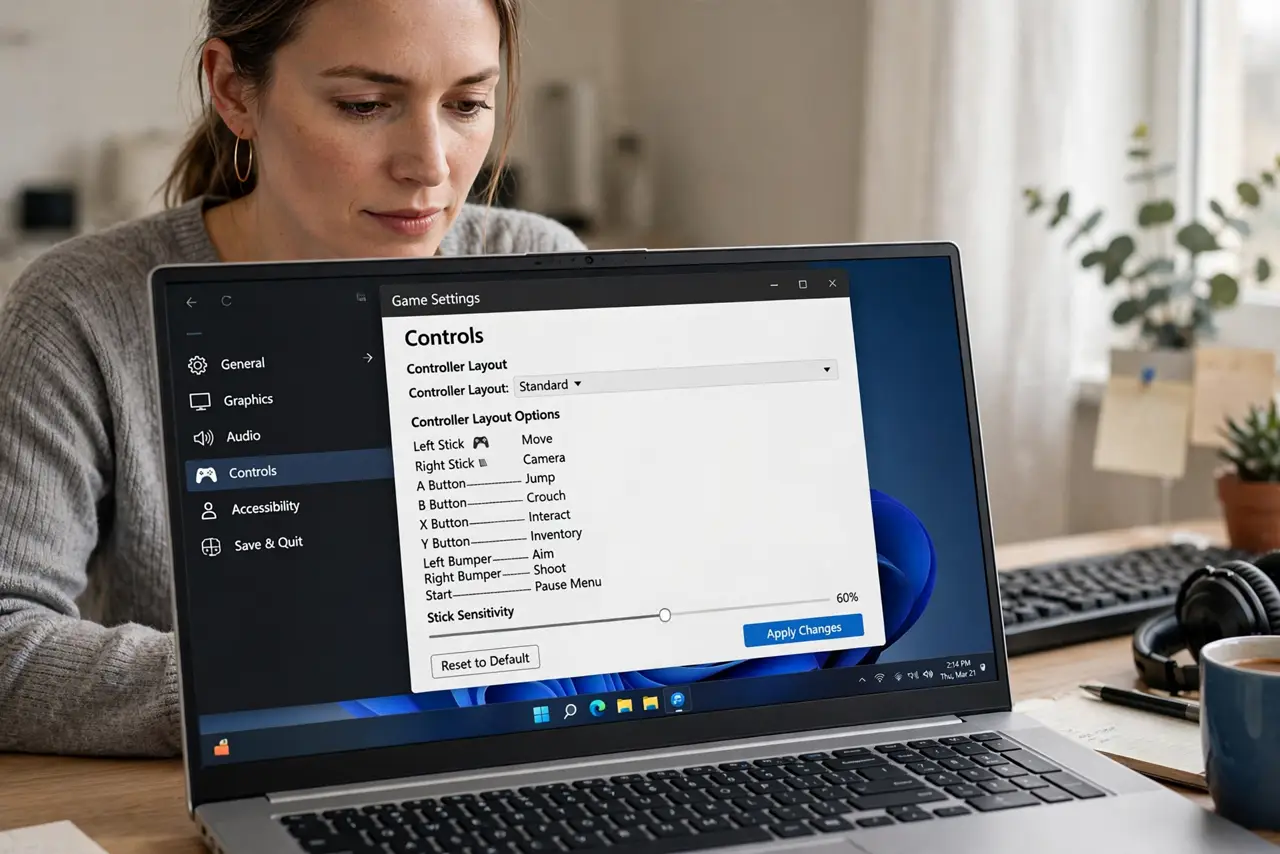
- Check the in-game controls menu. Open the game, then its Controls or Controller menu, and look at the layout it is using. Many games offer several layouts, and the wrong preset makes every button feel swapped.
- Reset the mapping to default. Choose the reset or default option in the same menu, then save. A custom mapping left over from another player or an earlier session is a common cause of strange buttons.
- Confirm the controller type. Check whether the game thinks you are using an Xbox, PlayStation-style, or generic controller. A layout made for a different controller type will label buttons that do not match the ones in your hands.
- Check the controller profile. Open the Xbox Accessories app and look for a custom profile on the controller. Switch back to the default profile, or delete a profile you do not recognize, then test again.
- Test in a second game. Open a different game and press the same buttons. If they behave correctly there, the first game holds the bad mapping. If they are wrong everywhere, the profile or controller is the cause.
- Restart the game after changes. Close the game fully and reopen it after any mapping change. Some games only read the controller layout at launch, so changes made mid-session may not apply until restart.
What NOT to do
- Do not remap every button by hand before checking presets. A single wrong preset explains a whole set of swapped buttons, and manual remapping hides it.
- Do not assume the controller is broken because one game is wrong. A second game is the fastest way to separate a game setting from a hardware fault.
- Do not keep two mapping tools active at once. A game layout plus a controller profile fighting each other produces buttons that change for no clear reason.
- Do not ignore a profile someone else created. A borrowed controller can carry a custom profile that remaps buttons without any warning on screen.
Frequently asked questions
Why do buttons feel swapped in only one game?
That game is using its own layout or a leftover custom mapping. Reset it to default inside that game, and the other games will stay untouched.
What is a controller profile?
It is a saved button layout stored on the controller through the Xbox Accessories app. Switching back to the default profile removes custom remaps.
Do I need to restart after remapping?
Often yes. Many games read the layout only when they launch, so close the game fully and reopen it to test your change.
What to read next
- Xbox Controller Keeps Disconnecting? Fix It Fast
- Game Bar Keeps Popping Up? Turn It Off Safely