Game Bar Keeps Popping Up? Turn It Off Safely
You are typing or working, and the Game Bar suddenly covers your screen. It usually opens because its shortcut or a controller button was pressed by accident. You can turn it off without removing anything important.
TL;DR / Quick Fix
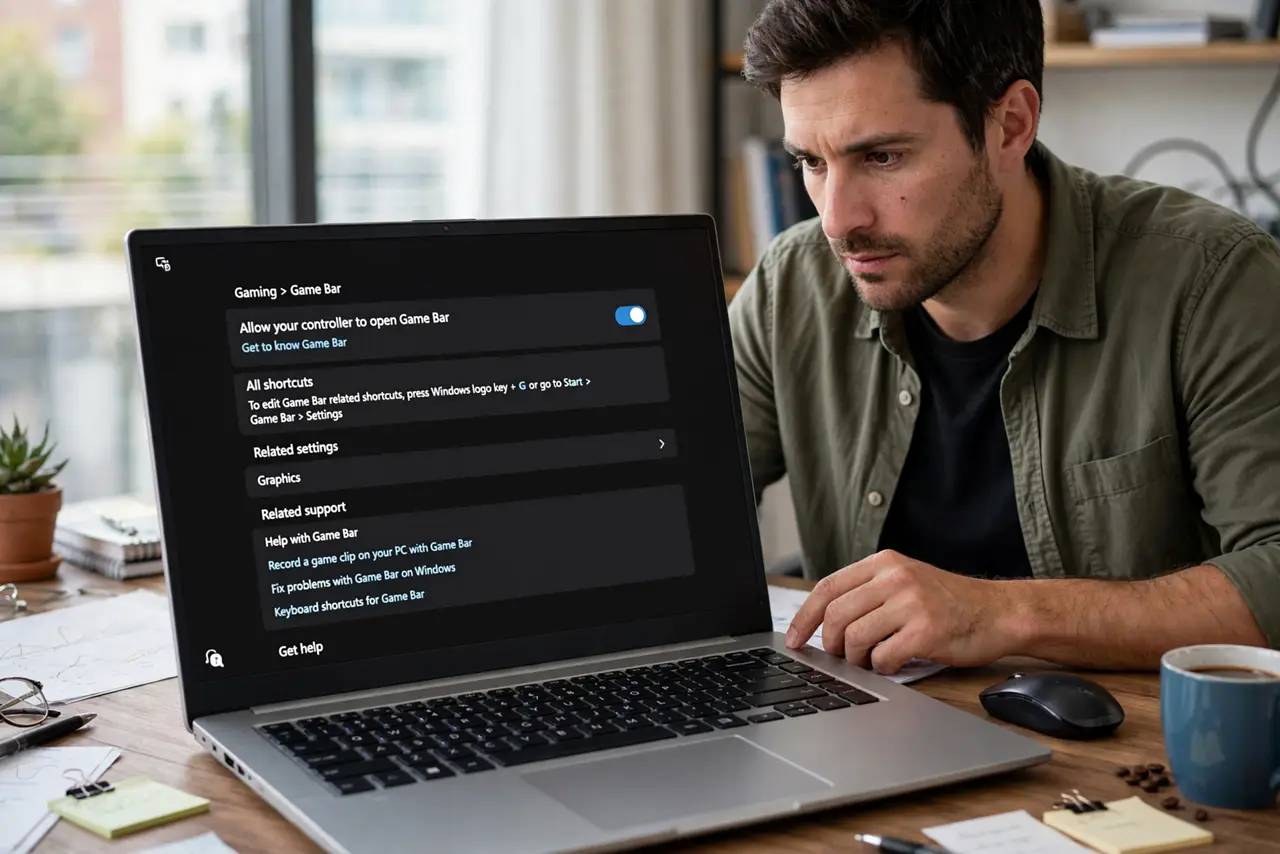
Quick fix: press Escape to close the bar, then open Settings, then Gaming, then Game Bar, and turn it off. Also check for a controller button that triggers it. Test by pressing Windows key plus G once: if nothing appears, the bar is off.
Follow these steps
- Close the bar and note what opened it. Press Escape to close the Game Bar. Think about what you just pressed: Windows key plus G, a controller button, or a shortcut on a headset can all open it by accident.
- Turn off Game Bar in Settings. Open Settings, then Gaming, then Game Bar, and turn the Game Bar switch off. This stops the Windows key plus G shortcut from opening it during normal work.
- Check the controller shortcut. If you use a controller, check its guide button behavior and put the controller aside while you work. A controller resting on a desk can press a button and summon the bar.
- Check background recording settings. In the same Gaming section, look at Captures and turn off background recording if you do not use it. This stops the bar from doing work in the background even when it is closed.
- Restart the app that triggered it. If the bar only appears inside one game or app, close that app fully and reopen it after changing the setting. A running app can hold on to the old shortcut behavior until it restarts.
- Test the shortcut once. Press Windows key plus G once. If nothing opens, the setting worked. If the bar still appears, repeat step two and confirm the switch stayed off after you closed Settings.
What NOT to do
- Do not uninstall system components to kill the bar. Turning it off in Settings is enough, and removing system parts can break other features.
- Do not disable every Gaming setting at once. Change the Game Bar switch first, so you know which change fixed the problem.
- Do not blame the keyboard for a controller problem. If a controller is connected, test with it unplugged before you replace keys or change keyboard settings.
- Do not ignore a bar that opens on its own with no input. If nothing was pressed and it still appears, check connected controllers and headsets before assuming the computer is faulty.
Frequently asked questions
What is the Xbox Game Bar?
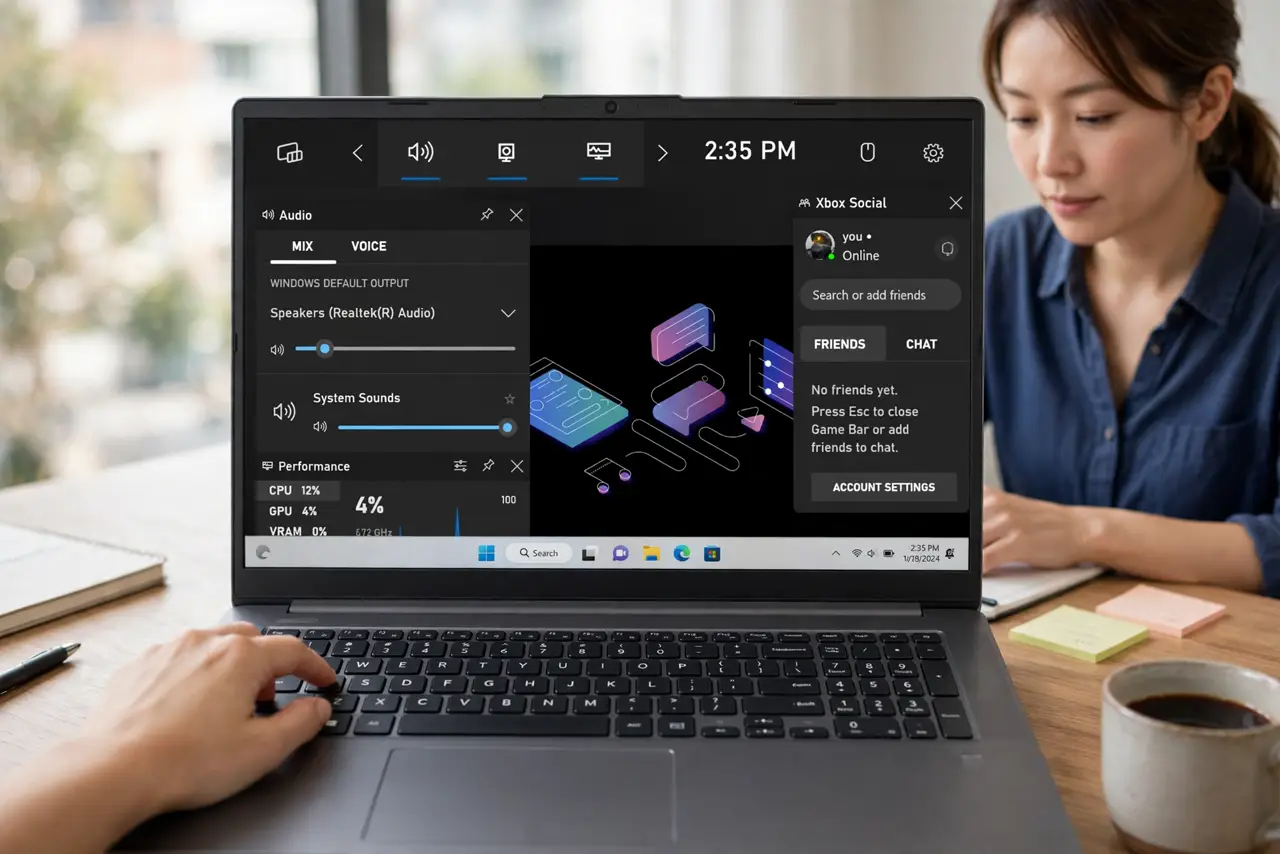
It is a built-in Windows overlay for recording clips and checking performance while gaming. It is harmless, but it gets in the way when it opens during work.
Will turning it off affect my games?
No. Games still run normally. You only lose the overlay shortcut, which you can turn back on in the same Gaming setting at any time.
Why does it open when I press a controller button?
Some controllers map the guide button to the Game Bar. Putting the controller away or changing the Gaming setting stops the accidental trigger.
What to read next
- Xbox Controller Keeps Disconnecting? Fix It Fast
- How to Speed Up a Slow Windows PC