Cooling Pad vs Laptop Fan Noise Tradeoff
A cooling pad blows extra air at your laptop, but it adds its own fans to the noise. Whether the trade is worth it depends on your laptop, your ears, and how hot things actually get.
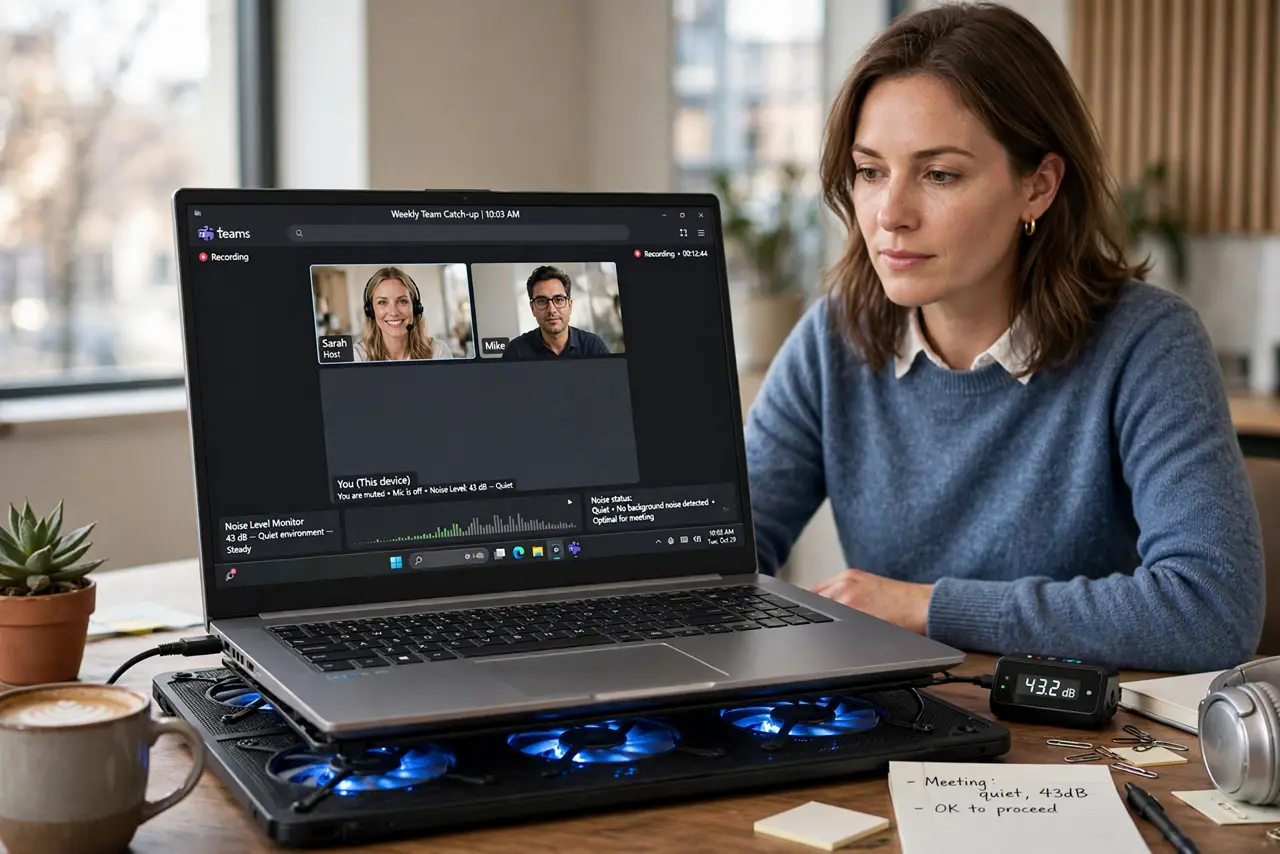
TL;DR / Quick Fix
Quick fix: try a passive ventilated stand first — it is silent and often enough. Buy a cooling pad only if the laptop still thermal-throttles, and choose one with large, slow fans plus a speed control, and measure temperatures before and after to confirm it helps.
Follow these steps
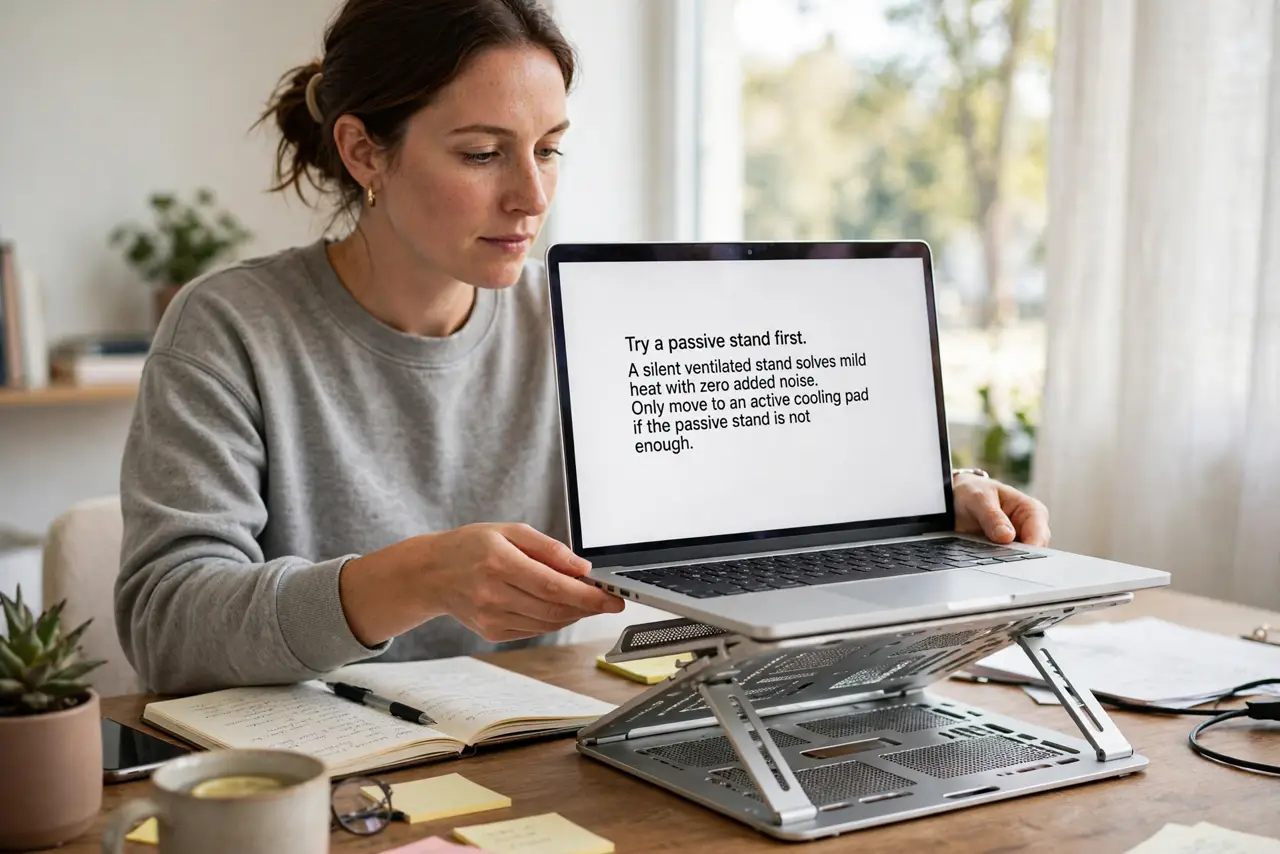
- Try a passive stand first. A silent ventilated stand solves mild heat with zero added noise. Only move to an active cooling pad if the passive stand is not enough.
- Understand the tradeoff honestly. A cooling pad can lower temperatures a few degrees, but its fans add constant noise. You trade laptop fan screams for pad fan hum — measure whether that is actually better.
- Choose large, slow fans. Bigger fans move the same air at lower RPM with less whine. Avoid pads with tiny high-speed fans, which add the most annoying kind of noise.
- Get a speed control. A pad with adjustable fan speed lets you run quiet for light work and full blast for gaming or rendering. Fixed-speed pads are loud even when you do not need them.
- Align the pad's airflow with the vents. Check where your laptop's intakes are and position the pad's fans under them. Fans blowing at a solid aluminum bottom do almost nothing.
- Measure, do not guess. Check temperatures or fan noise before and after under the same task. If the pad changes nothing measurable, return it instead of keeping a noisy placebo.
What NOT to do
- Do not buy the cheapest pad with tiny fans. It adds noise without moving meaningful air, which is the worst of both worlds.
- Do not run the pad at full speed all day. Match the fan speed to the workload, or the pad becomes the noise problem you bought it to solve.
- Do not expect a pad to fix clogged vents. Clean the laptop's intakes first, since dust defeats both the internal fan and the pad.
- Do not use a cooling pad on your lap. Pads are desk accessories; on a lap they block their own airflow and get uncomfortably warm.
Frequently asked questions
Are cooling pads worth it?
Sometimes. They help hot laptops a few degrees, but a passive stand is quieter and often enough.
Why is my cooling pad so loud?
Small fans at high speed. Larger fans or a lower speed setting cut the whine dramatically.
Can a cooling pad damage a laptop?
No, it only blows air. The only real risk is expecting it to fix a dust-clogged machine.