CPU Bottleneck? Explained
Your new graphics card barely improved fps, and monitoring shows the GPU napping at 60% while the CPU screams at 100% — classic bottleneck. One component waits on another, and the waiting one is wasted money. Here is how to spot which part holds your system back.
TL;DR / Quick Fix
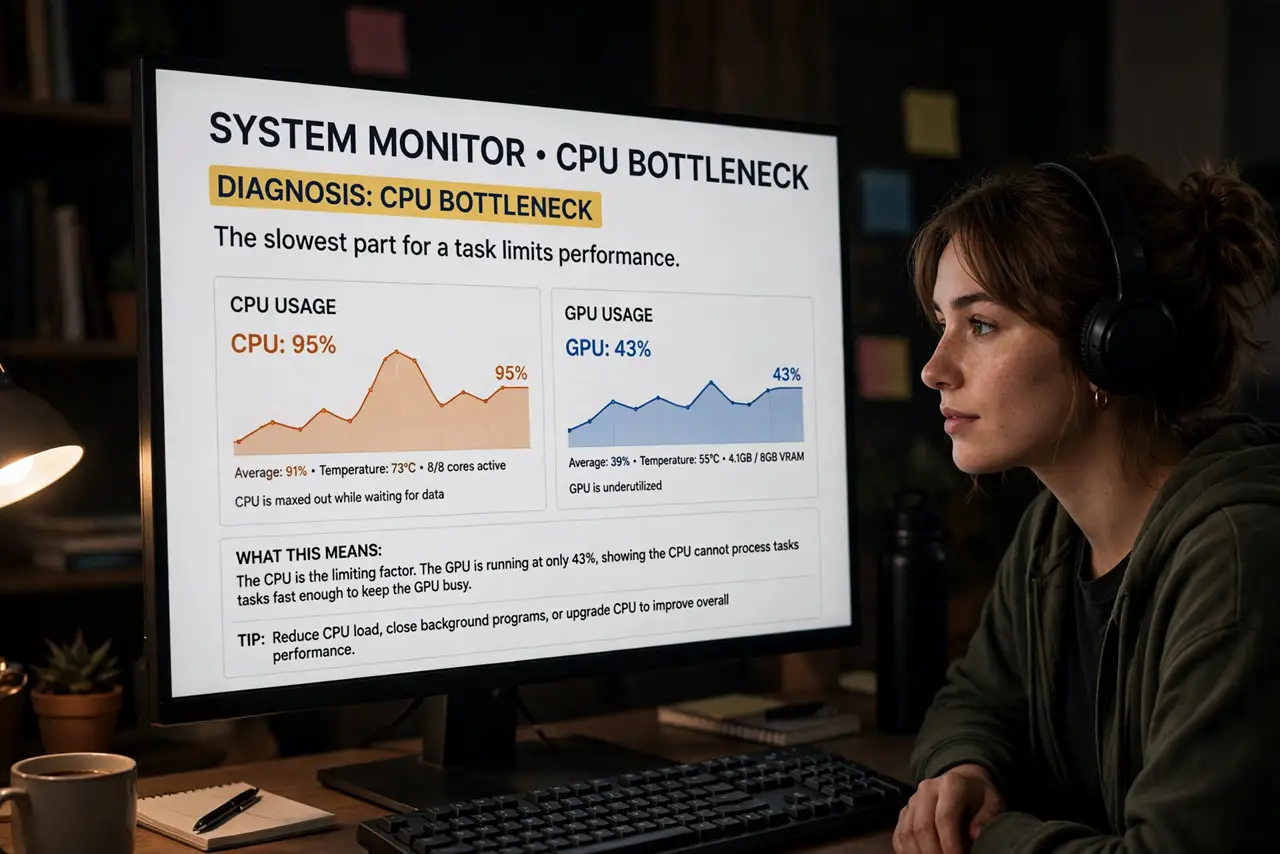
Quick fix: a bottleneck means one part waits on another — check usage during your workload: a maxed CPU with an idle GPU means the CPU bottlenecks. Some bottleneck always exists; worry only when it is severe. Balance upgrades to the weakest link, not the strongest.
Follow these steps
- Learn what a bottleneck is. Every system has a slowest part for a given task. When the CPU cannot feed the GPU fast enough, the GPU idles — you paid for performance you cannot reach.
- Measure during your real workload. Run your actual game or task with a monitoring overlay. Numbers from your use beat any online calculator.
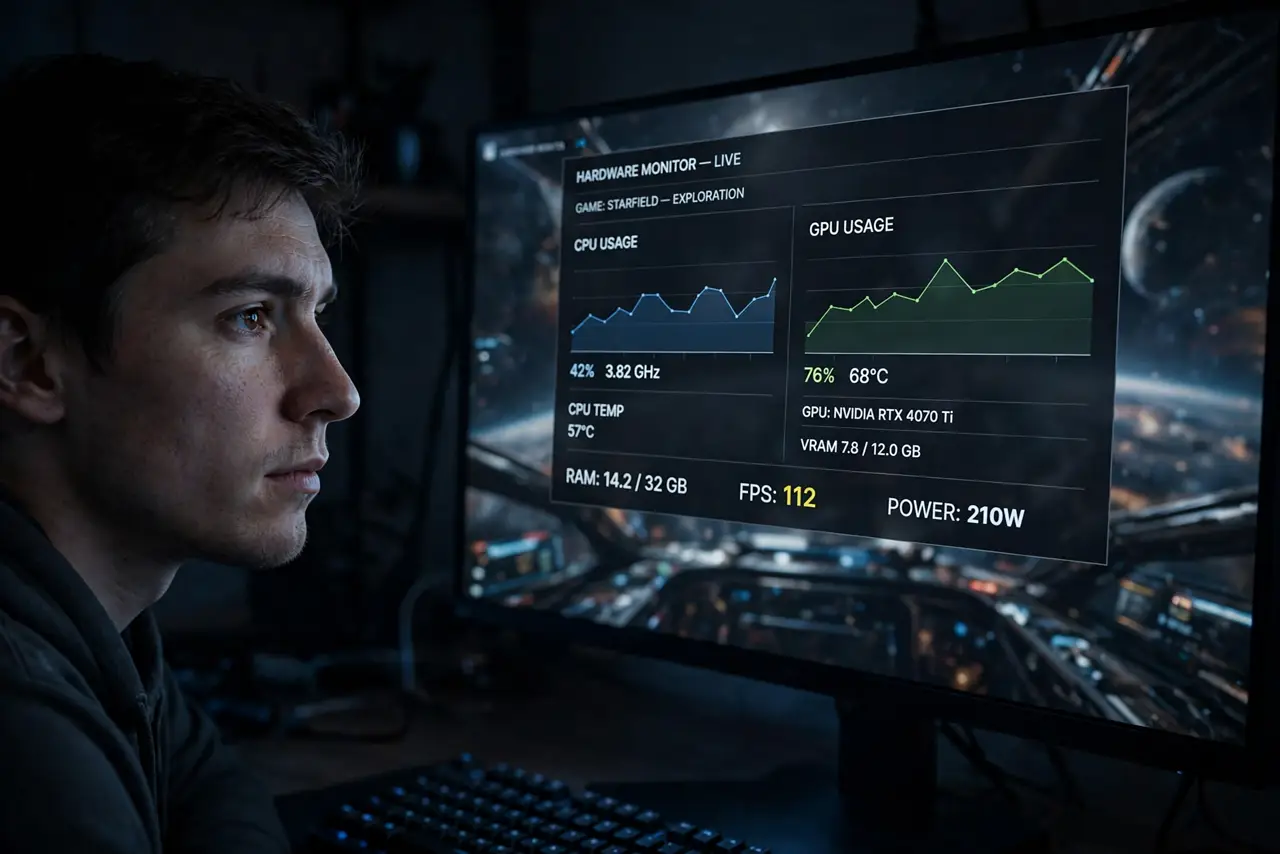
- Read the usage pair. CPU near 100% with GPU well below means CPU bottleneck. GPU at 100% with CPU relaxed means the GPU is the limit — which is the healthy state for gaming.
- Know some bottleneck is normal. Perfect balance does not exist — something is always slowest. Only large mismatches deserve action or worry.
- Upgrade the limiter, not the star. Money goes to the maxed-out part. Upgrading an already-idle GPU while the CPU screams is burning cash.
- Consider resolution as a lever. Higher resolutions load the GPU more, shifting the bottleneck away from a weak CPU. Sometimes settings, not shopping, fix the balance.
What NOT to do
- Do not trust online bottleneck calculators. They ignore your specific games, settings, and resolution — measurement beats calculators.
- Do not chase zero bottleneck. It is unachievable; every system has a slowest part by definition.
- Do not upgrade the GPU when the CPU is maxed. The new card will idle exactly like the old one.
- Do not confuse bottleneck with broken. A bottlenecked PC works fine — it just does not use one part fully.
Frequently asked questions
Will a bottleneck damage my PC?
No. It is purely a performance concept — parts waiting, not parts suffering. Nothing overheats or wears from a bottleneck.
Is my CPU bottlenecking my GPU?
Check the usage pair during your games: maxed CPU plus idle GPU says yes. Balanced high usage on both says no.
Should I upgrade CPU or GPU first?
Whichever hits 100% while the other idles. Upgrade the limiter — that is where your money turns into fps.